Stop Taking Blurry Star Photos: The Complete Guide on How To Take Photos Of Stars With Iphone
Astrophotography used to require thousands of dollars worth of complex DSLR equipment. Not anymore. Thanks to the monumental advancements in computational photography, your pocket-sized supercomputer—your iPhone—is incredibly capable of capturing the beauty of the night sky.
If you've ever tried pointing your phone at the cosmos only to end up with a black screen full of dust specks, you're not alone. Capturing pin-sharp stars requires knowing the hidden settings and specific techniques baked into the iOS operating system.
This comprehensive guide will walk you through the essential gear, the crucial settings, and the exact step-by-step process on How To Take Photos Of Stars With Iphone, transforming those blurry attempts into breathtaking cosmic shots.
The iPhone Advantage: Understanding Night Mode and Computational Power
The magic behind iPhone astrophotography isn't just about the sensor; it's about the software. Night Mode, introduced with the iPhone 11 series, is the core feature we rely on. It doesn't just bump up the brightness; it takes a rapid series of bracketed exposures (some short, some long) and intelligently merges them.
This process reduces noise (graininess) while stacking light data to reveal details invisible to the naked eye. Crucially, when the iPhone detects maximum stability (i.e., when it is mounted on a tripod), Night Mode automatically maximizes its exposure time, sometimes up to 30 seconds.
iPhone Models and Requirements
While any iPhone with Night Mode (iPhone 11 and newer) can take decent star photos, the "Pro" models offer significant advantages, particularly the ultra-wide lens capability and the ability to shoot in ProRAW.
- Best Results: iPhone 12 Pro, 13 Pro, 14 Pro, 15 Pro (These offer the longest Night Mode exposures and ProRAW support).
- Good Results: iPhone 11, 12, 13, 14, 15 (Standard models can achieve up to 10-second exposures depending on ambient light).
- iOS Requirement: Ensure your phone is running the latest iOS version for optimal performance and features.
Pro Tip: For true wide-field astrophotography (like capturing the Milky Way), use the 0.5x Ultra-Wide lens (available on Pro models). The wider field of view minimizes the appearance of star trails during long exposures.
Essential Gear: Turning Your iPhone into an Astrocamera
Before you even step outside, understand this golden rule of astrophotography: motion is the enemy. Even the slightest wobble from your hand will ruin a 30-second exposure. The quality of your star photos directly correlates with how steady you can keep your iPhone.
Stability is Everything: The Tripod
A sturdy, small tripod is non-negotiable for serious night sky photography. You need two components:
- The Tripod Base: A small, portable tripod (like a GorillaPod or a lightweight travel tripod) that keeps the phone perfectly level.
- The Phone Mount: A secure clamp that grips the iPhone firmly. Avoid cheap plastic mounts that might fail halfway through the shot.
Remember, the iPhone uses its internal gyroscope to determine stability. If it detects movement, it automatically limits the Night Mode exposure duration, preventing you from getting those crucial 30-second shots.
Remote Shutter Control (Avoiding Shake)
Even pressing the on-screen shutter button introduces microscopic shake that can blur the final image. We need a hands-off approach:
- Self-Timer: The simplest solution. Use the 5 or 10-second timer built into the Camera app. This gives the device time to settle after you initiate the capture.
- Apple Watch: If you own one, the Apple Watch Camera Remote is the best way to trigger the shutter without touching the phone.
- EarPods/Headphones: Believe it or not, the volume buttons on the corded Apple EarPods often function as a remote shutter button.
Step-by-Step Guide: How To Take Photos Of Stars With Iphone
Follow these steps precisely to maximize your chances of getting a stellar shot.
1. Finding the Perfect Dark Location
Light pollution is the number one enemy of astrophotography. Get as far away from city lights as possible.
Use a tool like the Dark Site Finder or the Bortle Scale to locate truly dark skies. Aim for a Bortle Class 4 or lower. The darker the sky, the more color and detail the iPhone can pull out of the Milky Way core.
2. Cleaning the Lens and Setting Up
Fingerprints and dust turn into giant blurry halos in long-exposure shots. Wipe your lenses thoroughly with a microfiber cloth. Switch off your phone's flash and turn on "Do Not Disturb" mode to prevent notifications from interrupting the exposure.
3. Mastering the Night Mode Timer
Once you are set up on the tripod:
a. Open the native Camera app.
b. Swipe to the Standard Photo Mode.
c. Wait for the yellow Night Mode icon (often displaying "3s" or "5s") to appear.
d. Tap the Night Mode icon (the concentric circles) above the shutter button.
e. A slider will appear. Slide it all the way to "Max." This should display "30s" (if the phone is stable enough).
f. Frame your shot, focus on a distant light source (or infinity), and hit the shutter using a remote trigger method.
The phone will display a timer (e.g., 29, 28, 27...). Remain perfectly still until the exposure is complete. Congratulations, you've just taken your first long-exposure star photo!
Advanced Settings: ProRAW and Post-Processing
To truly elevate your images beyond what the automatic JPEG can deliver, you must utilize Apple ProRAW. This feature saves an image file with minimal compression, retaining far more data in the shadows and highlights—crucial for bringing out faint star colors and nebulae.
The Power of ProRAW
ProRAW must be enabled in Settings > Camera > Formats. Even better, you can use a dedicated third-party camera app (like Halide or ProCamera) that gives you manual control over ISO and shutter speed, although this requires more expertise.
Here is a quick comparison of why ProRAW (available on iPhone 12 Pro and newer) is essential:
| Feature | Standard HEIF/JPEG | Apple ProRAW (DNG) |
|---|---|---|
| Dynamic Range | Limited (data compressed) | High (more shadow detail preserved) |
| Noise Reduction | Aggressive (can erase faint stars) | Minimal (user controls noise) |
| File Size | Small (1-3 MB) | Large (~25 MB) |
| Editing Flexibility | Low | Excellent |
Basic Editing Tips
A RAW file always looks flat until you edit it. Use the default Photos app editor, or better yet, a dedicated mobile editing app like Adobe Lightroom Mobile or Snapseed.
- Increase Contrast: This makes the stars pop against the dark background.
- Adjust Black Point: Deepen the black point slightly, but be careful not to crush the shadows and lose faint stars.
- Sharpening and Noise Reduction: Use these sparingly. Too much sharpening amplifies noise, making the image look pixelated.
Common Challenges and Troubleshooting
Even with the best preparation, things can go wrong. Here are two common issues you might face:
1. Star Trails: If your stars look like tiny lines instead of pinpoints, you might be using too long an exposure duration. While the iPhone is smart, 30 seconds is pushing the limit for perfect pinpoint stars without an equatorial mount. If you're trying to capture deep space objects or the Milky Way, check the 500 Rule of astrophotography (though this is more relevant for DSLRs, it's a good conceptual guide to limits). For optimal pinpoints, try setting Night Mode to 15-20 seconds.
2. Focusing Issues: The iPhone struggles to auto-focus in total darkness. Before your exposure starts, manually tap the screen on a bright object far away (like a distant streetlamp or the moon, if visible) to lock focus (AE/AF Lock). This prevents the camera from "hunting" for focus during the exposure.
If you are interested in exploring how professionals manage focus stacking for detailed astrophotography, you can find more information on NASA's specialized astronomy features.
[Baca Juga: Best Apps For iPhone Astrophotography]
Conclusion: The Galaxy is Within Your Reach
Capturing the cosmos with your phone is no longer a dream reserved for professional photographers. By prioritizing stability (tripod), maximizing your Night Mode exposure (30 seconds), and utilizing the immense power of ProRAW, you have everything you need to start producing stunning photos of the stars.
Go out there, find a dark patch of sky, and let your iPhone prove that the best camera is truly the one you have with you.
Frequently Asked Questions (FAQ)
- Do I need a special lens attachment for star photography?
No. While auxiliary lenses can enhance specific shots, the native iPhone lens (especially the Wide and Ultra-Wide) is sufficient and highly recommended. Adding cheap external lenses often introduces unnecessary distortion and chromatic aberration.
- Why does my Night Mode only go up to 10 seconds, not 30 seconds?
The iPhone automatically detects stability. If the phone registers movement (even slight hand shake or an unstable surface), it limits the max exposure to prevent blur. Ensure the phone is perfectly mounted on a sturdy tripod to unlock the full 30-second exposure time.
- Can I capture the Milky Way using only my iPhone?
Yes, absolutely. The Milky Way is captured by maximizing the 30-second Night Mode exposure in an area with minimal light pollution (Bortle Class 4 or lower). Use the Ultra-Wide (0.5x) lens for the best coverage.
- Should I use Flashlight or my car lights during the setup?
No. Avoid all bright white lights. Use a red filter or a red headlamp. Red light preserves your night vision and is less likely to contaminate the long exposure shot your iPhone is taking. Check out resources on International Dark-Sky Association (IDA) for best practices.
How To Take Photos Of Stars With Iphone
How To Take Photos Of Stars With Iphone Wallpapers
Collection of how to take photos of stars with iphone wallpapers for your desktop and mobile devices.

Captivating How To Take Photos Of Stars With Iphone Scene for Desktop
Immerse yourself in the stunning details of this beautiful how to take photos of stars with iphone wallpaper, designed for a captivating visual experience.
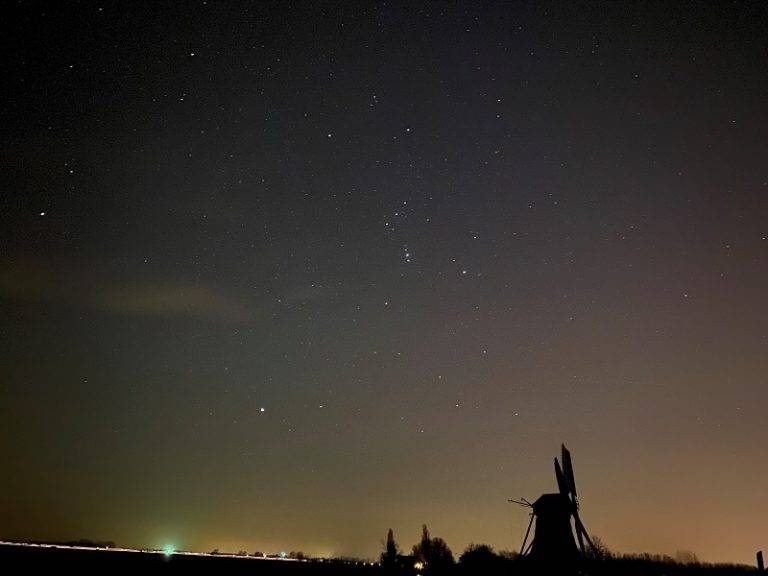
Spectacular How To Take Photos Of Stars With Iphone Design for Desktop
A captivating how to take photos of stars with iphone scene that brings tranquility and beauty to any device.
Mesmerizing How To Take Photos Of Stars With Iphone Image Illustration
Transform your screen with this vivid how to take photos of stars with iphone artwork, a true masterpiece of digital design.
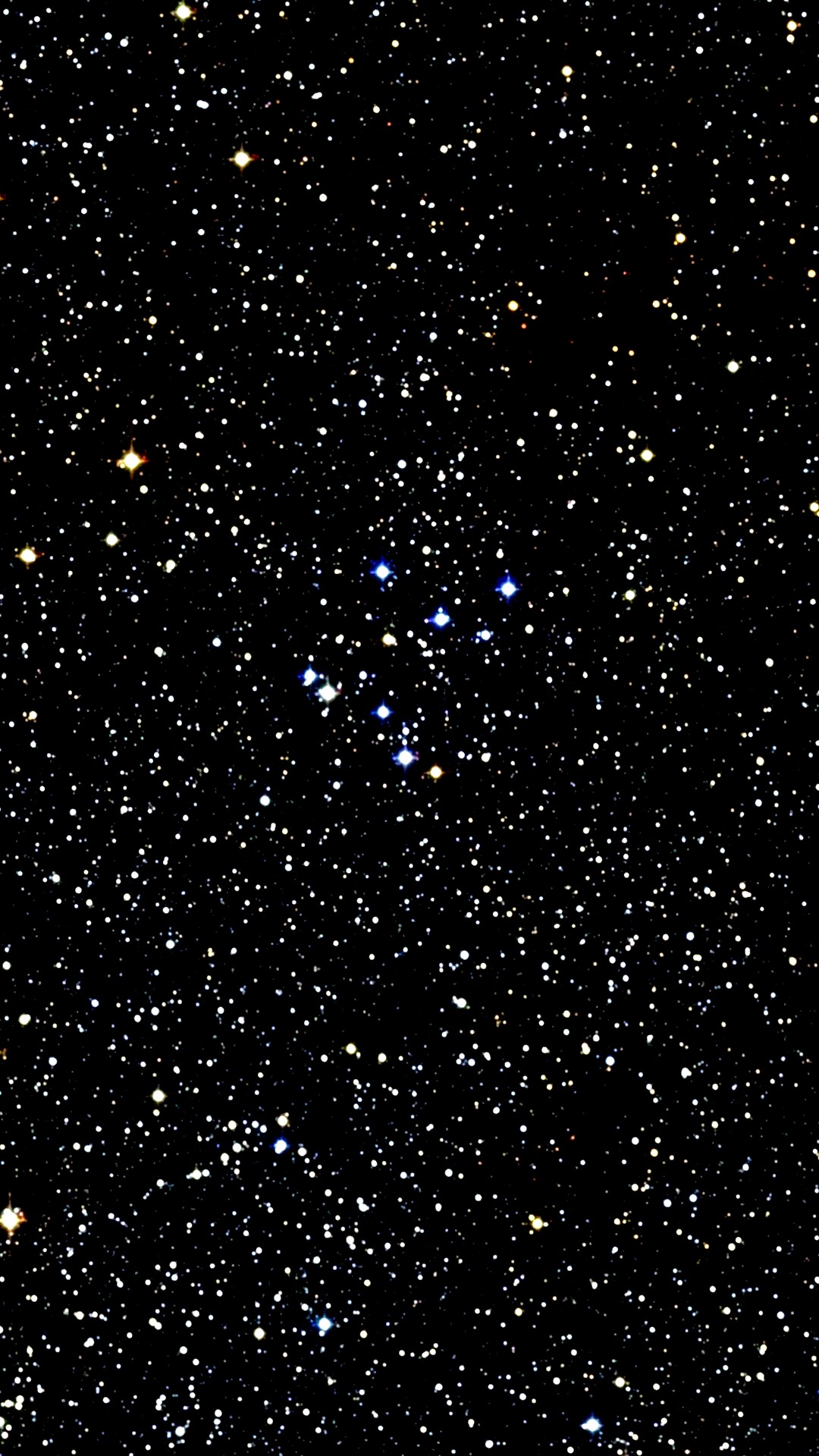
Detailed How To Take Photos Of Stars With Iphone Photo for Desktop
Explore this high-quality how to take photos of stars with iphone image, perfect for enhancing your desktop or mobile wallpaper.
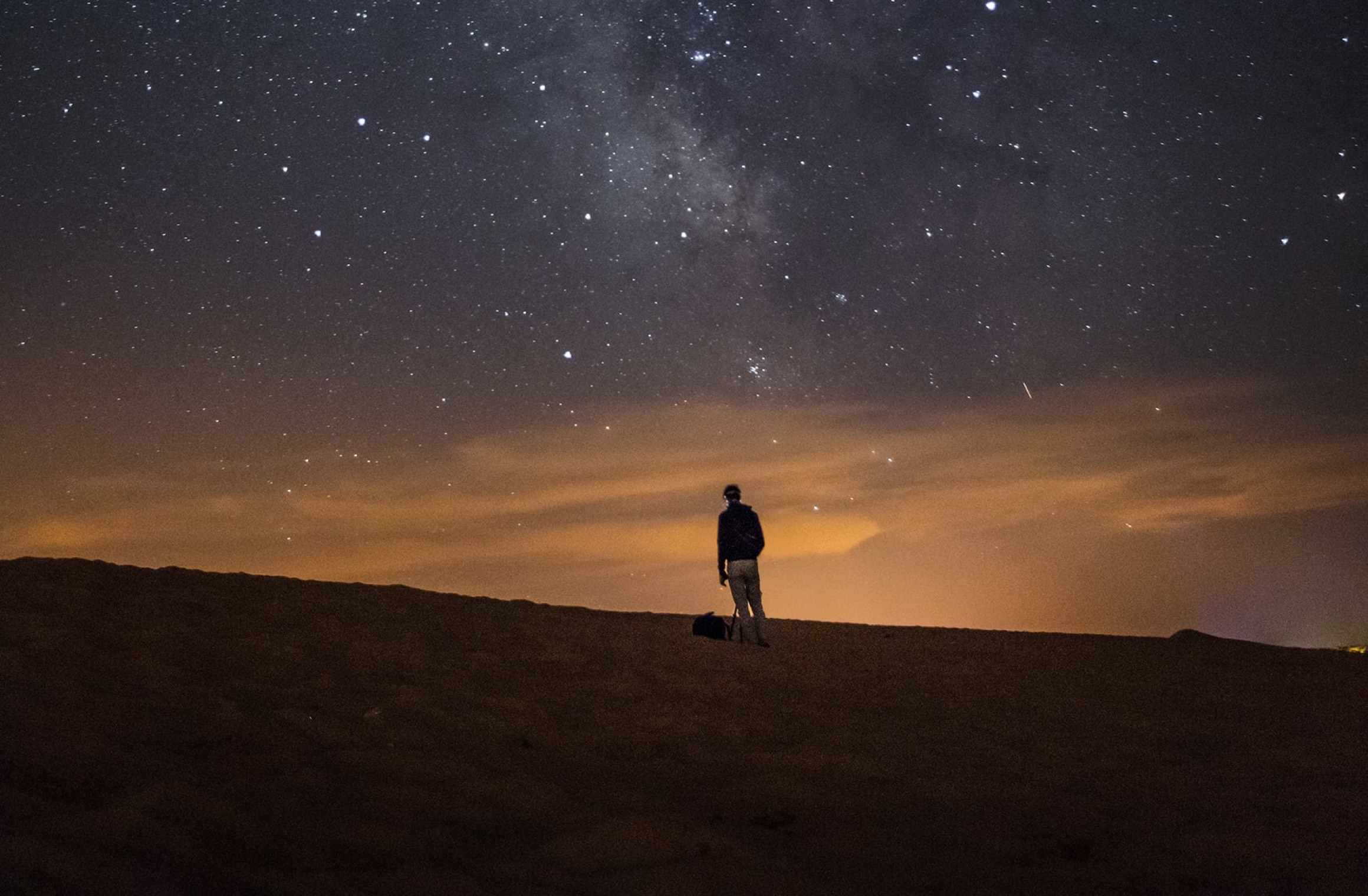
Gorgeous How To Take Photos Of Stars With Iphone Artwork Art
This gorgeous how to take photos of stars with iphone photo offers a breathtaking view, making it a perfect choice for your next wallpaper.
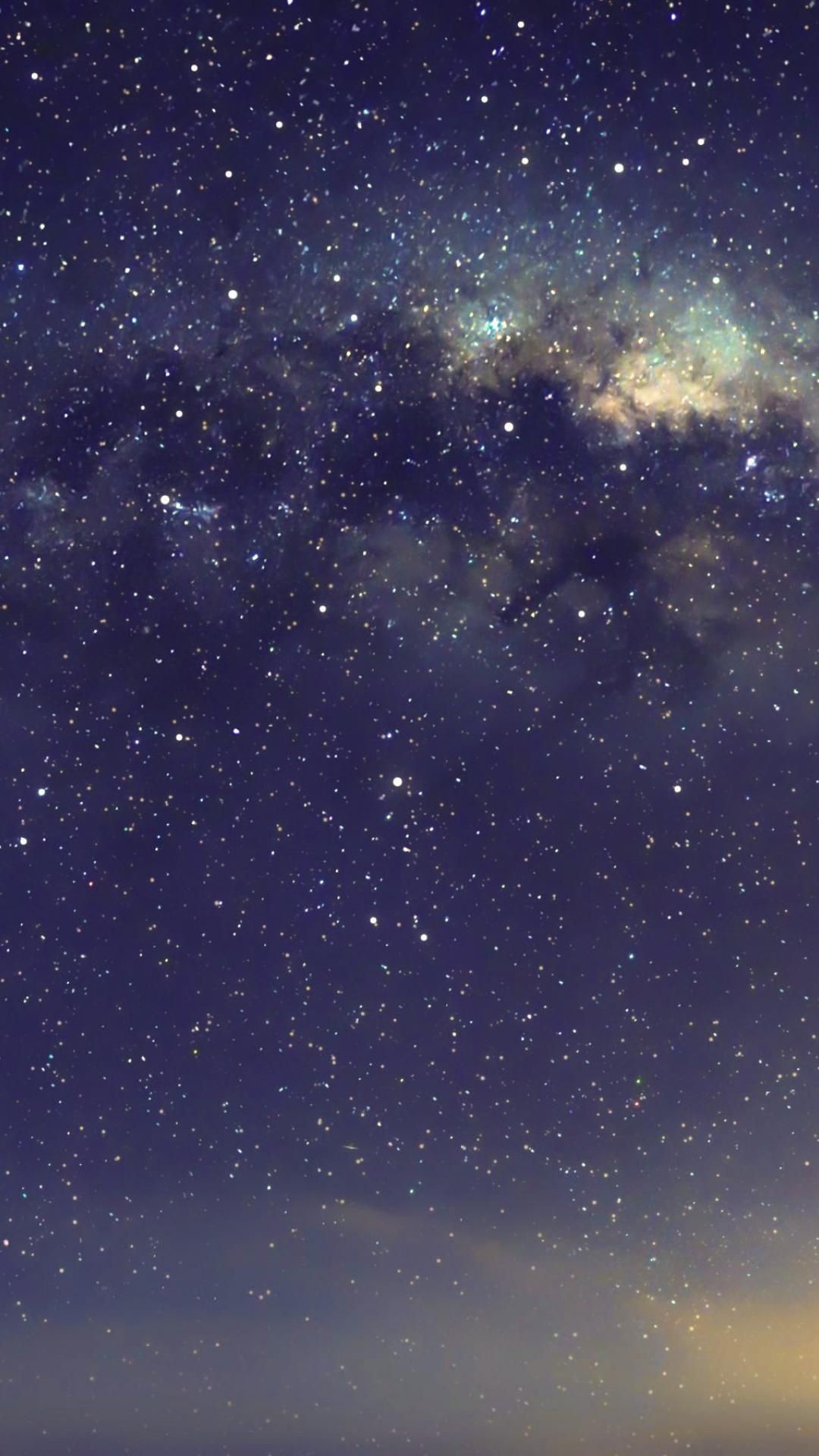
Stunning How To Take Photos Of Stars With Iphone Picture for Mobile
This gorgeous how to take photos of stars with iphone photo offers a breathtaking view, making it a perfect choice for your next wallpaper.

Stunning How To Take Photos Of Stars With Iphone Design Nature
A captivating how to take photos of stars with iphone scene that brings tranquility and beauty to any device.
Beautiful How To Take Photos Of Stars With Iphone Abstract for Your Screen
Transform your screen with this vivid how to take photos of stars with iphone artwork, a true masterpiece of digital design.
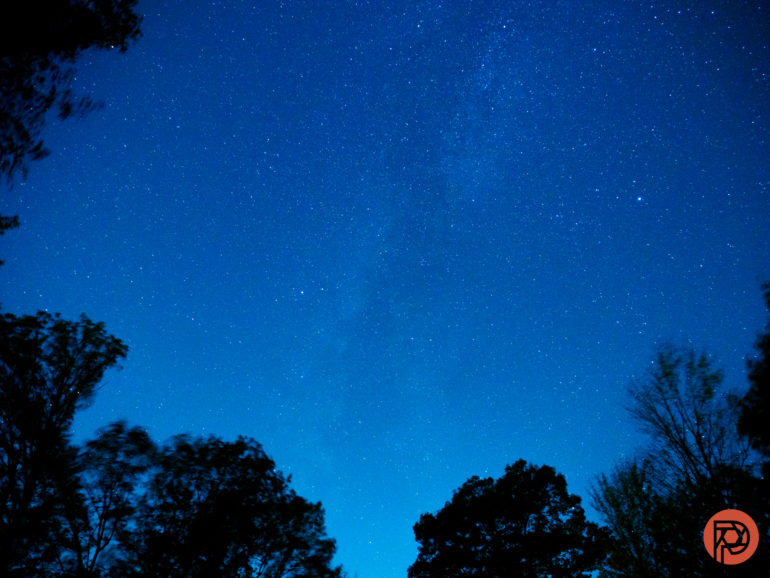
Mesmerizing How To Take Photos Of Stars With Iphone Design for Desktop
Discover an amazing how to take photos of stars with iphone background image, ideal for personalizing your devices with vibrant colors and intricate designs.
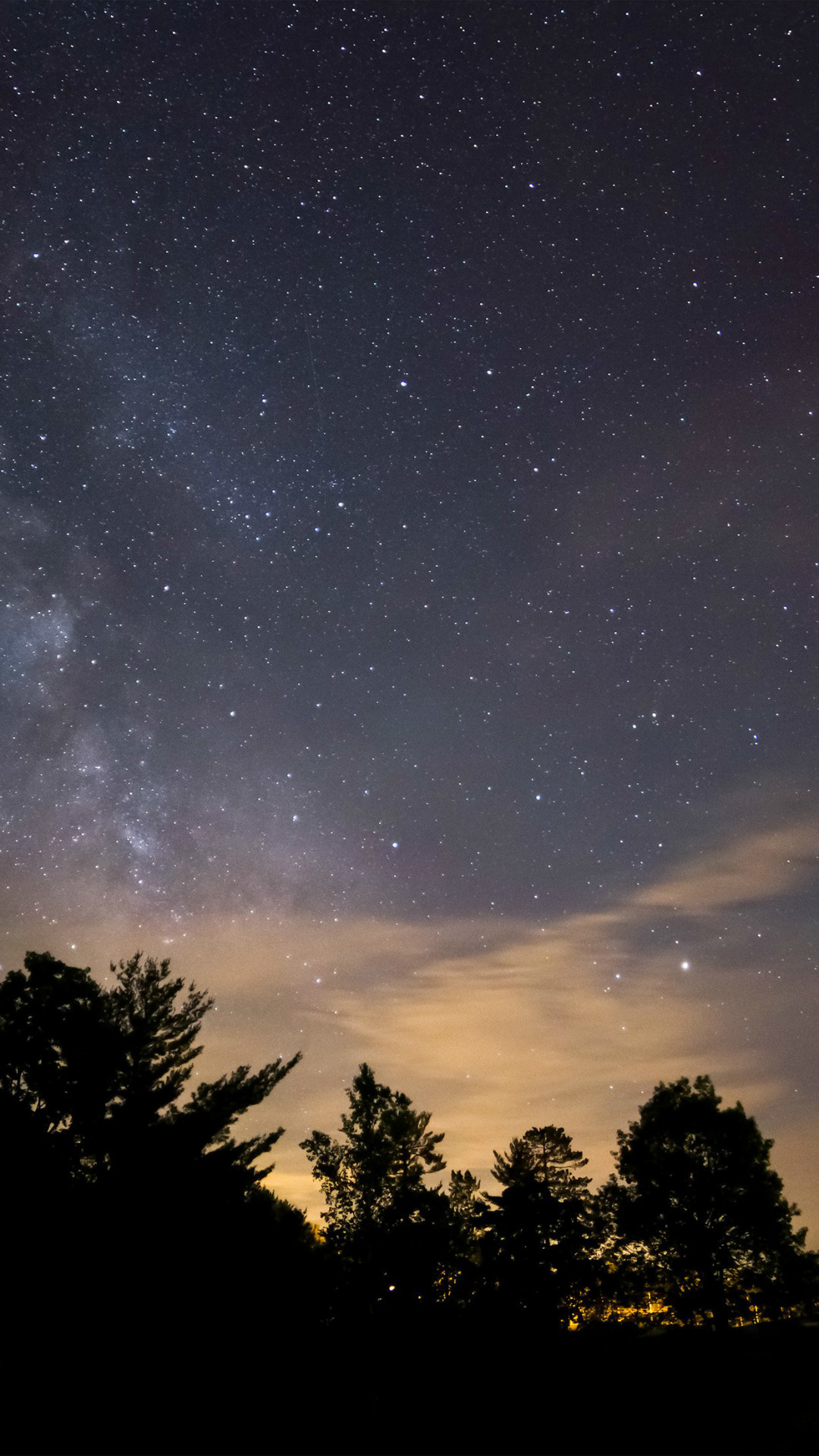
Stunning How To Take Photos Of Stars With Iphone Capture for Mobile
Immerse yourself in the stunning details of this beautiful how to take photos of stars with iphone wallpaper, designed for a captivating visual experience.
Vibrant How To Take Photos Of Stars With Iphone Background Concept
Experience the crisp clarity of this stunning how to take photos of stars with iphone image, available in high resolution for all your screens.
Breathtaking How To Take Photos Of Stars With Iphone Abstract Concept
Discover an amazing how to take photos of stars with iphone background image, ideal for personalizing your devices with vibrant colors and intricate designs.

Gorgeous How To Take Photos Of Stars With Iphone Capture for Your Screen
A captivating how to take photos of stars with iphone scene that brings tranquility and beauty to any device.

Dynamic How To Take Photos Of Stars With Iphone Moment in 4K
This gorgeous how to take photos of stars with iphone photo offers a breathtaking view, making it a perfect choice for your next wallpaper.
Stunning How To Take Photos Of Stars With Iphone Moment in HD
Find inspiration with this unique how to take photos of stars with iphone illustration, crafted to provide a fresh look for your background.

Dynamic How To Take Photos Of Stars With Iphone Capture for Your Screen
Immerse yourself in the stunning details of this beautiful how to take photos of stars with iphone wallpaper, designed for a captivating visual experience.
Gorgeous How To Take Photos Of Stars With Iphone View for Desktop
Find inspiration with this unique how to take photos of stars with iphone illustration, crafted to provide a fresh look for your background.

Mesmerizing How To Take Photos Of Stars With Iphone Moment for Desktop
Discover an amazing how to take photos of stars with iphone background image, ideal for personalizing your devices with vibrant colors and intricate designs.
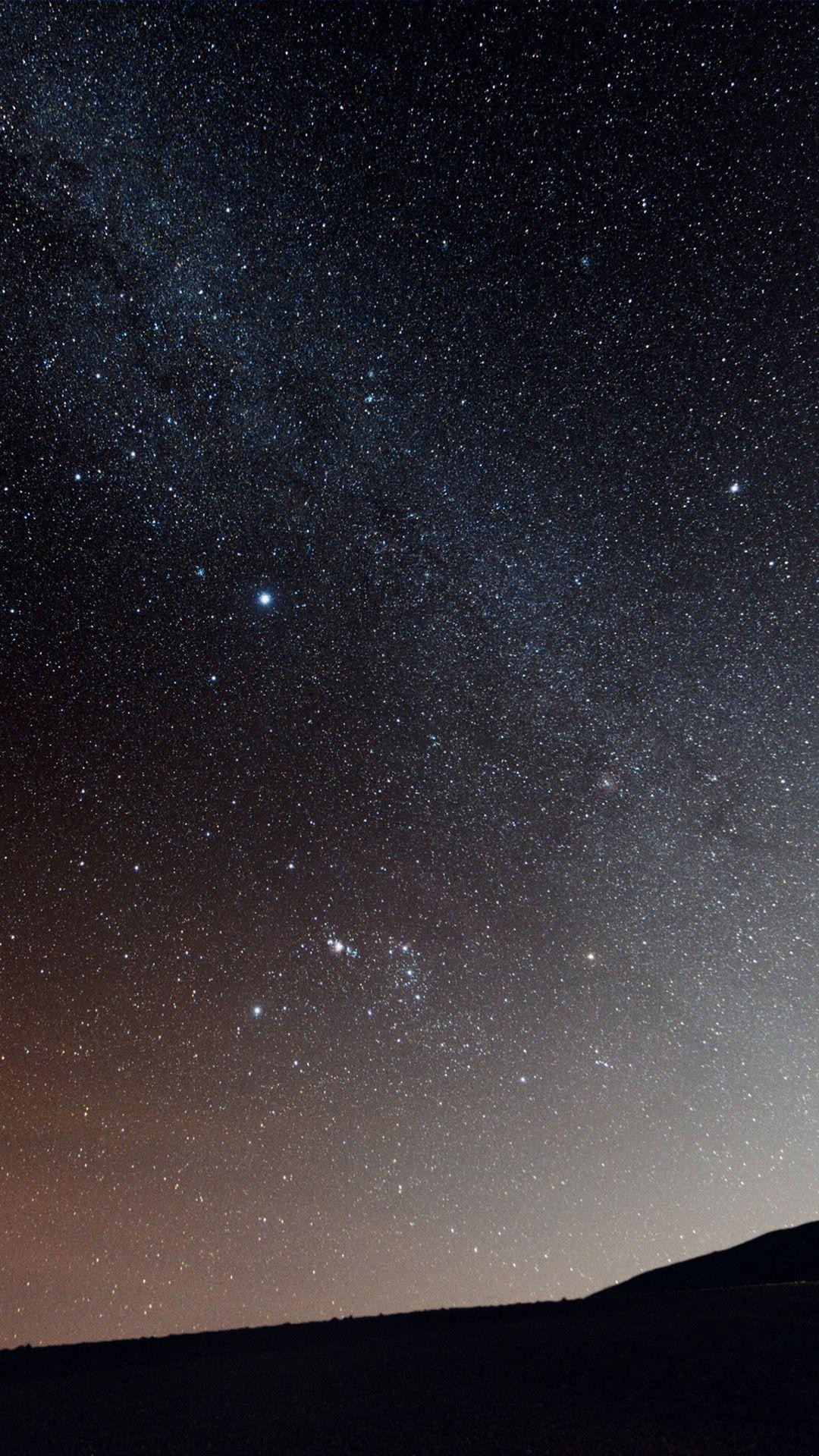
Serene How To Take Photos Of Stars With Iphone Capture in HD
Explore this high-quality how to take photos of stars with iphone image, perfect for enhancing your desktop or mobile wallpaper.
 2) {
insertAfter(ad1,tg1[bl1-1]); insertAfter(ad2,tg1[bl2-1]);
} else if (br2 > 1) {
insertAfter(ad1,tg2[bk1-1]); insertAfter(ad2,tg2[bk2-1]);
} else {}
2) {
insertAfter(ad1,tg1[bl1-1]); insertAfter(ad2,tg1[bl2-1]);
} else if (br2 > 1) {
insertAfter(ad1,tg2[bk1-1]); insertAfter(ad2,tg2[bk2-1]);
} else {}