Unlock Dual Power: Your Complete Guide to Using iPhone Xs Max eSIM Capability
Welcome! If you are holding an iPhone Xs Max, you're sitting on a piece of tech that was truly ahead of its time. While newer iPhones get all the attention for their digital SIM capabilities, the Xs Max was one of the first devices globally (outside of China) to introduce this revolutionary feature. Specifically, we're talking about the ability to utilize the iPhone Xs Max eSIM function.
But what exactly does that mean for you? Simply put, it means your device is a powerful dual-SIM beast, allowing you to use two separate phone numbers—one through the physical Nano-SIM and one through the internal, digital eSIM. This guide will walk you through the confirmation, activation, and practical usage of this game-changing feature, ensuring you get the most out of your flagship device.
Ready to ditch the hassle of swapping physical SIM cards forever? Let's dive deep into the world of digital connectivity.
[Baca Juga: What is eSIM technology?]Confirming the Tech: Does the iPhone Xs Max Actually Support eSIM?
The short answer is a resounding YES. The iPhone Xs Max, along with the Xs and XR models, marked Apple's entry into the eSIM market. However, there's an important geographical caveat that often confuses users.
In most regions (US, Europe, Asia Pacific, etc.), the iPhone Xs Max is configured as Single Physical SIM + eSIM. This is the dual-SIM setup we are discussing.
Crucially, models sold in Mainland China, Hong Kong, and Macau operate differently. Due to local regulations, these specific devices support Dual Physical SIM cards (a special tray design) but do *not* support the eSIM function. Always check your device model number if you bought it internationally.
To provide clarity, here is a quick breakdown of the physical differences in the SIM trays:
| Region | SIM Technology | Dual-SIM Availability |
|---|---|---|
| Global Models (e.g., USA, UK, SG) | Physical Nano-SIM + Integrated eSIM | Yes |
| Mainland China, HK, Macau | Dual Physical Nano-SIM | Yes (But No eSIM) |
The Practical Perks of Dual SIM on Your Xs Max
Why should you bother setting up the iPhone Xs Max eSIM? Beyond the cool factor of using new technology, the benefits are genuinely practical, especially for global citizens and professionals.
Travel Made Easy
This is arguably the biggest advantage. When you land in a new country, you can immediately activate a local data plan via an eSIM provider (like Airalo or Holafly) without needing to visit a shop or physically replace your home country's SIM. Your primary number remains active for receiving crucial two-factor authentication codes or priority calls, while the eSIM handles cheap local data.
Perfect Work-Life Balance
If you have a separate number for business, using the eSIM allows you to consolidate two phones into one device. You can assign labels ("Personal" and "Business") and even set schedules for when the business line is active, helping you maintain boundaries without carrying a heavy second handset.
Cost Efficiency and Flexibility
You can use your physical SIM for your main voice plan and utilize the eSIM for a data-only plan from a cheaper carrier. This mix-and-match approach is impossible with traditional single-SIM phones, providing unparalleled flexibility in managing mobile expenditures.
For more detailed reading on the security and technical advancements of the eSIM standard, we recommend this authoritative resource: Wikipedia: Embedded SIM (eSIM).
Step-by-Step: Activating Your eSIM on iPhone Xs Max
The activation process for the iPhone Xs Max eSIM is seamless, provided your mobile carrier supports the technology. Most major carriers worldwide (AT&T, Verizon, T-Mobile, Vodafone, etc.) now offer eSIM provisioning.
H3: Before You Start
Ensure your phone is running the latest version of iOS (ideally iOS 12.1 or later, but keep it updated for security). Also, make sure you have a Wi-Fi or cellular connection to download the necessary carrier profile.
H3: The Activation Process (The Standard Method)
The easiest way to set up your eSIM is via a QR Code provided by your carrier or eSIM service provider:
- Go to **Settings** on your iPhone Xs Max.
- Tap **Cellular** (or Mobile Data, depending on your region).
- Select **Add Cellular Plan** (or Add Data Plan).
- Your camera will open. Scan the QR code provided by your carrier.
- Follow the on-screen prompts to label your new line (e.g., "Travel," "Work," "Secondary").
Once activated, the phone will ask you to select which line is Primary (for iMessage/FaceTime/default calls) and which is Secondary. This allows for total control over data and voice usage.
H3: Carrier Confirmation and Manual Entry
In some rare cases, carriers may require you to activate the eSIM through their proprietary app, or you might need to enter details manually if the QR code fails. You can find the manual entry option within the "Add Cellular Plan" screen, labeled "Enter Details Manually." You will need the SM-DP+ Address, Activation Code, and Confirmation Code, all provided by your carrier.
eSIM Limitations and Carrier Compatibility
While the iPhone Xs Max eSIM capability is fantastic, it's important to set realistic expectations. It's not a magical solution, and there are limitations based on the hardware and the carrier network.
Network Restrictions
Your iPhone Xs Max can only actively use **one physical SIM and one eSIM at the same time.** Both lines will remain active and ready to receive calls and messages (this is called Dual SIM Dual Standby, or DSDS).
Carrier Lock Issues
If your iPhone Xs Max is locked to a specific carrier (e.g., you purchased it through a contract), you might only be able to use an eSIM from that same carrier, or you may be blocked entirely until the device is officially unlocked. Always check your device's lock status before purchasing an eSIM plan from a third party.
Need verification on how Apple handles carrier unlocks and dual SIM functionality? Check the official support documentation here: Apple Support: Using Dual SIM with an eSIM.
Xs Max vs. Newer Models: Why eSIM Still Matters
You might be wondering: Since the iPhone 14 and 15 have moved towards eSIM-only (in the US), why should I still care about the Xs Max's hybrid solution? The answer lies in flexibility and backwards compatibility.
The Xs Max offers the best of both worlds: It supports the legacy physical SIM standard (which is still dominant in many developing markets or required for specialized plans) *while also* offering the future-proof convenience of eSIM. Newer, purely eSIM-only phones can be limiting if you travel to areas where carriers haven't fully adopted digital provisioning yet.
Furthermore, the A12 Bionic chip still handles iOS brilliantly, meaning the Xs Max remains a perfectly capable device for managing two lines efficiently without needing an expensive upgrade. The inclusion of the eSIM ensures the device doesn't feel technologically obsolete.
If you are interested in the evolution of cellular technology that led to the eSIM, you can read more here: GSMA: The History and Future of eSIM.
[Baca Juga: iPhone Xs Max Performance Review]Conclusion: The Enduring Value of the iPhone Xs Max eSIM
The iPhone Xs Max is more than just an older flagship; it is a pioneer in mobile connectivity. Its eSIM capability transforms it from a single-line phone into a flexible, dual-line workhorse, making it an ideal device for international travel, maintaining privacy, and optimizing carrier costs.
If you've been hesitant to explore the digital SIM feature, now is the time. With widespread carrier support and a simple activation process, unlocking the dual power of your Xs Max is perhaps the easiest upgrade you can give your phone.
Frequently Asked Questions (FAQ)
Here are some quick answers to common questions about the Xs Max and eSIM:
- Can I have two eSIMs active on the iPhone Xs Max?
No. The iPhone Xs Max supports Dual SIM Dual Standby (DSDS) using one physical Nano-SIM and one eSIM simultaneously. You can store multiple eSIM profiles, but only one can be active at any given time alongside the physical SIM.
- Does using eSIM drain my battery faster?
In theory, DSDS technology requires the phone to listen to two different networks, which might use marginally more power than a single line. However, in practical, day-to-day use, the difference is negligible and unlikely to be noticeable compared to factors like screen brightness or app usage.
- What happens if I factory reset my iPhone Xs Max? Do I lose the eSIM?
When you factory reset, iOS gives you an option: "Erase All Content and Settings, but Keep Cellular Plans" or "Erase All Content and Settings, and Erase Cellular Plans." If you choose the latter, you will need to contact your carrier for a new activation QR code or profile.
Iphone 14 Plus Trade In Value
Iphone 14 Plus Trade In Value Wallpapers
Collection of iphone 14 plus trade in value wallpapers for your desktop and mobile devices.

Detailed Iphone 14 Plus Trade In Value Image Art
Transform your screen with this vivid iphone 14 plus trade in value artwork, a true masterpiece of digital design.

Crisp Iphone 14 Plus Trade In Value Background Photography
Immerse yourself in the stunning details of this beautiful iphone 14 plus trade in value wallpaper, designed for a captivating visual experience.

Beautiful Iphone 14 Plus Trade In Value Image Photography
Discover an amazing iphone 14 plus trade in value background image, ideal for personalizing your devices with vibrant colors and intricate designs.

Mesmerizing Iphone 14 Plus Trade In Value Wallpaper Illustration
Explore this high-quality iphone 14 plus trade in value image, perfect for enhancing your desktop or mobile wallpaper.
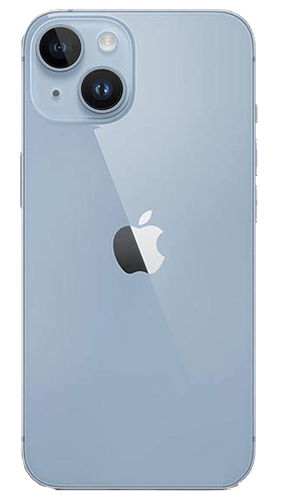
Dynamic Iphone 14 Plus Trade In Value Image in 4K
This gorgeous iphone 14 plus trade in value photo offers a breathtaking view, making it a perfect choice for your next wallpaper.

Vivid Iphone 14 Plus Trade In Value Artwork Concept
Discover an amazing iphone 14 plus trade in value background image, ideal for personalizing your devices with vibrant colors and intricate designs.
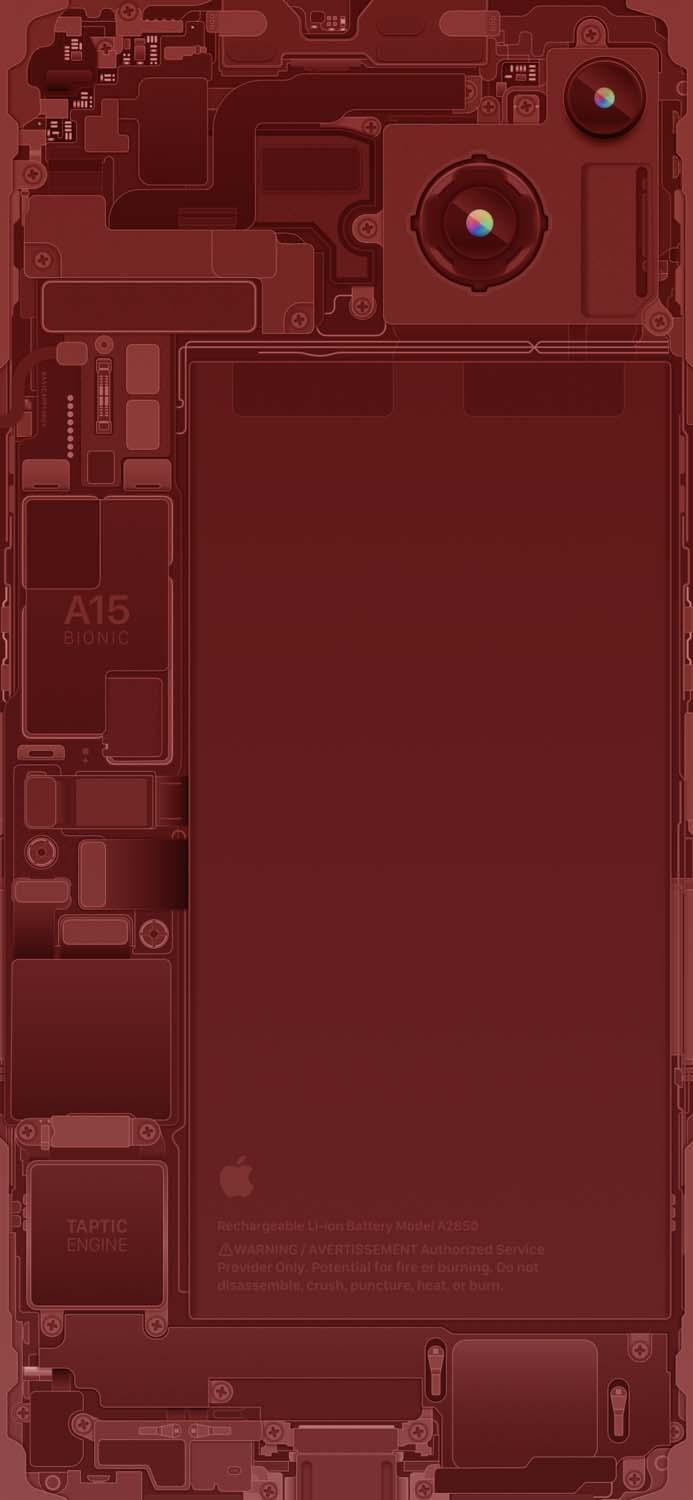
Crisp Iphone 14 Plus Trade In Value Design Collection
This gorgeous iphone 14 plus trade in value photo offers a breathtaking view, making it a perfect choice for your next wallpaper.
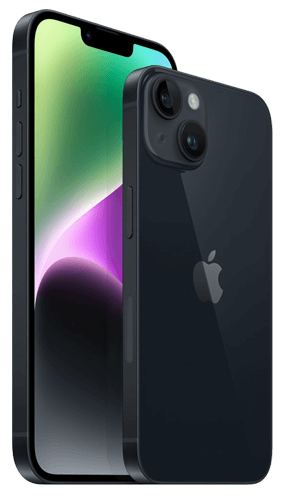
Artistic Iphone 14 Plus Trade In Value Abstract for Desktop
A captivating iphone 14 plus trade in value scene that brings tranquility and beauty to any device.

Lush Iphone 14 Plus Trade In Value Background Nature
Immerse yourself in the stunning details of this beautiful iphone 14 plus trade in value wallpaper, designed for a captivating visual experience.
Spectacular Iphone 14 Plus Trade In Value Scene for Mobile
Immerse yourself in the stunning details of this beautiful iphone 14 plus trade in value wallpaper, designed for a captivating visual experience.

Beautiful Iphone 14 Plus Trade In Value Design Collection
Discover an amazing iphone 14 plus trade in value background image, ideal for personalizing your devices with vibrant colors and intricate designs.
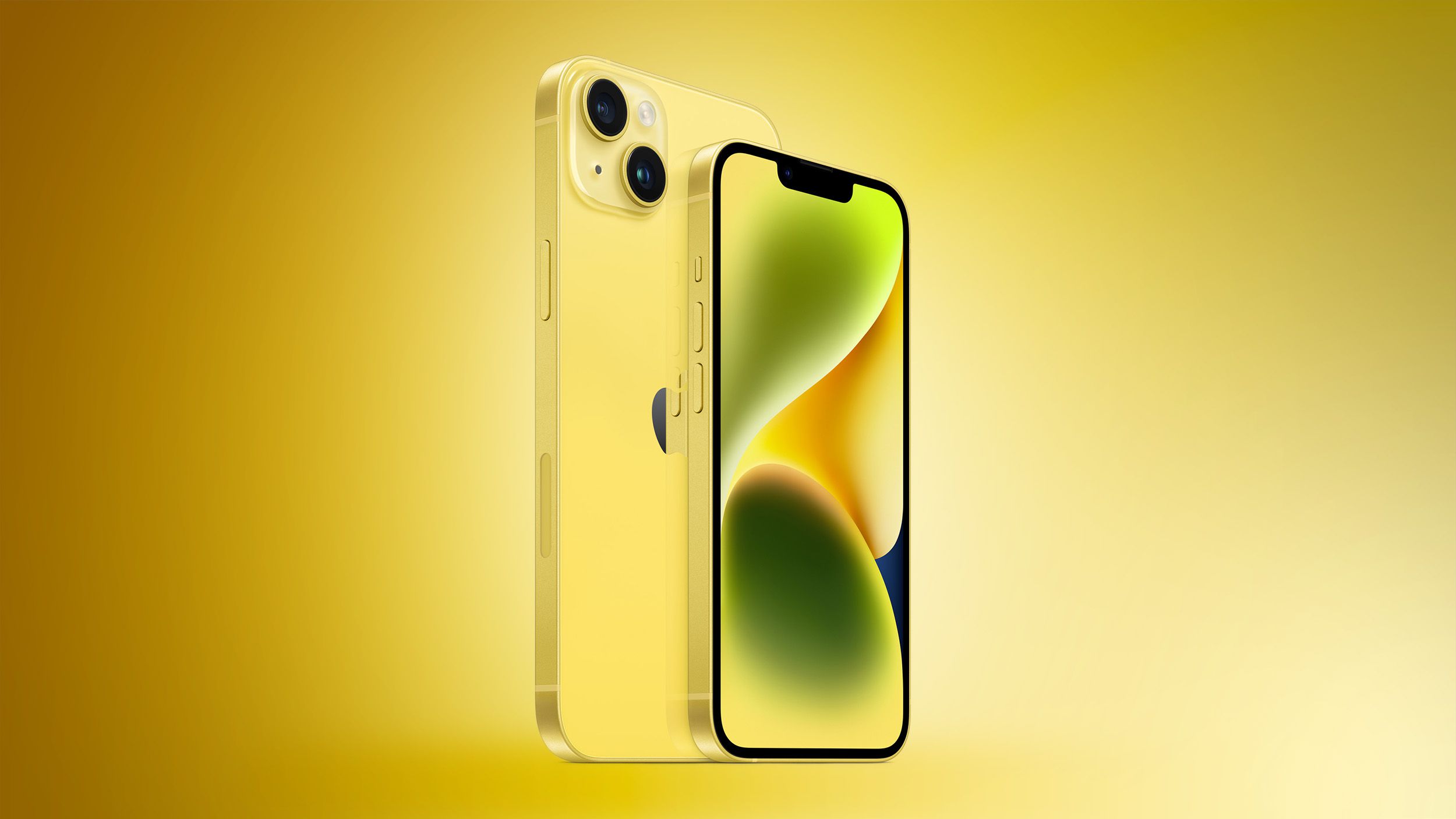
Lush Iphone 14 Plus Trade In Value Background Art
Immerse yourself in the stunning details of this beautiful iphone 14 plus trade in value wallpaper, designed for a captivating visual experience.
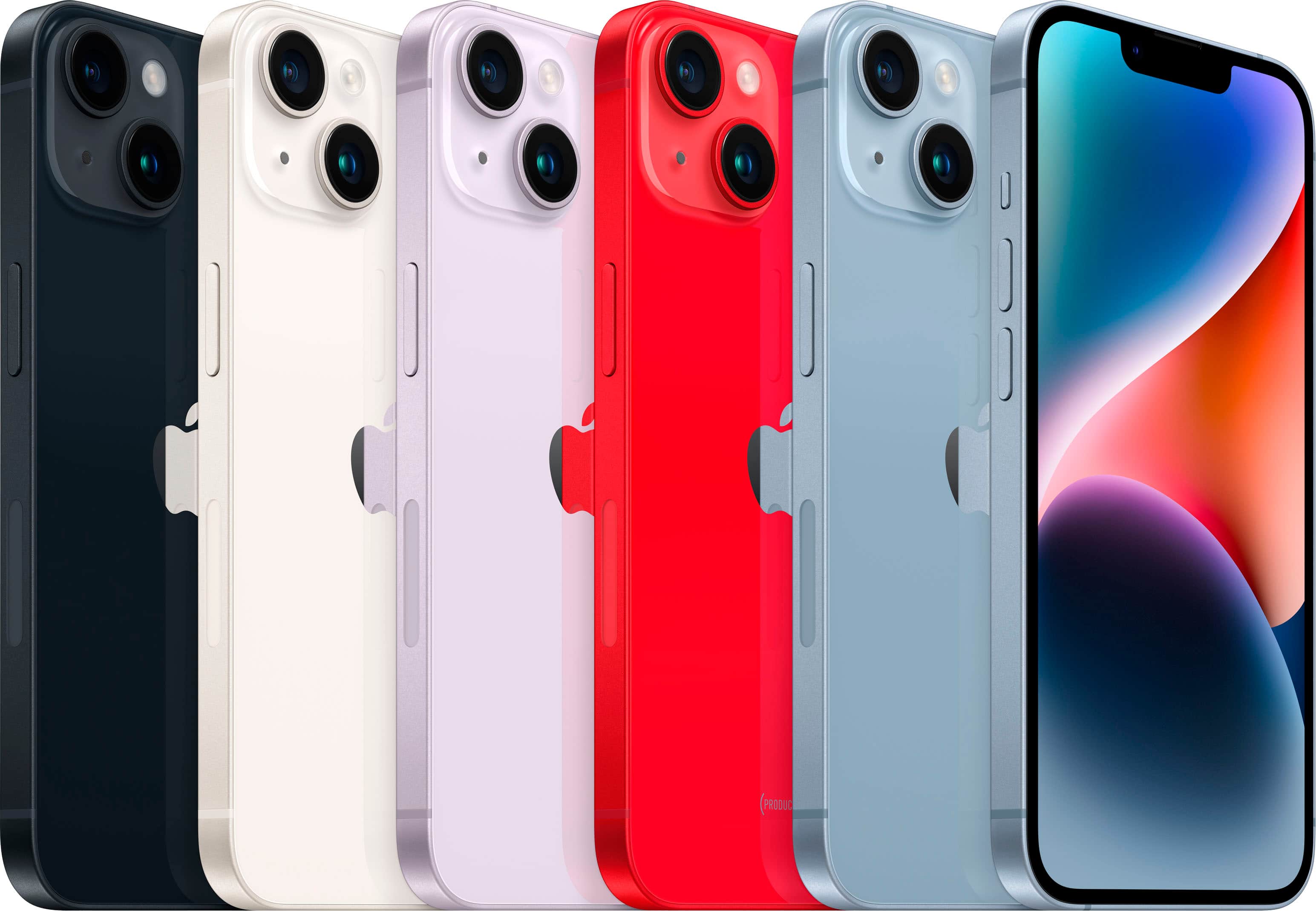
Stunning Iphone 14 Plus Trade In Value Landscape Concept
Find inspiration with this unique iphone 14 plus trade in value illustration, crafted to provide a fresh look for your background.
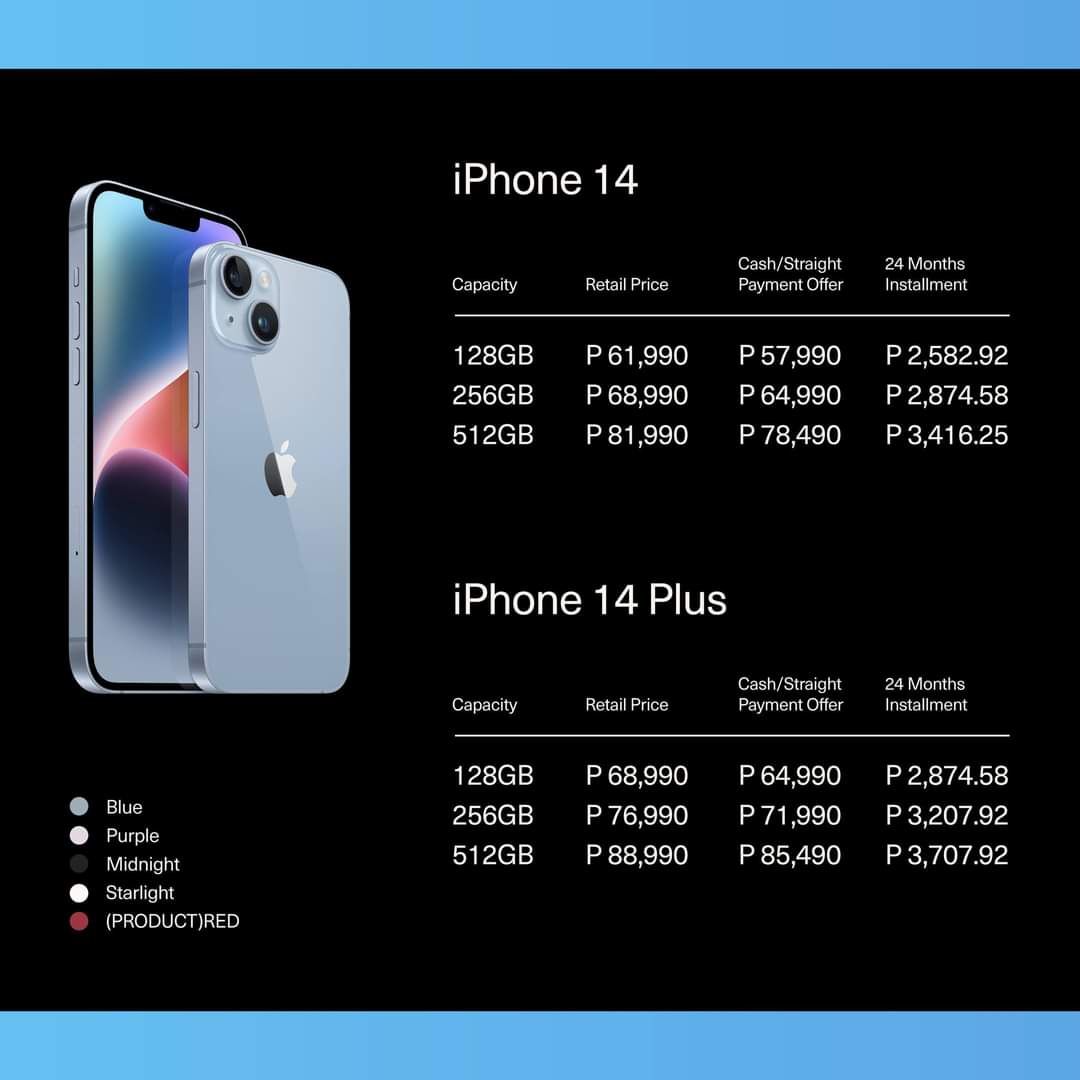
Exquisite Iphone 14 Plus Trade In Value Landscape Nature
Immerse yourself in the stunning details of this beautiful iphone 14 plus trade in value wallpaper, designed for a captivating visual experience.
High-Quality Iphone 14 Plus Trade In Value Landscape Art
Explore this high-quality iphone 14 plus trade in value image, perfect for enhancing your desktop or mobile wallpaper.

Dynamic Iphone 14 Plus Trade In Value Capture for Desktop
A captivating iphone 14 plus trade in value scene that brings tranquility and beauty to any device.

Amazing Iphone 14 Plus Trade In Value Moment Collection
Explore this high-quality iphone 14 plus trade in value image, perfect for enhancing your desktop or mobile wallpaper.

Serene Iphone 14 Plus Trade In Value Design Nature
Experience the crisp clarity of this stunning iphone 14 plus trade in value image, available in high resolution for all your screens.

Crisp Iphone 14 Plus Trade In Value Photo Concept
A captivating iphone 14 plus trade in value scene that brings tranquility and beauty to any device.

Vibrant Iphone 14 Plus Trade In Value Photo for Your Screen
Discover an amazing iphone 14 plus trade in value background image, ideal for personalizing your devices with vibrant colors and intricate designs.
Download these iphone 14 plus trade in value wallpapers for free and use them on your desktop or mobile devices.