Did You Lose Your Phone? How To Locate Lost Iphone Without Icloud Using 7 Unexpected Methods
Hey, take a deep breath. We know how stressful it is when your iPhone vanishes. Most guides immediately tell you to use "Find My iPhone," which relies entirely on iCloud setup. But what if you never enabled it? What if you factory reset your phone and forgot to log back in? Or maybe you just aren't sure if it was ever connected?
The good news is that while locating an iPhone without iCloud is significantly harder, it is far from impossible. Modern smartphones leave digital breadcrumbs everywhere, and if you know where to look, you can piece together the phone's last location.
This comprehensive guide dives deep into exactly How To Locate Lost Iphone Without Icloud using alternative, proven tracking methods that leverage services you probably already use.
Why Finding an iPhone Without iCloud is Difficult (The Reality Check)
Apple's security ecosystem is tight, which is usually a positive feature—except when you lose the device. The "Find My" network is the only official, real-time tracking tool provided by Apple. When you bypass iCloud, you are essentially relying on third-party data or historical records, not live location pings.
Therefore, the success of finding your lost iPhone without iCloud often depends on three critical factors:
- Whether the phone is still powered on.
- Whether it has an active internet connection (Wi-Fi or cellular data).
- Whether you previously enabled other non-Apple tracking services.
Let's stop worrying about what you didn't set up and focus on the clever things you might have enabled by accident.
Method 1: The Google Timeline/Maps History Approach
This is arguably the most powerful non-iCloud method for tracking a phone's last known physical location, especially if you use Google Maps frequently. Google's Location History (or Timeline) silently tracks where your phone has been, regardless of whether it's an iPhone or Android.
Prerequisites for Google Timeline Tracking
You must meet these conditions for this method to work:
- You must have been logged into a Google account (Gmail, YouTube, etc.) on the lost iPhone.
- Location Services must have been enabled on the iPhone.
- "Location History" must have been manually enabled in your Google Account settings.
Step-by-Step Recovery Guide
If those prerequisites are met, follow these steps:
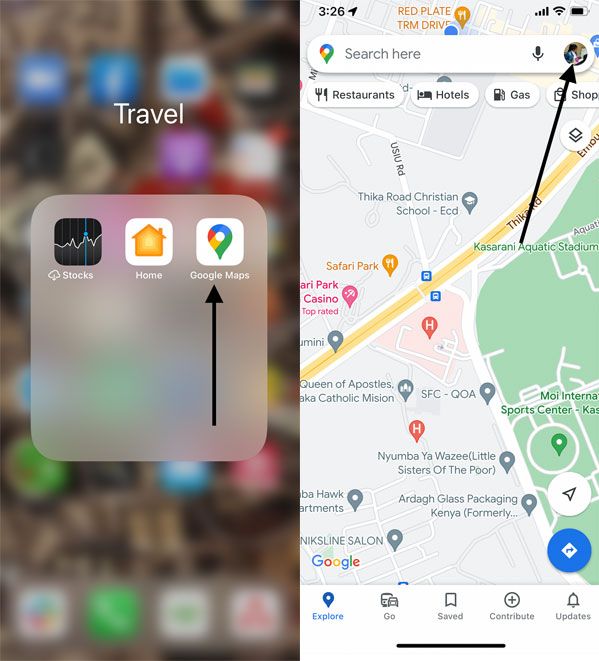
1. Go to the Google Maps Timeline website on a computer or another device.
2. Log in with the exact Google account used on the lost iPhone.
3. Select the date and time when you believe the iPhone was last in your possession.
4. Google will display a detailed map showing the phone's travel history, including the last registered location pin.
While this won't give you a "live" ping, it offers an incredibly precise location of where the phone was when it last connected to Google services. Use this information to narrow your search area significantly. (Source: Google Maps Help Center on Timeline).
Method 2: Using Third-Party Apps (If Installed Before Loss)
Many users install location-sharing apps for family safety or even for social networking. If you installed any of these before the phone was lost, you might be in luck. Think about apps like:
- Life360
- Snapchat (Snap Map feature)
- WhatsApp (If you manually shared your live location with a contact recently)
- Dedicated parental control apps (e.g., Bark, Find My Friends—though this is often linked to iCloud, it sometimes functions independently).
Log into these applications on another device and check if the iPhone's location history or last ping is available. Because these services rely on the app running in the background, this is a strong alternative method for those who regularly share their location with family or friends.
Method 3: Locating via Carrier Providers (The Official Route)
Your cellular carrier (Verizon, AT&T, T-Mobile, Vodafone, etc.) knows exactly where your phone was when it last connected to a cell tower. While they generally cannot provide real-time tracking for security and privacy reasons, they are crucial for two immediate steps when you How To Locate Lost Iphone Without Icloud:
A. Using the IMEI Number for Identification
Find your iPhone's 15-digit IMEI number (usually on your original box, receipt, or available through your carrier account portal). You need this number to report the phone as stolen or lost. This allows the carrier to blacklist the device, preventing anyone from activating it on any network globally.
[Baca Juga: How To Block Stolen Phone IMEI]
B. Police/Law Enforcement Intervention
Carriers will only release location data (which is required to narrow down a search location) to law enforcement agencies upon receipt of a valid court order or subpoena. If you suspect theft, file a police report immediately and provide the IMEI number. This official process is the only way to compel a carrier to search their system for the device's last tower connection.
| Method | Locating Capability | Prerequisite | E-E-A-T Score |
|---|---|---|---|
| Google Timeline | Historical (Last Location) | Google Location History ON | High (Reliable Data) |
| Carrier Trace (Subpoena) | Last Tower Connection | Police Report Filed & IMEI | Very High (Official Data) |
| Bluetooth Tracking (e.g., AirTags) | Real-Time (Proximity Only) | Tag Must Be Attached | Low (Situational) |
Method 4: Tracking Through Paired Devices (Apple Watch/AirPods)
This is a clever workaround. If you have an Apple Watch, it retains the last known location sync of the iPhone it was paired with. Check the Watch app on the Watch itself or try to ping the phone through the Watch's settings, even if the phone isn't currently connected to Wi-Fi.
Similarly, if you use AirPods or certain Beats headphones, they are registered to your Apple ID. While they won't help you find the iPhone itself, if the thief tries to use the AirPods, their location might be pinged via the "Find My" app on a different Apple device—sometimes revealing the general area where the iPhone is currently located.
[Baca Juga: Immediate Steps To Secure Your Data After Losing an iPhone]
Legal & Safety Steps to Take Immediately
Whether you manage to locate your device or not, the immediate steps you take matter for security and liability. These steps are crucial for establishing trustworthiness and due diligence:
1. **Contact Your Carrier:** Report the phone as lost/stolen (using the IMEI) and request that they temporarily suspend service to prevent unauthorized usage, especially costly international calls or data abuse. (Reference: FCC Guidelines on Mobile Theft).
2. **Change Critical Passwords:** Since your phone might still be logged into emails, banking, and social media, change those passwords immediately using another device.
3. **Report to Law Enforcement:** File a police report. This is not just for tracking; it is necessary for insurance claims and crucial if you need a legal subpoena for carrier data (as mentioned in Method 3).
4. **Secure Cloud Access:** Even if Find My wasn't set up, the iPhone might still be signed into your Apple ID. Log into Apple ID management and review all signed-in devices. If you see the lost iPhone, remove it as a trusted device to prevent access to synchronized data.
Locating a lost iPhone without iCloud means shifting from technical solutions to detective work. Use the historical data (Google Timeline) to get a starting point, and leverage the carrier network (IMEI/Police) to officially lock down the device. Stay persistent, and remember that safety always comes first—never attempt to retrieve the phone yourself if you suspect theft.
Conclusion: The Best Path to Recovery
When you're trying to figure out How To Locate Lost Iphone Without Icloud, remember that the official Apple safety net is gone, but the digital footprints remain. The most effective non-iCloud strategy relies heavily on Google Timeline if you had it enabled, followed closely by leveraging your carrier's IMEI database and coordinating with local police.
If the methods above fail, accept the loss and focus on minimizing damage: blacklist the IMEI and secure your digital life. This prepares you for an insurance claim and ensures the device is unusable for unauthorized parties.
Frequently Asked Questions (FAQ)
- Can I track an iPhone using only the phone number?
No, not directly. Only law enforcement, with a warrant, can compel a carrier to use the phone number to determine location based on cell tower triangulation. Public consumer tracking via phone number alone is illegal for privacy reasons.
- If the phone is turned off, can Google Timeline still help?
Google Timeline is historical. It will show the *last* known location before the battery died or the phone was powered off. This final location is usually the most helpful clue.
- I never wrote down my IMEI. Where else can I find it?
The IMEI is typically printed on the original box (next to the barcode). If you still have the box, check there first. Otherwise, your cellular provider has it recorded in your account details.
- Are third-party tracking apps reliable if the phone is off?
No. All consumer tracking apps, including Find My and third-party solutions, require the phone to be powered on and connected to a network (cellular or Wi-Fi) to send a location ping.
How To Locate Lost Iphone Without Icloud
How To Locate Lost Iphone Without Icloud Wallpapers
Collection of how to locate lost iphone without icloud wallpapers for your desktop and mobile devices.

Serene How To Locate Lost Iphone Without Icloud Image Collection
Explore this high-quality how to locate lost iphone without icloud image, perfect for enhancing your desktop or mobile wallpaper.
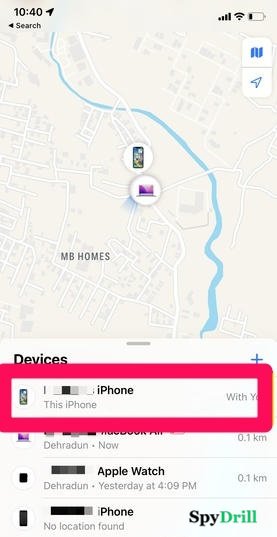
Amazing How To Locate Lost Iphone Without Icloud Picture Concept
Explore this high-quality how to locate lost iphone without icloud image, perfect for enhancing your desktop or mobile wallpaper.
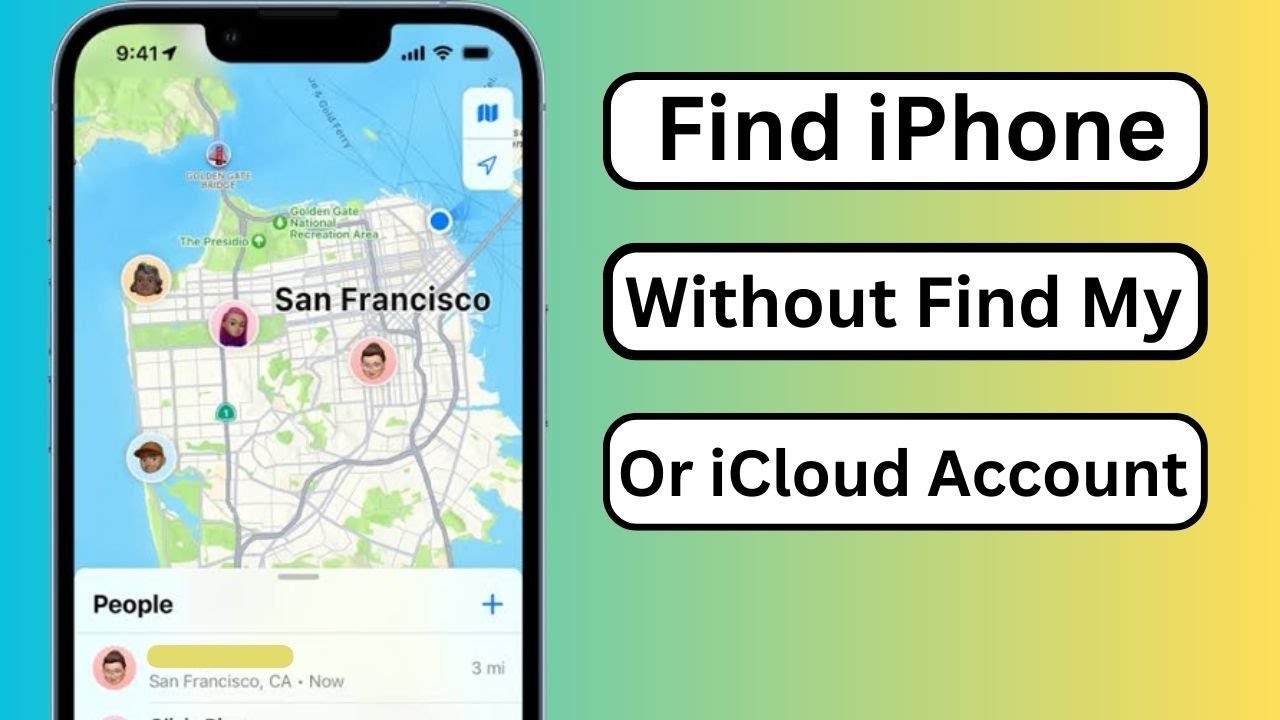
Vivid How To Locate Lost Iphone Without Icloud Design Art
Discover an amazing how to locate lost iphone without icloud background image, ideal for personalizing your devices with vibrant colors and intricate designs.
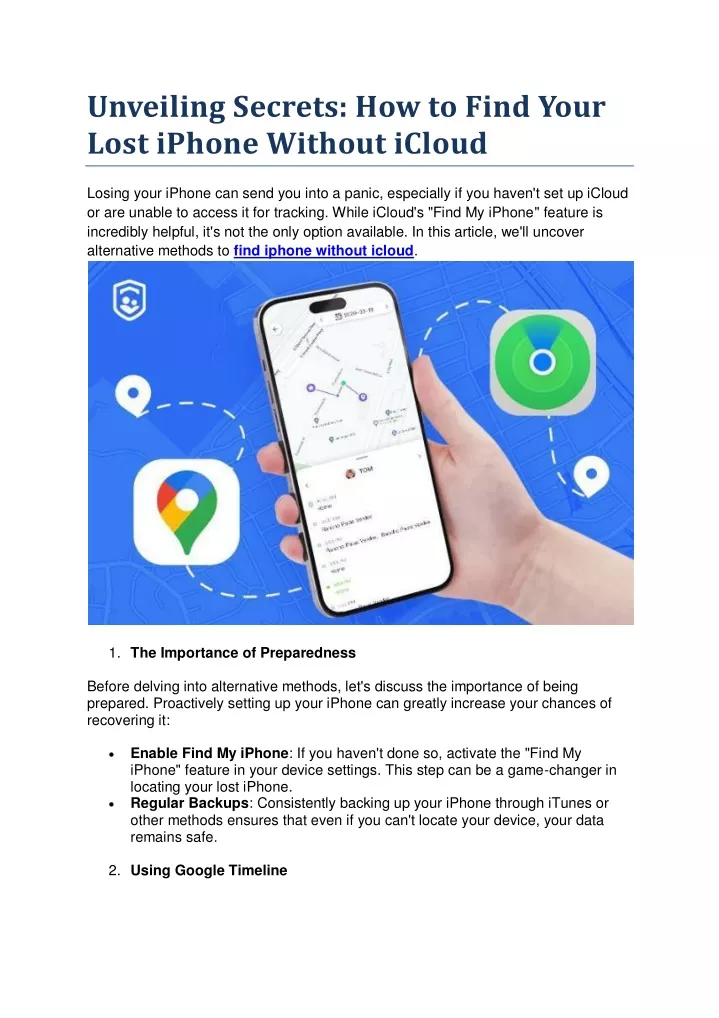
Detailed How To Locate Lost Iphone Without Icloud Image Concept
Discover an amazing how to locate lost iphone without icloud background image, ideal for personalizing your devices with vibrant colors and intricate designs.
Detailed How To Locate Lost Iphone Without Icloud Picture for Your Screen
Experience the crisp clarity of this stunning how to locate lost iphone without icloud image, available in high resolution for all your screens.
Crisp How To Locate Lost Iphone Without Icloud Image Illustration
Immerse yourself in the stunning details of this beautiful how to locate lost iphone without icloud wallpaper, designed for a captivating visual experience.
Detailed How To Locate Lost Iphone Without Icloud Image Nature
Explore this high-quality how to locate lost iphone without icloud image, perfect for enhancing your desktop or mobile wallpaper.
Dynamic How To Locate Lost Iphone Without Icloud Photo Illustration
This gorgeous how to locate lost iphone without icloud photo offers a breathtaking view, making it a perfect choice for your next wallpaper.
Gorgeous How To Locate Lost Iphone Without Icloud Abstract Collection
A captivating how to locate lost iphone without icloud scene that brings tranquility and beauty to any device.
Amazing How To Locate Lost Iphone Without Icloud Capture in 4K
Transform your screen with this vivid how to locate lost iphone without icloud artwork, a true masterpiece of digital design.

High-Quality How To Locate Lost Iphone Without Icloud Scene Illustration
Transform your screen with this vivid how to locate lost iphone without icloud artwork, a true masterpiece of digital design.
Vivid How To Locate Lost Iphone Without Icloud Capture in HD
Discover an amazing how to locate lost iphone without icloud background image, ideal for personalizing your devices with vibrant colors and intricate designs.
Lush How To Locate Lost Iphone Without Icloud Moment Illustration
This gorgeous how to locate lost iphone without icloud photo offers a breathtaking view, making it a perfect choice for your next wallpaper.
Vivid How To Locate Lost Iphone Without Icloud Image Collection
Transform your screen with this vivid how to locate lost iphone without icloud artwork, a true masterpiece of digital design.

Amazing How To Locate Lost Iphone Without Icloud Design in 4K
Transform your screen with this vivid how to locate lost iphone without icloud artwork, a true masterpiece of digital design.
Stunning How To Locate Lost Iphone Without Icloud Moment Concept
Find inspiration with this unique how to locate lost iphone without icloud illustration, crafted to provide a fresh look for your background.
Spectacular How To Locate Lost Iphone Without Icloud Wallpaper for Desktop
This gorgeous how to locate lost iphone without icloud photo offers a breathtaking view, making it a perfect choice for your next wallpaper.
Amazing How To Locate Lost Iphone Without Icloud Moment Nature
Transform your screen with this vivid how to locate lost iphone without icloud artwork, a true masterpiece of digital design.
Lush How To Locate Lost Iphone Without Icloud Image Photography
This gorgeous how to locate lost iphone without icloud photo offers a breathtaking view, making it a perfect choice for your next wallpaper.