Iphone No Service Verizon: Quick Fixes and Deep Dives
There are few things more frustrating than grabbing your iPhone only to see the dreaded "No Service" message staring back at you, especially when you are a loyal Verizon customer. That immediate feeling of panic—being disconnected from calls, texts, and data—is completely understandable. When your Iphone No Service Verizon situation pops up, it can feel like your expensive device has suddenly turned into a glorified paperweight.
But don't toss your phone against the wall just yet! Most of the time, this issue is fixable right from home. We're going to walk through all the potential causes, from simple software glitches to deeper Verizon network issues, ensuring you can troubleshoot like a pro and get back online fast.
The Basics: Why Your iPhone Says "No Service" on Verizon
When your iPhone loses service, it means the device can no longer communicate with the Verizon cellular network. This interruption can be caused by several factors. Sometimes, it's a simple temporary hiccup, like driving through a dead zone or a momentary network outage.
However, if the "No Service" warning persists, the problem usually stems from one of three areas: software conflicts, improper network settings, or, less commonly, a hardware failure within the phone itself. Since Verizon runs a very robust network, we often find the issue is localized to the device or the account status.
Initial Troubleshooting Steps (The Quick Fixes)
Before diving into complicated technical fixes, let's try the easiest solutions first. You'd be surprised how often a simple restart can resolve a sticky connection error causing your Iphone No Service Verizon trouble.
Follow these steps in order:
- Toggle Airplane Mode: Swipe down to open Control Center and tap the airplane icon to turn Airplane Mode ON. Wait 15 seconds, then turn it OFF again. This forces your iPhone to attempt a fresh connection to the Verizon towers.
- Perform a Hard Restart: Turn your phone completely off and back on. For modern iPhones (X and later), press and quickly release the Volume Up button, then Volume Down, and then press and hold the Side button until the Apple logo appears.
- Check Physical Location: If you are underground, in a concrete building, or in a known remote area, the issue might be environmental. Try moving to an open area and see if service returns.
If those quick fixes don't restore your Verizon signal, the problem likely runs a little deeper.
Software & Carrier Settings (Making Sure You're Updated)
Apple and Verizon frequently release carrier updates to improve connectivity and fix bugs. If you have deferred these updates, it could easily be the cause of your "No Service" notification.
Here's how to ensure everything is current:
- Update iOS: Go to Settings > General > Software Update. If an update is available, download and install it.
- Check for Carrier Settings Update: Go to Settings > General > About. If an update from Verizon is available, a pop-up should immediately appear asking you to update your carrier settings. Install this immediately.
- Check Date and Time: Ensure your iPhone's Date & Time is set correctly, preferably automatically. Incorrect settings can sometimes interfere with network authentication.
Dealing with Verizon-Specific Issues
Since the problem is specific to Verizon, we need to consider factors related to your account and their network configuration. Sometimes, the iPhone itself is fine, but the carrier is preventing connection.
Checking Your Verizon Account Status
It sounds simple, but outstanding bills or administrative errors can instantly kill your service. If you are seeing Iphone No Service Verizon consistently, check your account via Wi-Fi.
Log into your My Verizon app or website. Look for any notifications regarding:
- Late Payments: Verizon can suspend service almost immediately if a payment is past due.
- Service Suspensions: Did you recently travel or request a temporary suspension? Ensure your line is fully active.
- Network Outages: Check Verizon's official outage map or social media. If a major tower in your area is down for maintenance or repair, all devices will display "No Service."
Resetting Network Settings (The Nuclear Option)
If all other software fixes have failed, the next step is resetting your network settings. Be warned: this will erase all saved Wi-Fi passwords and paired Bluetooth devices. It's annoying, but it often resolves deep-seated configuration errors.
To do this, navigate to Settings > General > Transfer or Reset iPhone > Reset > Reset Network Settings. You will need to enter your passcode. Once complete, your iPhone will restart, and you will need to re-enter your Wi-Fi details.
Hardware Problems and When to Seek Help
If you have tried every software tweak, confirmed your Verizon account is fine, and you still see that miserable "No Service" status, it's time to look at the physical components of your phone. Hardware failure, though rare, is a definite possibility, especially if the phone has been dropped or exposed to moisture.
SIM Card Issues (Physical Inspection)
The SIM card is the brain that identifies your iPhone to the Verizon network. If the SIM is damaged, dirty, or improperly seated, service will fail. Use a paper clip or SIM ejector tool to carefully remove the SIM tray.
Check the following:
- SIM Card Condition: Is it scratched, bent, or dirty? Gently wipe the gold contacts with a clean, dry cloth.
- Tray Condition: Is the SIM tray damaged? If the tray is bent, it might not be making proper contact inside the phone.
- Test with Another SIM: If possible, swap your Verizon SIM into another unlocked phone. If the other phone immediately gets service, your iPhone is the problem. If the other phone also shows "No Service," the SIM card is defective and needs replacement from a Verizon store.
Addressing IMEI and Blacklisting Concerns for iPhone No Service Verizon
If you purchased your iPhone used, or if it was recently reported lost or stolen, it may have been blacklisted. A blacklisted phone cannot connect to any major carrier, including Verizon, rendering the device useless for cellular purposes.
You can check the IMEI number (dial *#06# to find it) against reputable online databases or by contacting Verizon directly. If the phone is blacklisted, no troubleshooting steps will fix the Iphone No Service Verizon error—you'll need to contact the seller or file a police report.
Internal Modem Failure (The Worst-Case Scenario)
The cellular modem is the hardware chip responsible for communication. If this component fails—often due to physical shock or heat damage—it cannot be fixed through software. This is a common issue with certain older iPhone models (like some iPhone 7 series devices) that experienced widespread modem issues, but it can happen to any device.
How do you check for this? If you go to Settings > General > About, and the "Modem Firmware" field is completely blank, that is a strong indicator of a severe hardware failure. At this point, the troubleshooting is over. It's time to seek professional help.
If your device is still under warranty (or AppleCare+), contact Apple immediately. If not, you will need to weigh the cost of an expensive out-of-warranty repair versus the cost of replacing the device entirely.
Conclusion: Getting Back Online with Verizon
Seeing "No Service" on your iPhone is annoying, but remember that the fix is usually found in the simplest steps first: toggling Airplane Mode or performing a quick restart. For more persistent issues, ensuring your iOS and carrier settings are fully updated is critical, especially when dealing with the Verizon network's specific requirements.
By systematically addressing software glitches, confirming your Verizon account status, and finally inspecting the SIM card, you can resolve the majority of Iphone No Service Verizon problems without needing a trip to the store. If, after all these steps, the service remains lost, unfortunately, you are likely facing a hardware problem and professional repair will be necessary.
FAQ: Iphone No Service Verizon
- Why does my iPhone suddenly say "No Service" only on Verizon?
- If the issue is specific to Verizon, it often relates to an expired or corrupted carrier settings update, a temporary tower outage in your immediate area, or a problem with your billing status causing temporary service suspension.
- Does resetting network settings fix "No Service" issues?
- Yes, resetting network settings often clears corrupted Wi-Fi, VPN, and cellular configuration data that prevents your iPhone from properly registering with the Verizon network. It should be one of your deeper troubleshooting steps.
- Should I contact Verizon or Apple first for my "No Service" problem?
- If you've completed all basic software resets (Airplane Mode, restarting) and carrier updates, contact Verizon first. They can confirm the status of your line, verify your SIM card activation, and check for local outages. If Verizon confirms everything is fine on their end, then contact Apple Support for potential hardware diagnostics.
- Is a new SIM card required if I keep getting the "Iphone No Service Verizon" error?
- A new SIM is only required if your current SIM card is physically damaged, or if testing it in another working phone confirms the SIM itself is defective. Always try software fixes before assuming the SIM needs replacement.
Iphone No Service Verizon
Iphone No Service Verizon Wallpapers
Collection of iphone no service verizon wallpapers for your desktop and mobile devices.

Serene Iphone No Service Verizon Wallpaper for Desktop
Transform your screen with this vivid iphone no service verizon artwork, a true masterpiece of digital design.

Artistic Iphone No Service Verizon Landscape Nature
Immerse yourself in the stunning details of this beautiful iphone no service verizon wallpaper, designed for a captivating visual experience.
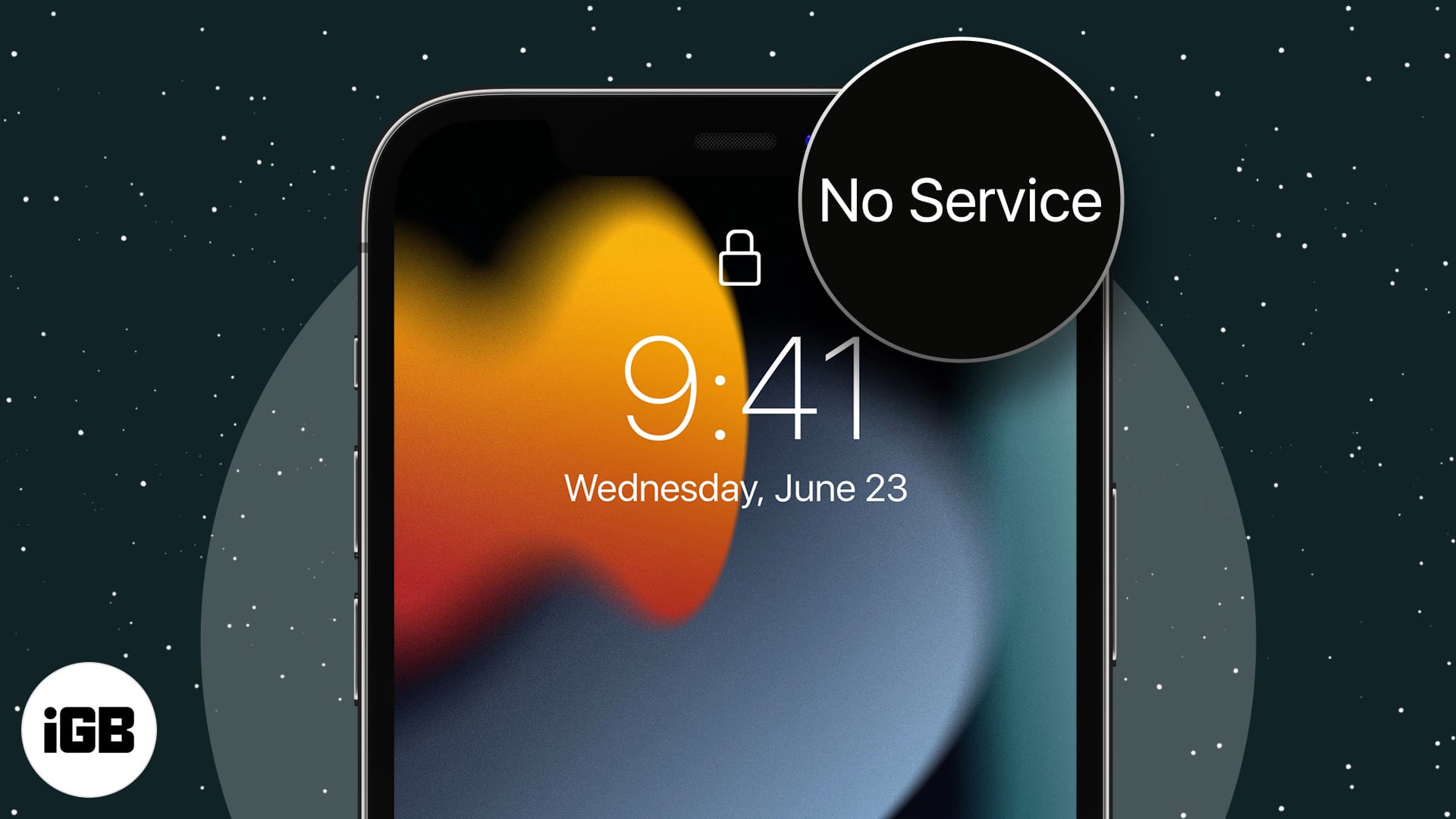
Beautiful Iphone No Service Verizon Scene Digital Art
Discover an amazing iphone no service verizon background image, ideal for personalizing your devices with vibrant colors and intricate designs.
Crisp Iphone No Service Verizon Landscape for Desktop
Immerse yourself in the stunning details of this beautiful iphone no service verizon wallpaper, designed for a captivating visual experience.
Beautiful Iphone No Service Verizon Abstract Concept
Transform your screen with this vivid iphone no service verizon artwork, a true masterpiece of digital design.
Vivid Iphone No Service Verizon Capture Concept
Discover an amazing iphone no service verizon background image, ideal for personalizing your devices with vibrant colors and intricate designs.

Vibrant Iphone No Service Verizon Moment in HD
Transform your screen with this vivid iphone no service verizon artwork, a true masterpiece of digital design.

High-Quality Iphone No Service Verizon Artwork Art
Explore this high-quality iphone no service verizon image, perfect for enhancing your desktop or mobile wallpaper.
Amazing Iphone No Service Verizon Capture for Desktop
Transform your screen with this vivid iphone no service verizon artwork, a true masterpiece of digital design.
Amazing Iphone No Service Verizon Artwork Collection
Experience the crisp clarity of this stunning iphone no service verizon image, available in high resolution for all your screens.
Beautiful Iphone No Service Verizon Capture Nature
Discover an amazing iphone no service verizon background image, ideal for personalizing your devices with vibrant colors and intricate designs.

Stunning Iphone No Service Verizon Capture Photography
This gorgeous iphone no service verizon photo offers a breathtaking view, making it a perfect choice for your next wallpaper.

Mesmerizing Iphone No Service Verizon Design in 4K
Explore this high-quality iphone no service verizon image, perfect for enhancing your desktop or mobile wallpaper.

Detailed Iphone No Service Verizon View Nature
Explore this high-quality iphone no service verizon image, perfect for enhancing your desktop or mobile wallpaper.

Lush Iphone No Service Verizon Artwork Nature
Find inspiration with this unique iphone no service verizon illustration, crafted to provide a fresh look for your background.

Beautiful Iphone No Service Verizon Photo for Desktop
Explore this high-quality iphone no service verizon image, perfect for enhancing your desktop or mobile wallpaper.
Dynamic Iphone No Service Verizon Scene Art
Find inspiration with this unique iphone no service verizon illustration, crafted to provide a fresh look for your background.

Captivating Iphone No Service Verizon Image Concept
This gorgeous iphone no service verizon photo offers a breathtaking view, making it a perfect choice for your next wallpaper.

Exquisite Iphone No Service Verizon Moment for Mobile
Find inspiration with this unique iphone no service verizon illustration, crafted to provide a fresh look for your background.

Vivid Iphone No Service Verizon Background for Mobile
Explore this high-quality iphone no service verizon image, perfect for enhancing your desktop or mobile wallpaper.
Download these iphone no service verizon wallpapers for free and use them on your desktop or mobile devices.