The Ultimate Guide to Bringing Retro Glory: Your iPhone Gameboy Experience
Do you ever get that intense rush of nostalgia thinking about playing Pokémon Red or The Legend of Zelda: Link's Awakening on that chunky, gray handheld? We all do. The Gameboy defined a generation of portable gaming, but carrying around vintage hardware in 2024 isn't always practical.
What if I told you that the powerful device already sitting in your pocket—your iPhone—is the perfect candidate for a retro transformation? You can absolutely resurrect those classic games and create the ultimate modern Iphone Gameboy setup. It's easier and more immersive than you think.
This guide will walk you through everything you need, from software secrets to essential hardware accessories, ensuring you get the most authentic and enjoyable retro gaming session possible.
Why the iPhone Gameboy Combo is Perfect for Nostalgia
Your modern iPhone offers several advantages that even the original Gameboy couldn't touch. Think about the stunning retina display, the blazing-fast processing power, and the convenience of having everything in one device.
Turning your iPhone into a dedicated retro machine means you get to enjoy perfect emulation, crystal-clear graphics (if you choose to upgrade them), and seamless portability without sacrificing screen quality or battery life.
The Power of Emulation: Software Solutions
The magic behind the Iphone Gameboy experience lies in emulation software. These apps are designed to mimic the hardware and operating system of the original Gameboy, Gameboy Color (GBC), and Gameboy Advance (GBA), allowing you to play the original game files (ROMs).
Popular Emulators for iOS
While Apple historically made it tough to get these types of apps on the official App Store, the landscape is constantly changing. Thanks to evolving App Store policies and innovative developers, there are a few standout choices for the retro enthusiast:
- Delta Emulator: Often considered the gold standard for iOS emulation. Delta supports multiple Nintendo consoles, including GB, GBC, and GBA. It's sleek, user-friendly, and offers fantastic features like save states and cheat codes.
- RetroArch: A powerhouse of emulation, RetroArch functions as a front-end for various emulation "cores." It offers unparalleled flexibility but can have a slightly steeper learning curve for beginners.
- iGBA (App Store): Occasionally, single-console emulators sneak onto the App Store, though they are often quickly removed or rebranded. Always check current App Store listings for legitimate options.
How to Install Emulators (Sideloading vs. App Store)
Installing these apps usually falls into two categories. If the emulator is available directly on the App Store (which has become more common), installation is trivial.
If you need to "sideload," you are using third-party software to install apps outside the official App Store. This method requires a bit more technical setup, often involving services like AltStore or utilizing developer signing methods, but it grants access to more powerful, feature-rich emulators like Delta.
Hardware Transformation: Must-Have Accessories
While on-screen touch controls work, they simply don't capture the true feel of a Gameboy. To genuinely transform your device into an Iphone Gameboy, you need physical controls.
Modern iOS supports Bluetooth controllers natively, but the best experience comes from dedicated accessories that physically embrace your iPhone.
Dedicated Controllers (Backbone, Razer Kishi)
These devices snap around your iPhone, turning it into a device that looks and feels like a professional handheld console. They provide the necessary tactile feedback crucial for precision platforming and fast-paced RPGs.
- Backbone One: Famous for its comfortable layout and low-latency connection. It feels premium and works flawlessly with all major iOS emulators, giving you console-quality control.
- Razer Kishi (V2): Known for its expandable bridge design, the Kishi offers clicky, satisfying buttons. It provides an excellent layout for retro games, often mimicking the feel of dedicated handhelds.
- 8BitDo Controllers: If you prefer the look of classic Nintendo controllers, 8BitDo makes fantastic Bluetooth controllers that pair easily with iOS and often feature retro styling.
Using one of these ensures that pressing the A or B button registers instantly, making those tricky jumps in Metroid Fusion feel just right.
Case Converters (Gameboy-Style Accessories)
For those obsessed with aesthetics, there are specific cases designed to make your iPhone look exactly like a classic Gameboy. These often utilize the phone's Lightning or USB-C port to power functional D-pads and buttons built into the case itself.
While they might be bulkier than standard snap-on controllers, they offer the highest level of visual authenticity. Imagine pulling out a device that looks like a transparent purple GBC, but plays games with the clarity of a modern iPhone screen—it's the best of both worlds.
Setting Up Your Retro Gaming Library
Once you have the emulator and the controller, the next crucial step is stocking your library. You'll need the game files themselves, often referred to as ROMs.
Finding and Managing ROMs Legally
A quick note on legality: In many jurisdictions, obtaining ROMs for games you do not physically own is considered piracy. To stay on the right side of the law, you should only play digital copies of games you have legitimately backed up from your own physical cartridges.
Managing ROMs on iOS is typically done through cloud services. Simply upload your legally obtained game files to Google Drive or Dropbox, and the emulator (like Delta) can link directly to those cloud folders to load the games instantly.
Customizing Your Setup (Skins, Filters)
One of the great features of modern emulation is customization. If you're using the on-screen controls, many emulators allow you to load custom skins that perfectly replicate the look of the original Gameboy buttons.
Furthermore, you can use video filters. Do you want the graphics to look perfectly pixelated and sharp? Or perhaps you prefer the authentic blur and greenish tint of the original Gameboy screen? Emulators allow you to apply CRT or 'dot matrix' filters for maximum authenticity or disable them completely for a modern HD look.
Troubleshooting and Best Practices
Even the best setup can sometimes hit a snag. Here are a few quick tips to keep your Iphone Gameboy experience smooth:
- Battery Life: Emulation can be power-intensive. Always ensure your iPhone is adequately charged or, better yet, use a controller with pass-through charging capabilities.
- Save States: Use the "Save State" feature often! Unlike the original Gameboy's battery-backed saves, save states let you instantly save and reload your progress exactly where you left off, which is a lifesaver for challenging games.
- Update Regularly: If you are using a sideloaded app, keep an eye on updates. Apple can occasionally revoke the signing certificates, requiring you to re-install or refresh the app via AltStore or similar services.
By following these best practices, you minimize downtime and maximize playtime, making your iPhone Gameboy conversion a reliable source of fun.
Conclusion: The Ultimate Portable Retro Machine
The journey from the classic gray brick to the sleek smartphone has been long, but the nostalgia remains strong. By combining powerful emulation software like Delta with high-quality physical accessories like the Backbone or Razer Kishi, your iPhone transforms into the most powerful, portable, and convenient Iphone Gameboy ever created.
Whether you're revisiting Kanto, exploring Koholint Island, or just looking to enjoy some classic puzzle games, the ability to carry hundreds of Gameboy, GBC, and GBA titles in your pocket is truly unbeatable. Go ahead, dive back into those 8-bit and 16-bit worlds—your iPhone is ready for retro glory!
Frequently Asked Questions (FAQ) about the Iphone Gameboy
- Is turning my iPhone into an iPhone Gameboy setup legal?
- The emulation software itself is generally legal. However, the legal status of the game files (ROMs) depends on how you obtain them. To be fully legal, you should only use ROMs that you have personally backed up from physical copies of games you own.
- Which iPhone models work best for Gameboy emulation?
- Any modern iPhone (iPhone 8 and newer) handles Gameboy, GBC, and GBA emulation flawlessly. These systems require very little processing power. However, newer iPhones with larger, higher-resolution screens offer a better visual experience.
- Do I need to jailbreak my iPhone to use a Gameboy emulator?
- No. While jailbreaking was once necessary, modern methods like sideloading via services like AltStore or using newly approved App Store emulators allow you to install the necessary software without compromising the security of your device.
- Can I use my old wired Gameboy controllers with my iPhone?
- Directly connecting original Gameboy controllers requires complex adapters and sometimes jailbreaking. It is far more practical and reliable to use modern Bluetooth controllers (like those from 8BitDo) or dedicated Lightning/USB-C controllers like the Backbone.
- Do GBA games run as well as original Gameboy games on the iPhone?
- Yes, absolutely. The processing power of even older iPhones is vastly superior to the Gameboy Advance hardware, ensuring perfect framerates and performance for all GBA titles through modern emulation software.
Iphone Gameboy
Iphone Gameboy Wallpapers
Collection of iphone gameboy wallpapers for your desktop and mobile devices.
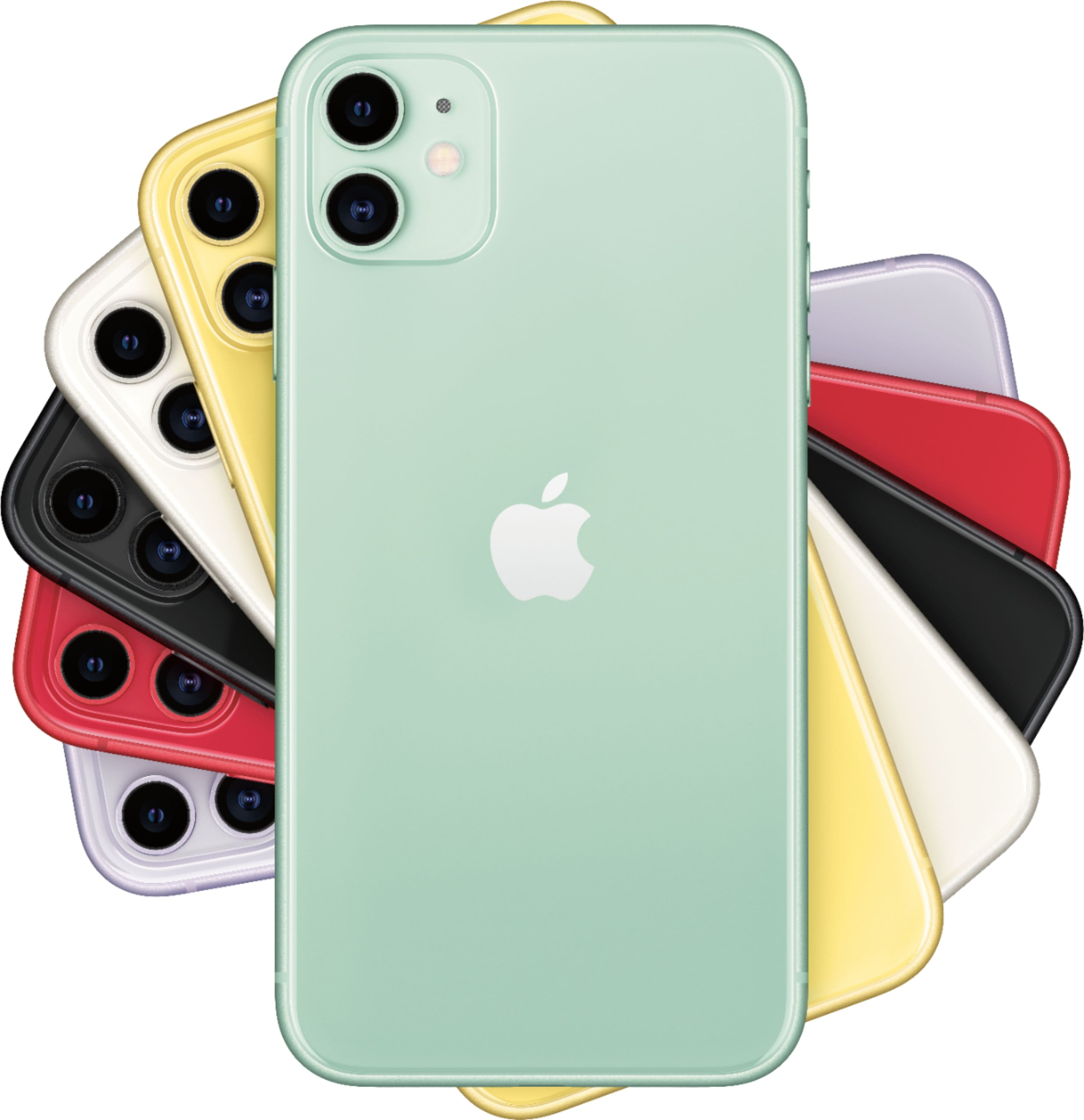
Breathtaking Iphone Gameboy Background Photography
Explore this high-quality iphone gameboy image, perfect for enhancing your desktop or mobile wallpaper.
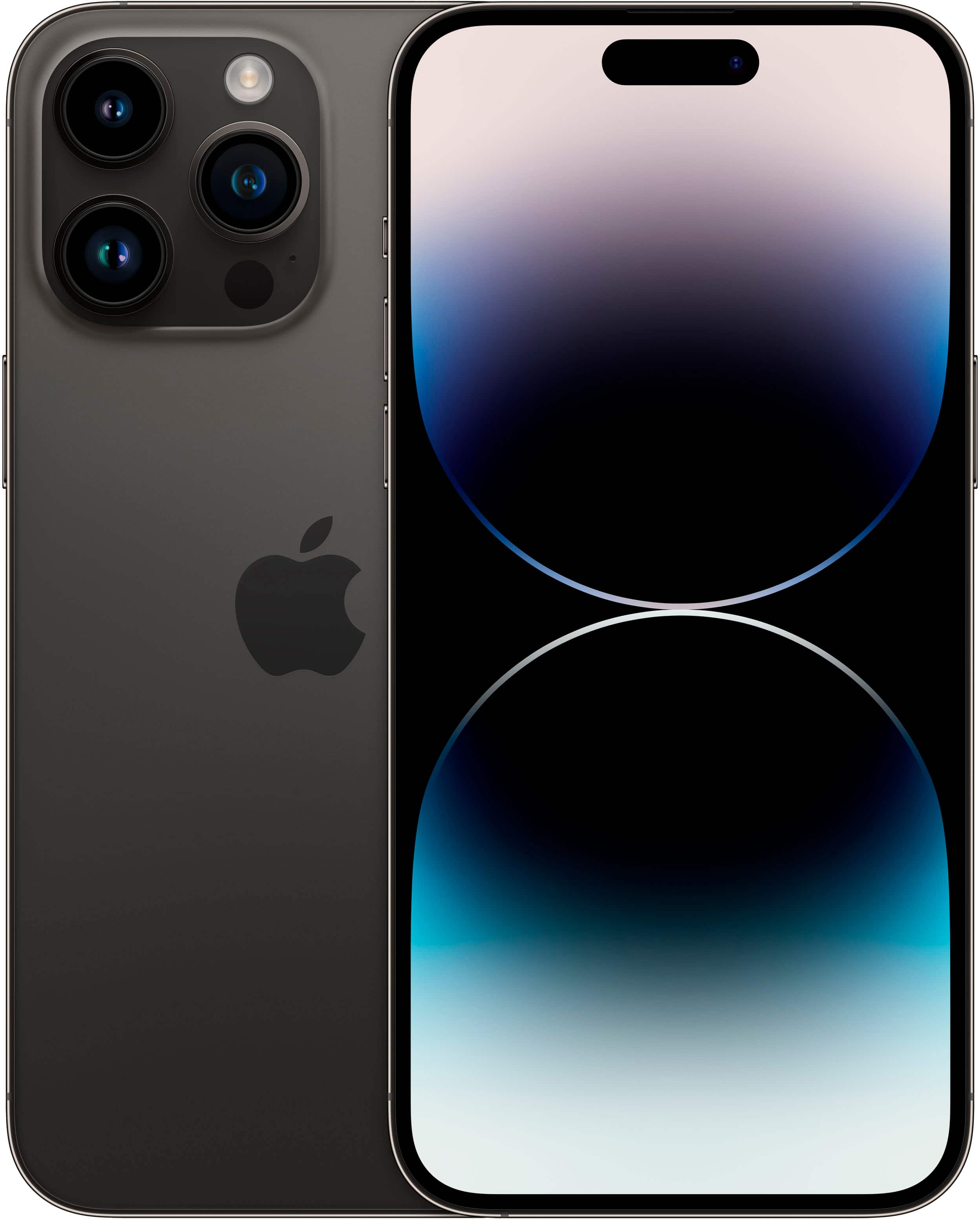
Vibrant Iphone Gameboy Picture Photography
Discover an amazing iphone gameboy background image, ideal for personalizing your devices with vibrant colors and intricate designs.
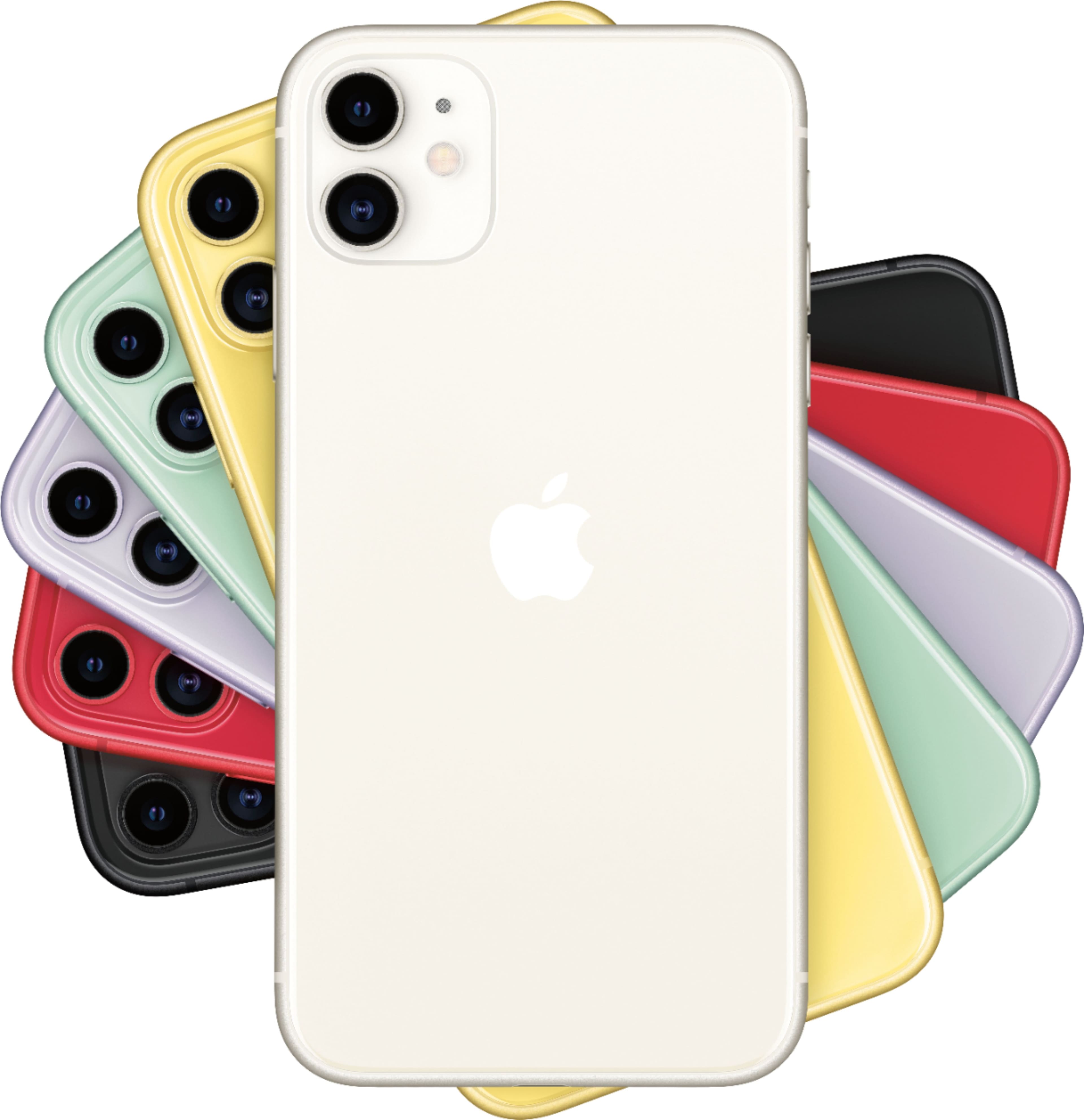
Amazing Iphone Gameboy Artwork Photography
Experience the crisp clarity of this stunning iphone gameboy image, available in high resolution for all your screens.
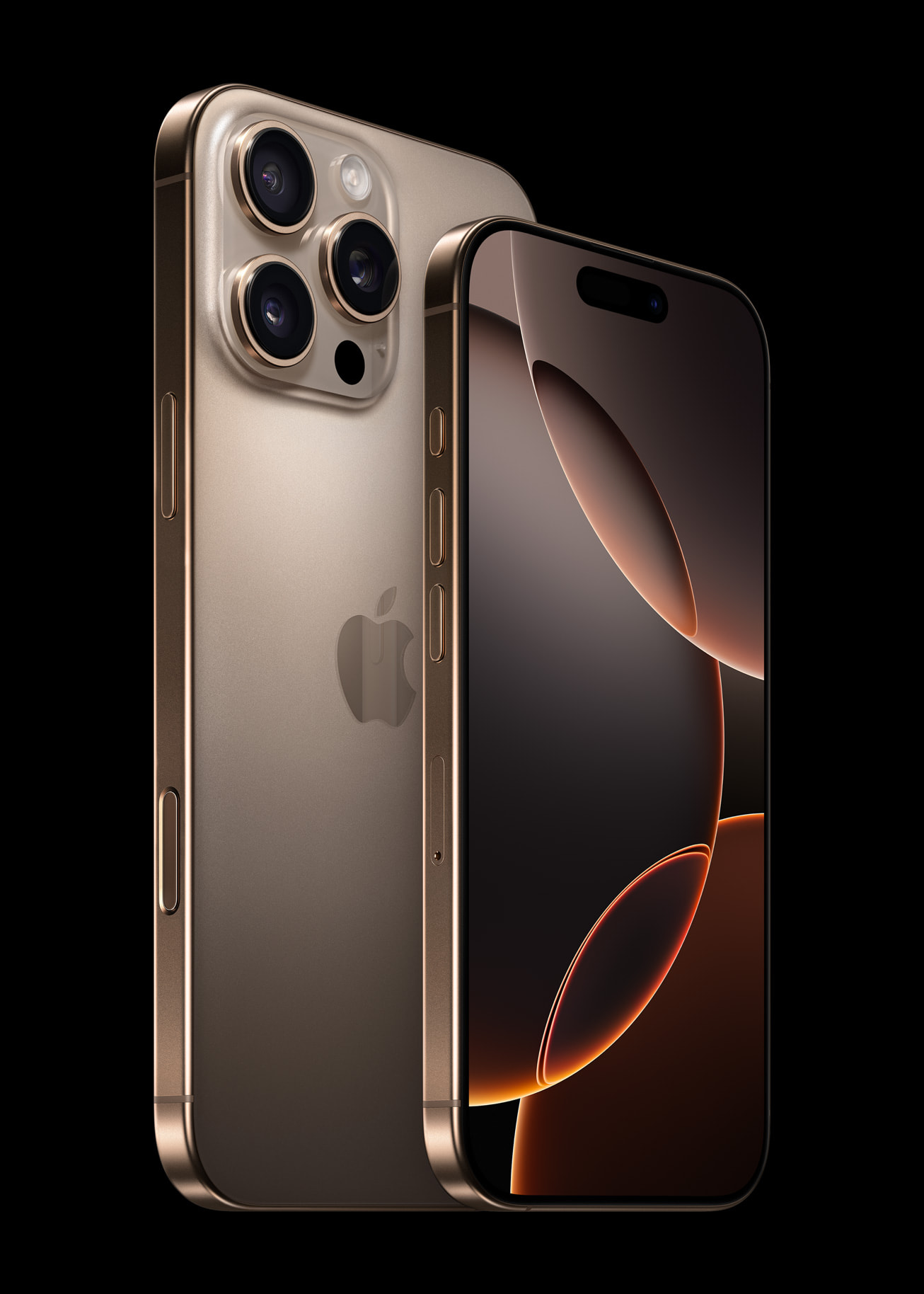
Vivid Iphone Gameboy Image Photography
Experience the crisp clarity of this stunning iphone gameboy image, available in high resolution for all your screens.
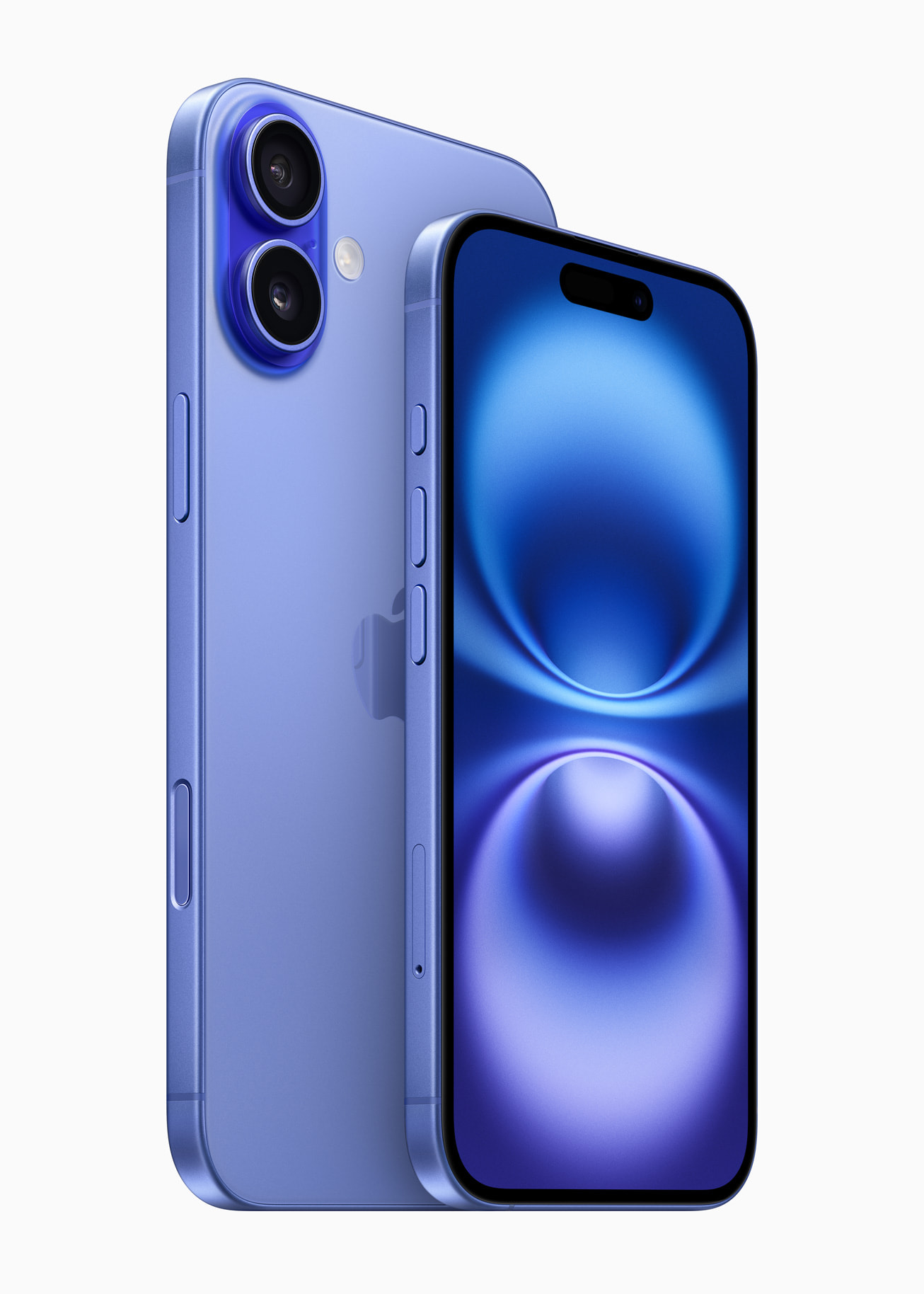
Stunning Iphone Gameboy Image Nature
A captivating iphone gameboy scene that brings tranquility and beauty to any device.
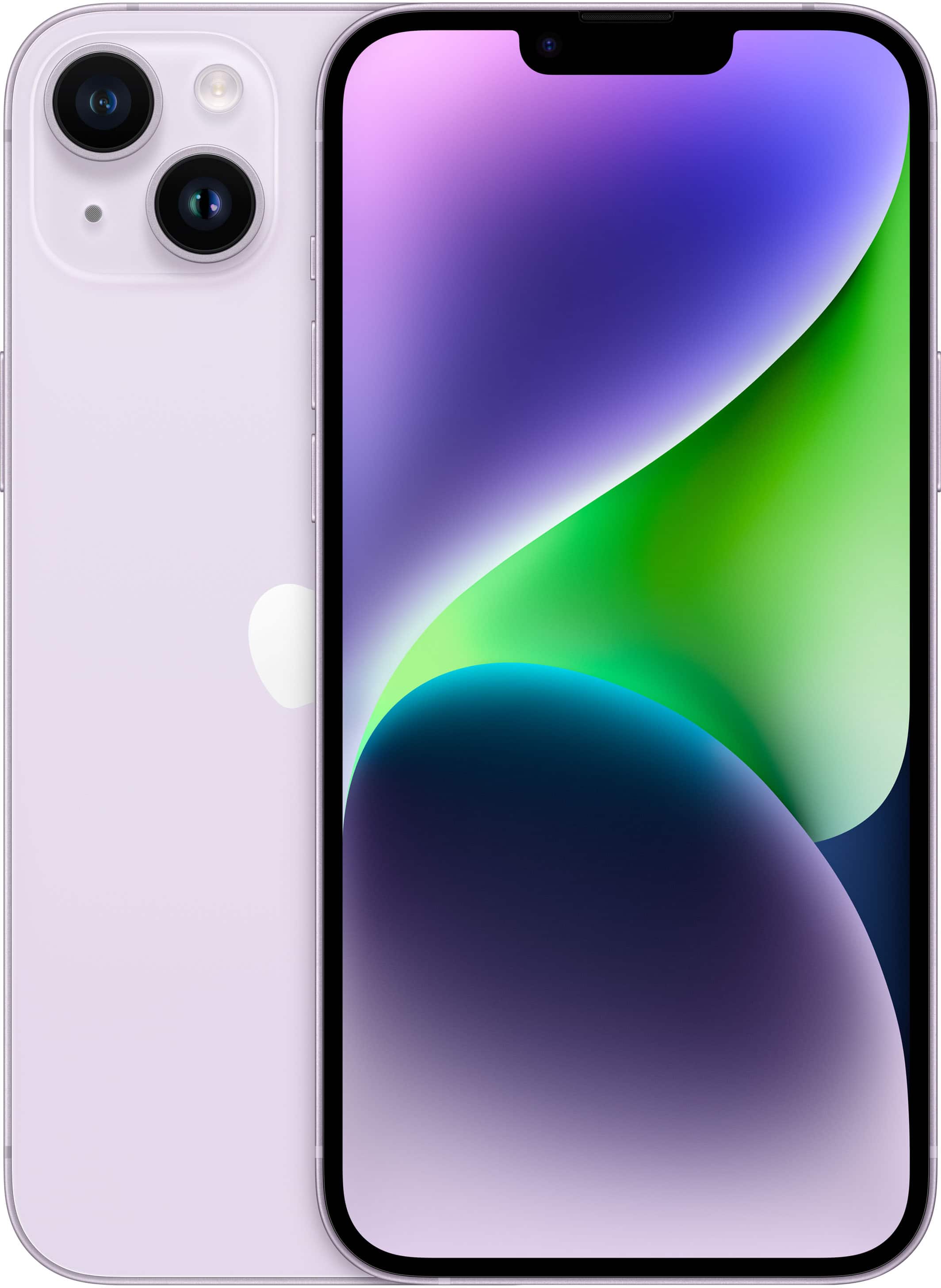
High-Quality Iphone Gameboy Abstract Art
Experience the crisp clarity of this stunning iphone gameboy image, available in high resolution for all your screens.
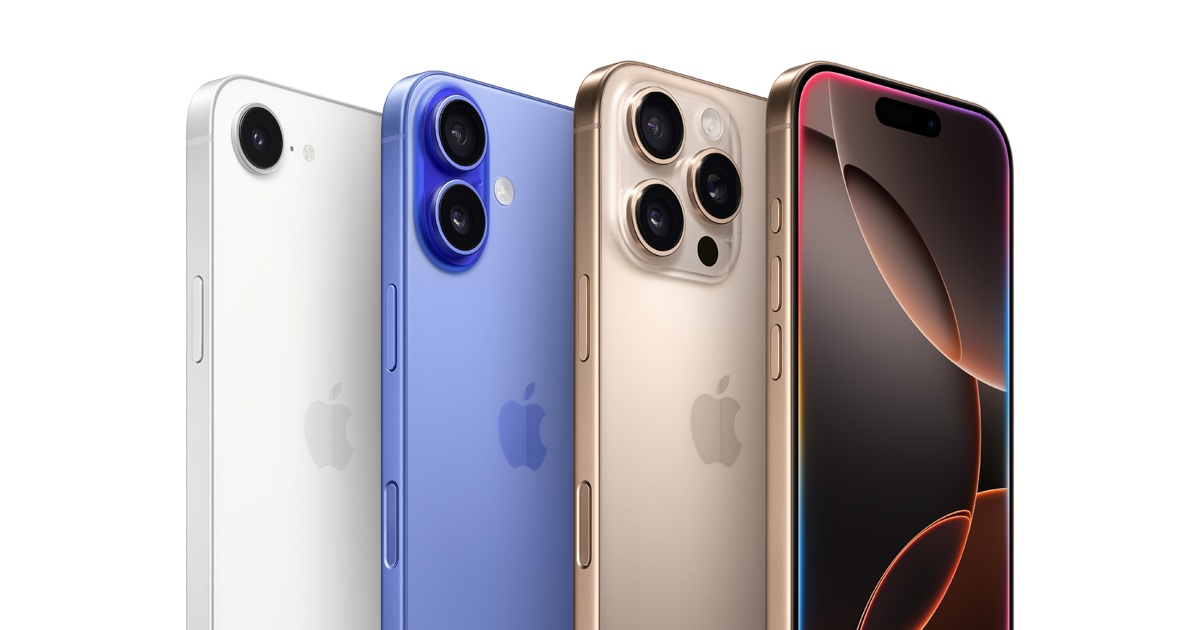
Lush Iphone Gameboy Capture for Mobile
This gorgeous iphone gameboy photo offers a breathtaking view, making it a perfect choice for your next wallpaper.
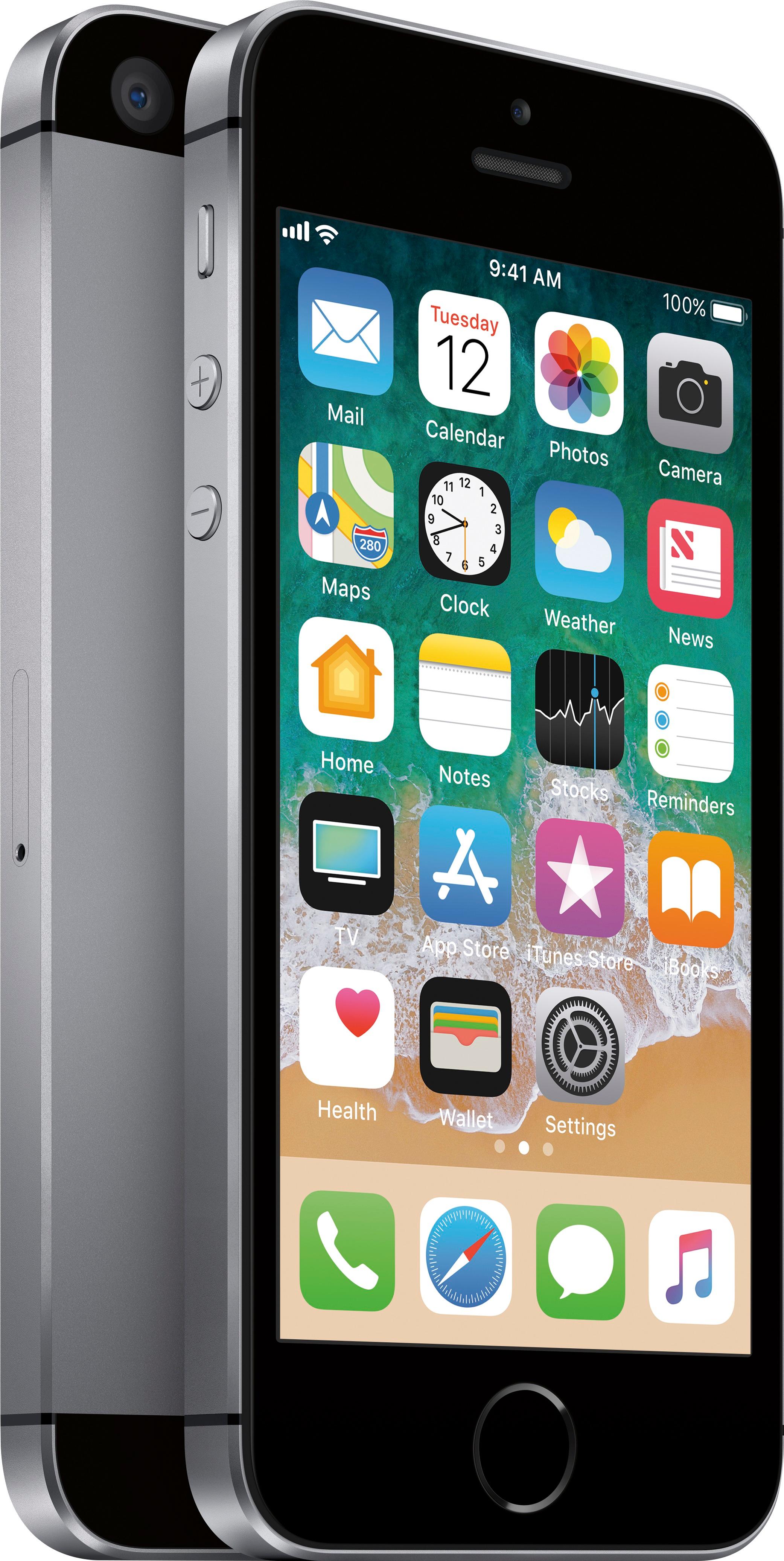
Breathtaking Iphone Gameboy Design in HD
Experience the crisp clarity of this stunning iphone gameboy image, available in high resolution for all your screens.
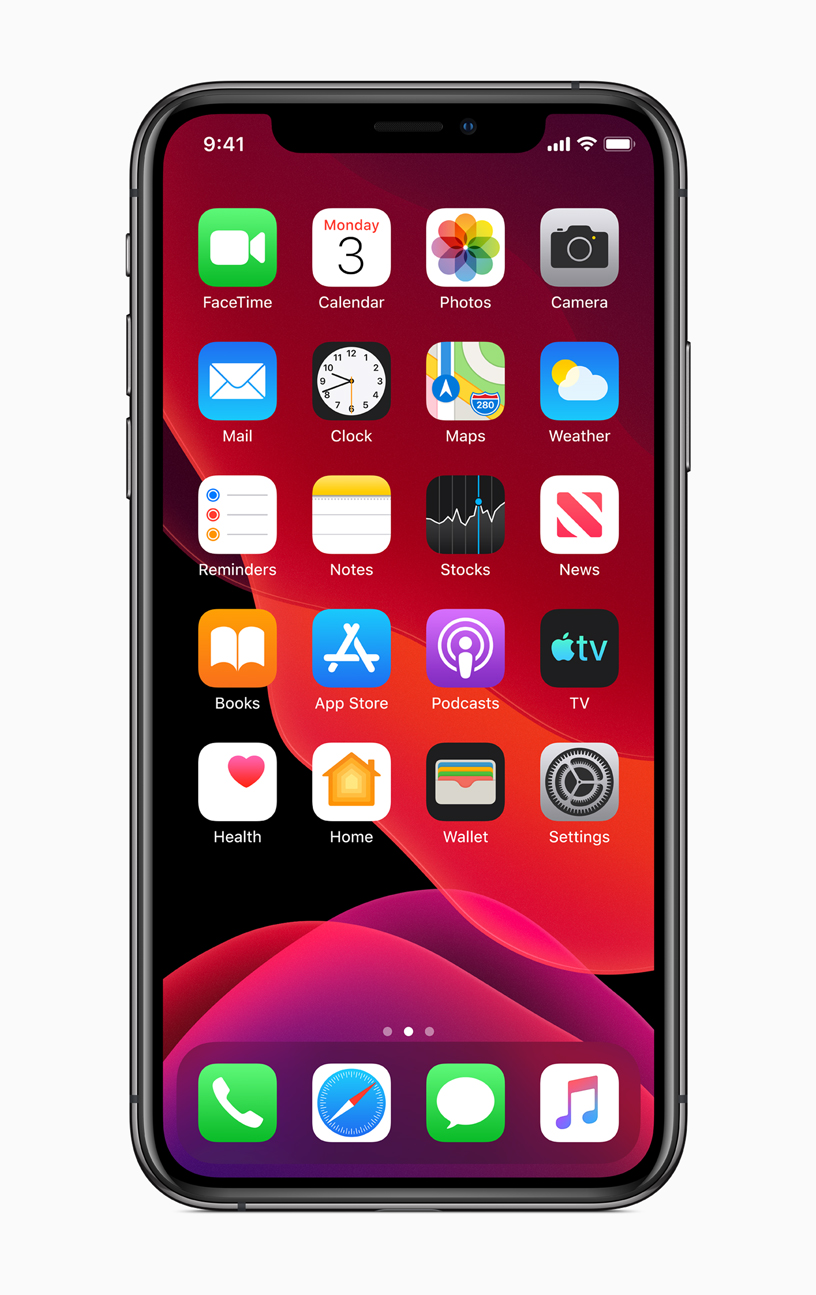
Crisp Iphone Gameboy Photo Digital Art
This gorgeous iphone gameboy photo offers a breathtaking view, making it a perfect choice for your next wallpaper.
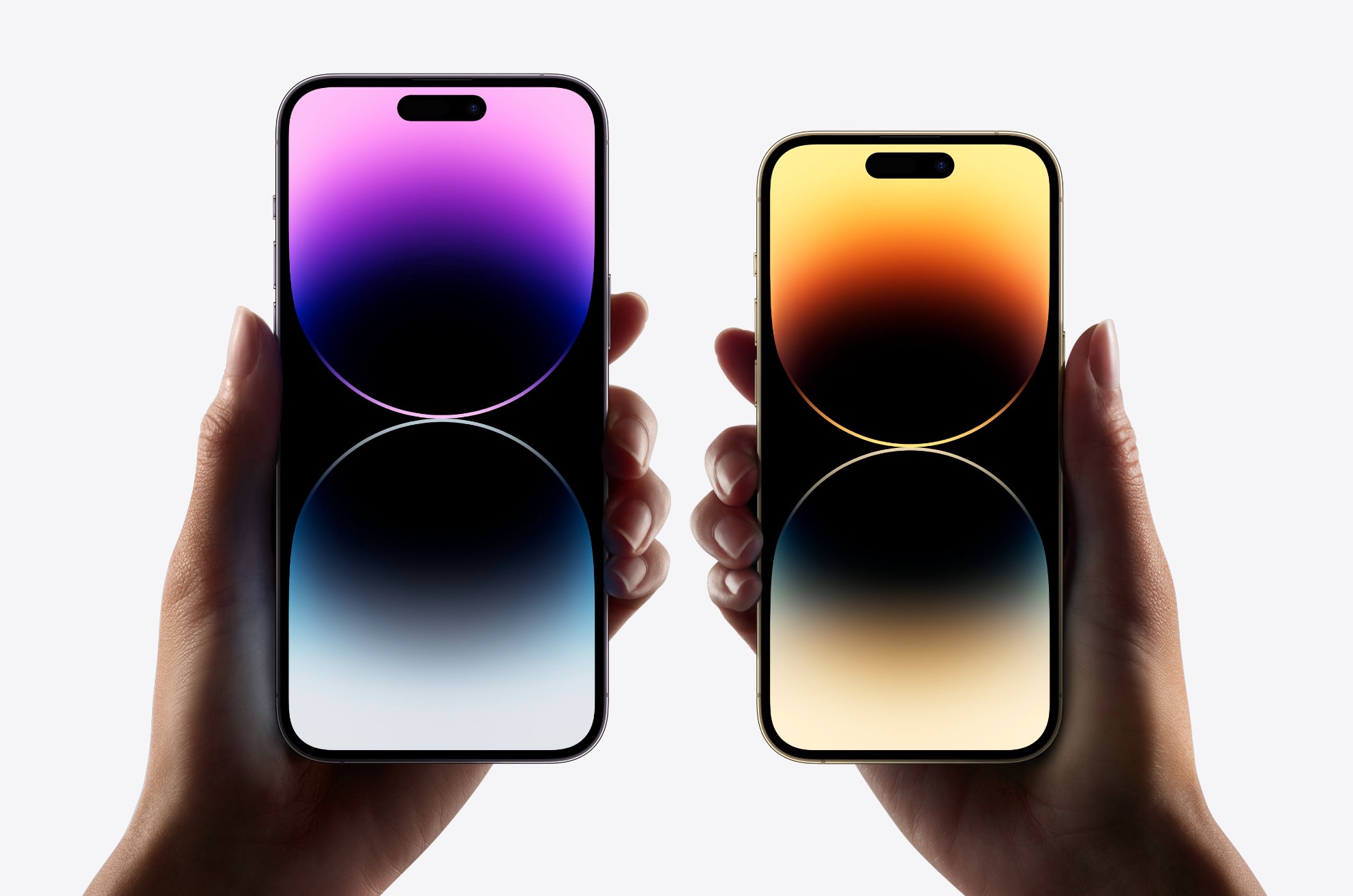
Vibrant Iphone Gameboy Picture for Mobile
Transform your screen with this vivid iphone gameboy artwork, a true masterpiece of digital design.
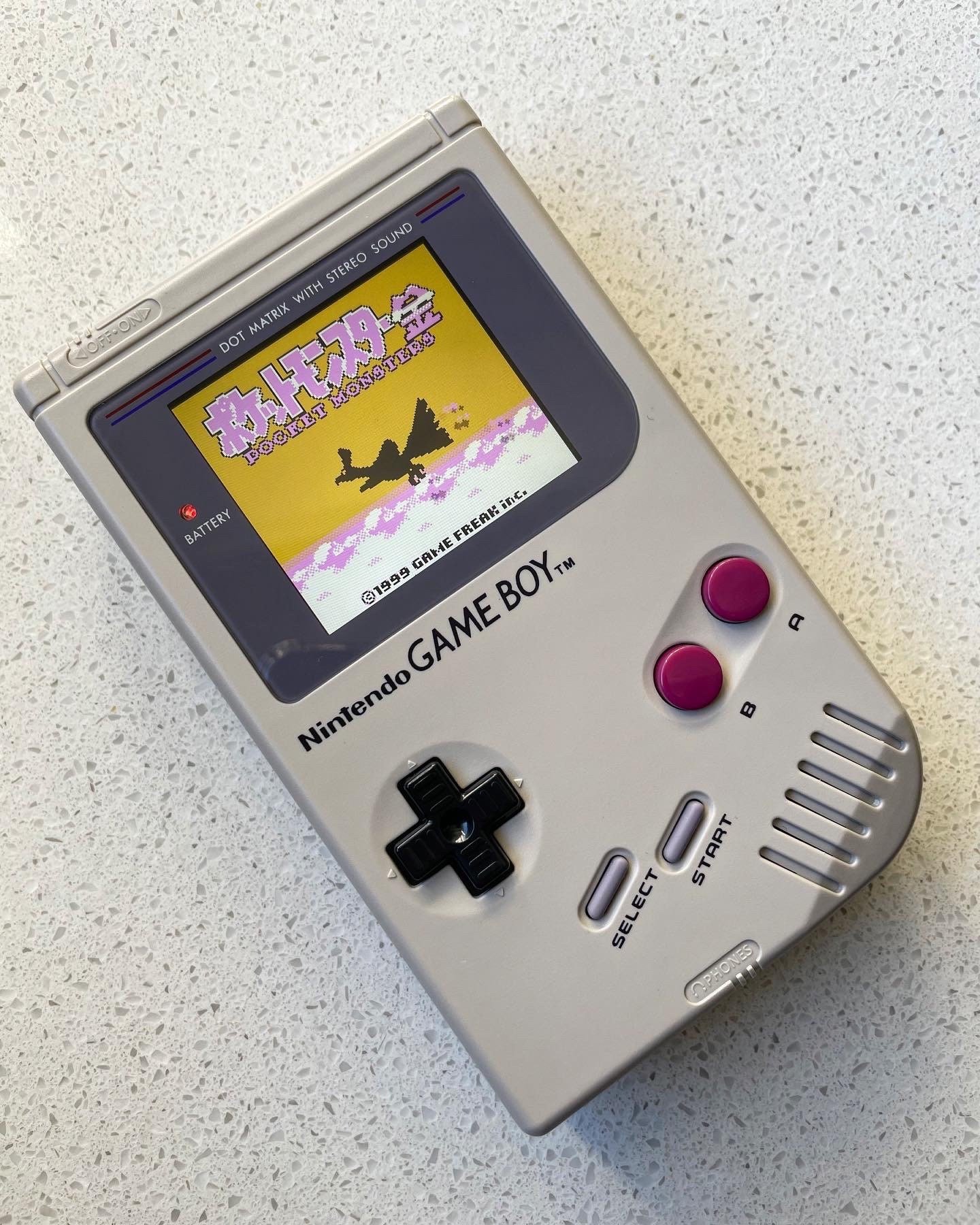
Exquisite Iphone Gameboy Abstract Art
A captivating iphone gameboy scene that brings tranquility and beauty to any device.
Gorgeous Iphone Gameboy View Art
Immerse yourself in the stunning details of this beautiful iphone gameboy wallpaper, designed for a captivating visual experience.
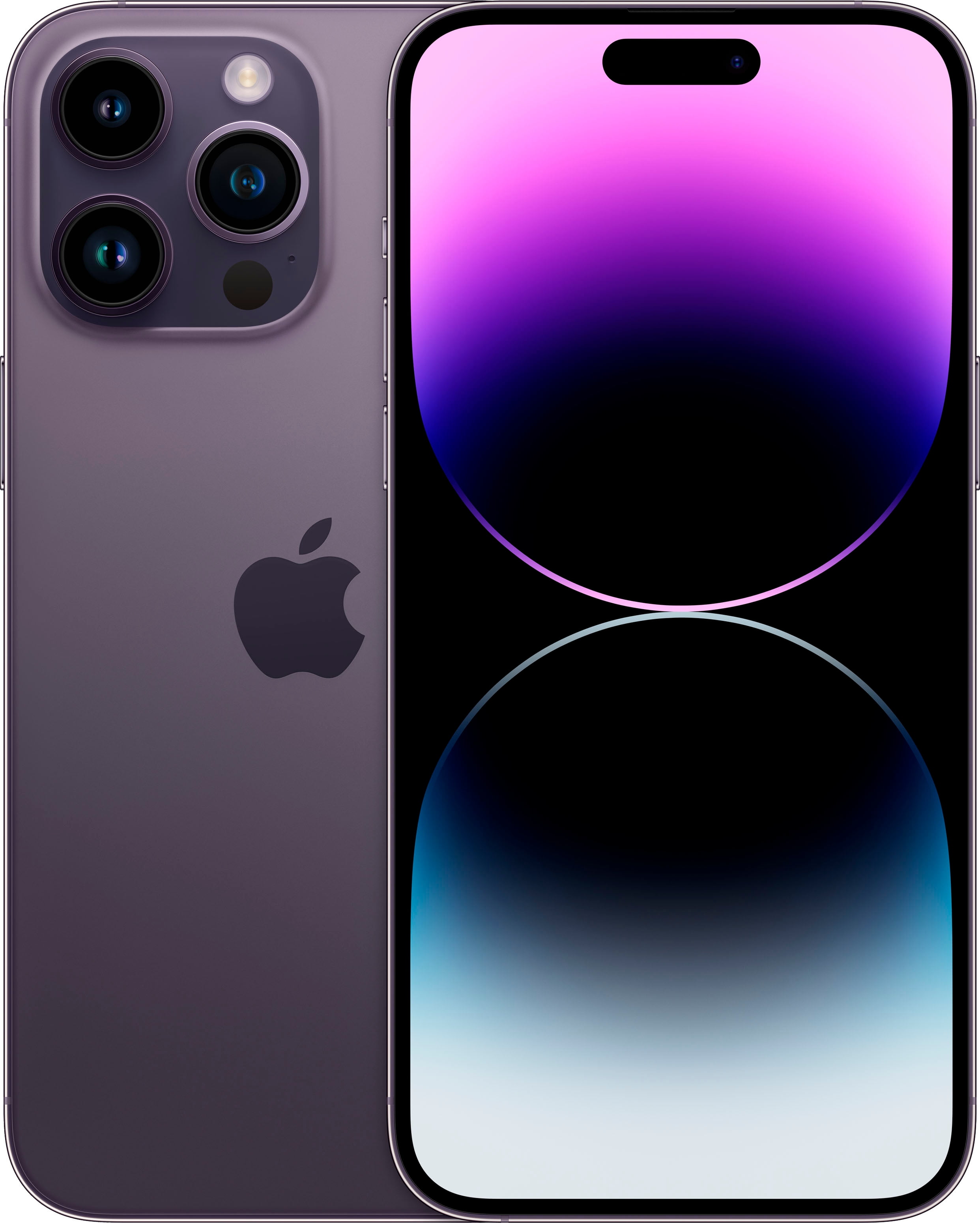
Breathtaking Iphone Gameboy Wallpaper Digital Art
Explore this high-quality iphone gameboy image, perfect for enhancing your desktop or mobile wallpaper.
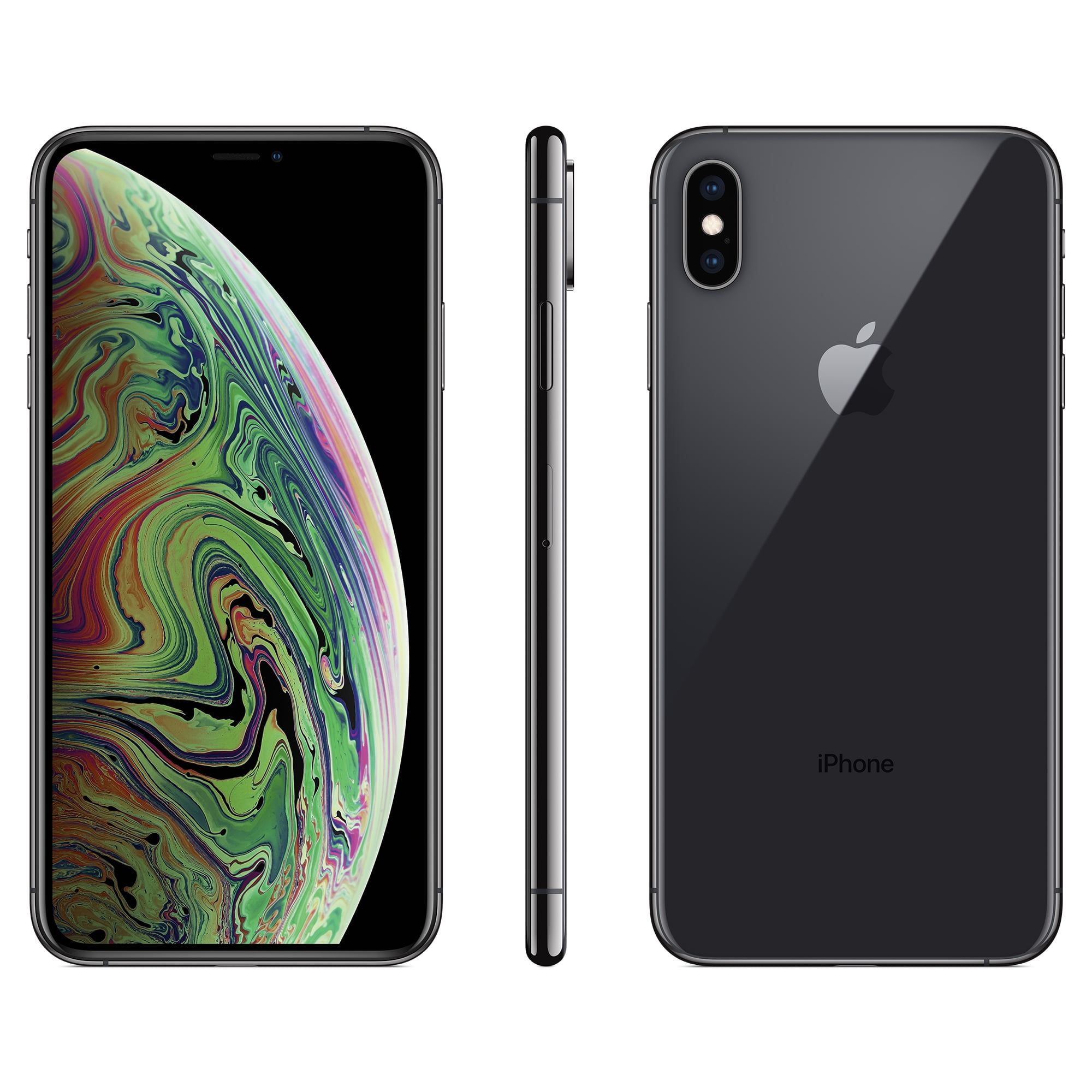
Amazing Iphone Gameboy Artwork Photography
Discover an amazing iphone gameboy background image, ideal for personalizing your devices with vibrant colors and intricate designs.
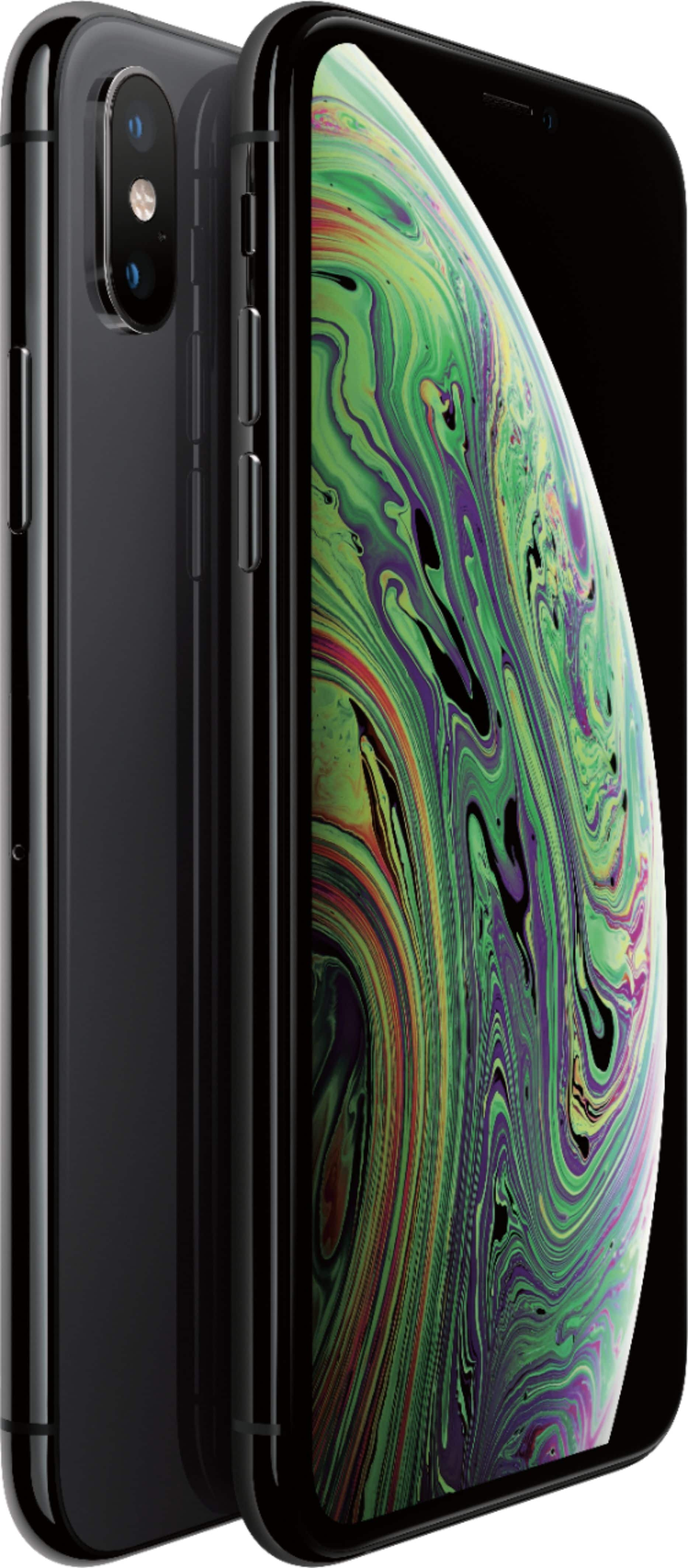
Vibrant Iphone Gameboy Design for Desktop
Experience the crisp clarity of this stunning iphone gameboy image, available in high resolution for all your screens.
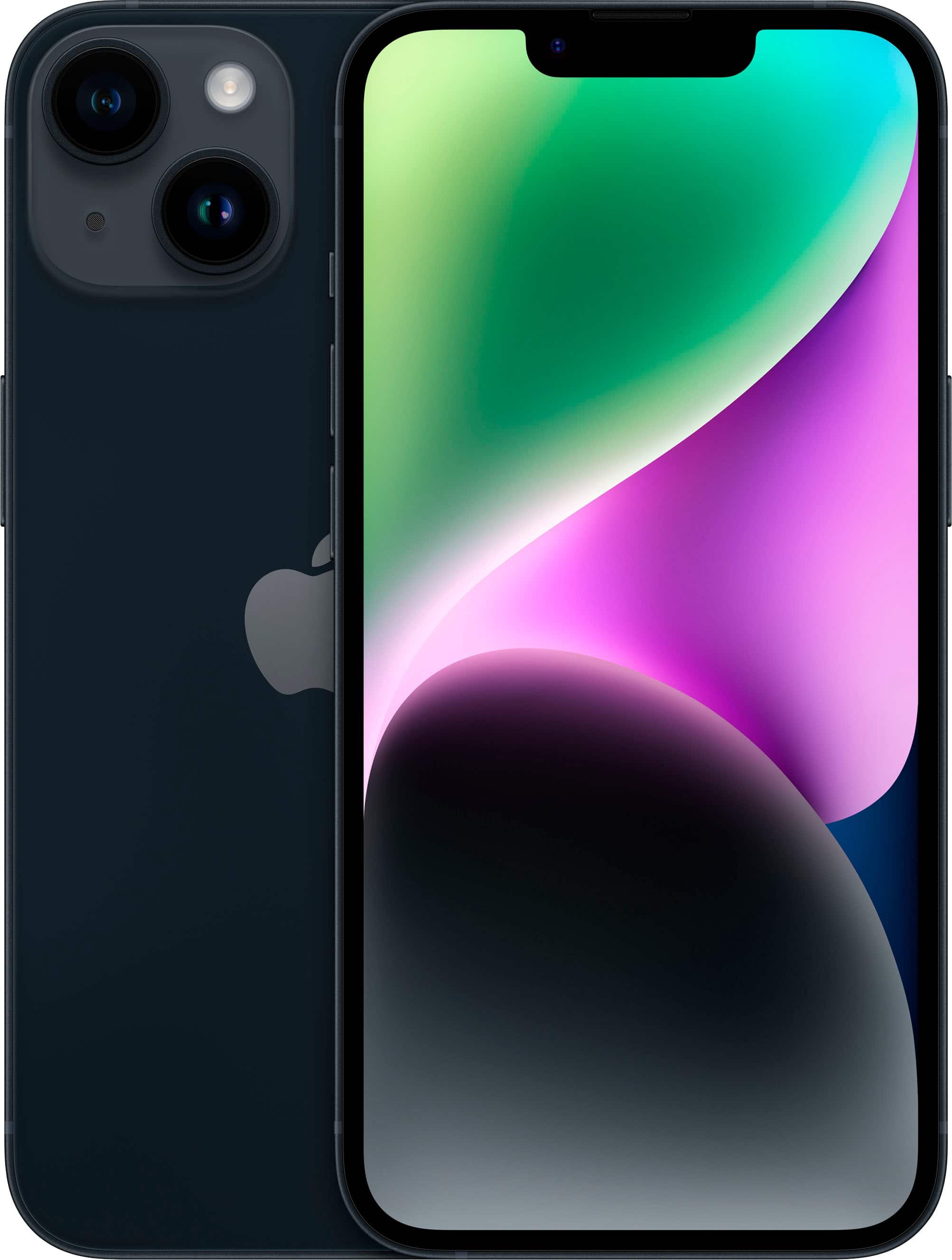
Spectacular Iphone Gameboy Artwork for Desktop
This gorgeous iphone gameboy photo offers a breathtaking view, making it a perfect choice for your next wallpaper.
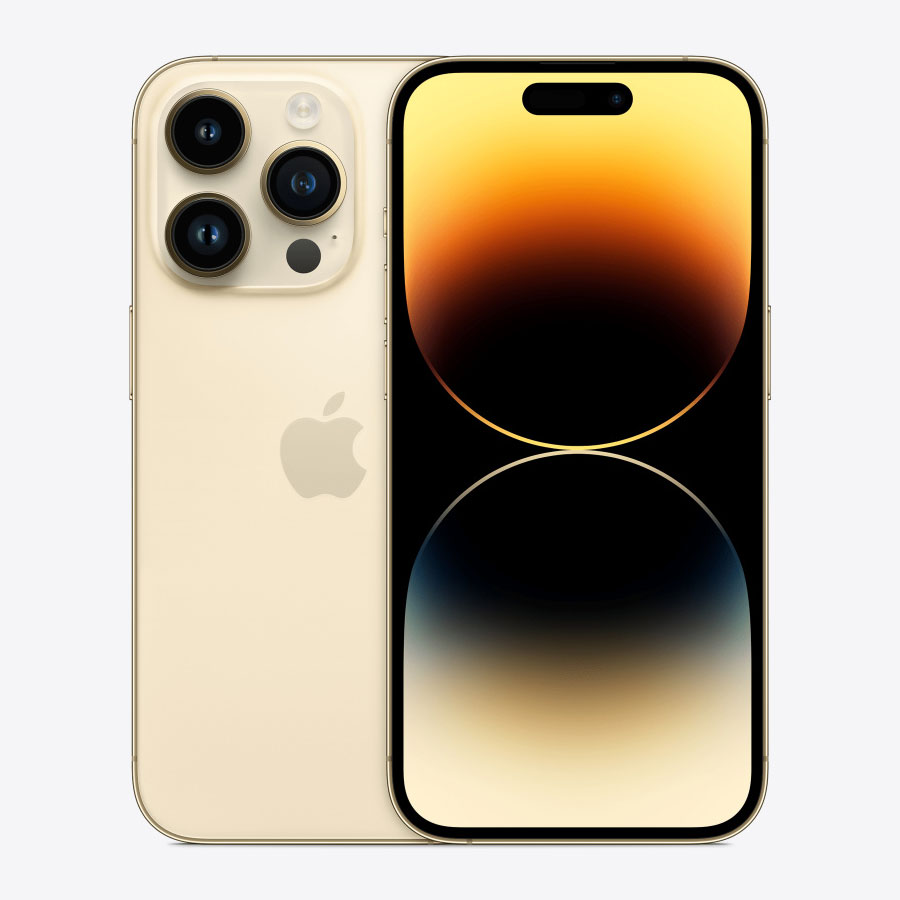
Crisp Iphone Gameboy Capture for Desktop
Immerse yourself in the stunning details of this beautiful iphone gameboy wallpaper, designed for a captivating visual experience.

Vibrant Iphone Gameboy Capture Photography
Transform your screen with this vivid iphone gameboy artwork, a true masterpiece of digital design.
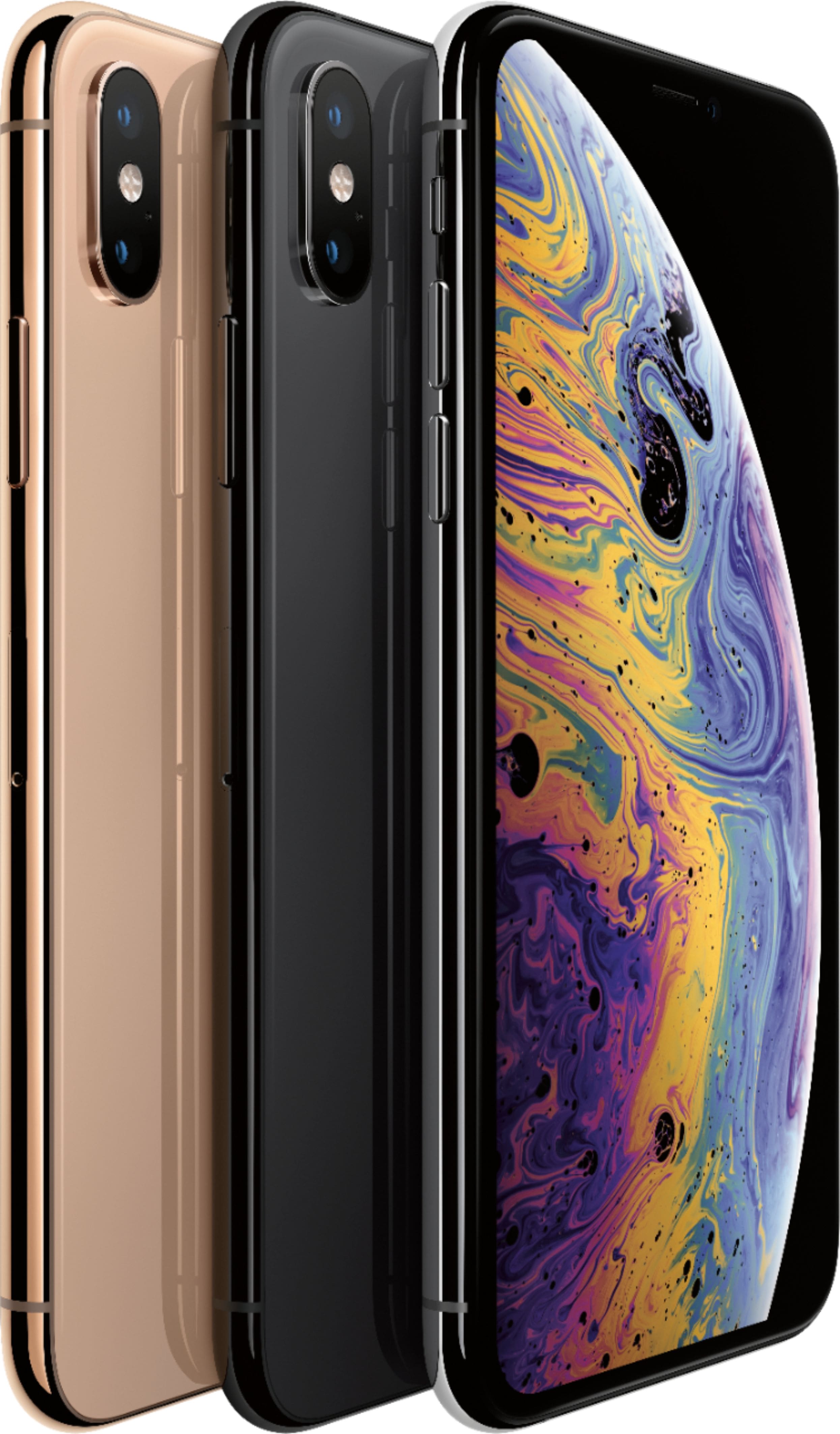
Detailed Iphone Gameboy Abstract in HD
Discover an amazing iphone gameboy background image, ideal for personalizing your devices with vibrant colors and intricate designs.
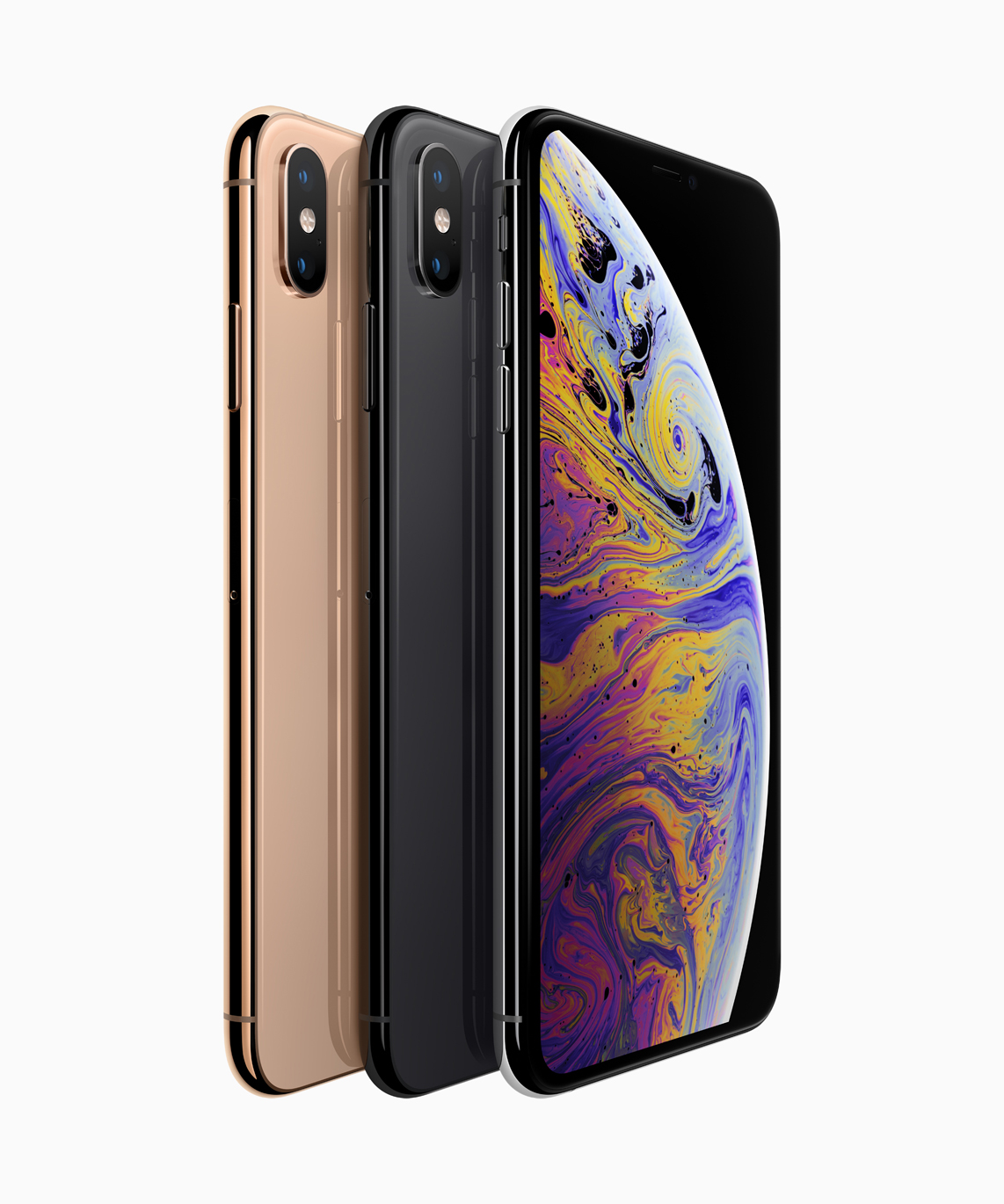
Dynamic Iphone Gameboy Moment in 4K
This gorgeous iphone gameboy photo offers a breathtaking view, making it a perfect choice for your next wallpaper.
Download these iphone gameboy wallpapers for free and use them on your desktop or mobile devices.