Iphone Contactless Pay: Your Complete Guide to Tapping and Going!
Tired of fumbling with your physical wallet every time you hit the checkout line? Welcome to the future of finance! If you own an iPhone, you already have access to one of the most secure and convenient ways to pay for goods and services: Iphone Contactless Pay, better known globally as Apple Pay.
This isn't just a trend; it's a technological leap that simplifies your daily transactions. Whether you are grabbing a quick coffee, buying groceries, or shopping online, using your iPhone to pay makes life incredibly seamless. But how does it work, and is it really safe? We're here to walk you through everything you need to know about setting up and confidently using Iphone Contactless Pay.
Get ready to ditch the leather wallet and transform your smartphone into the ultimate payment tool!
What Exactly is Iphone Contactless Pay (Apple Pay)?
At its core, Iphone Contactless Pay is Apple's digital wallet and payment system. It allows you to make secure payments using your iPhone, Apple Watch, iPad, or Mac in physical stores, within apps, and on websites.
The "contactless" aspect refers to the technology it uses: Near Field Communication (NFC). This is a short-range wireless technology that allows two devices—in this case, your iPhone and a payment terminal—to communicate securely when they are held close together, typically within a few centimeters.
You don't need to physically swipe or insert a card. You simply authorize the payment using Face ID, Touch ID, or your passcode, hold your phone near the terminal, and the transaction is completed almost instantly.
The Magic Behind the Tap: NFC Technology
When you initiate Iphone Contactless Pay, the NFC chip inside your device sends encrypted payment data to the merchant's terminal. This data doesn't transmit your actual card number; instead, it uses a unique, encrypted token for that specific transaction. This is a key safety feature we will delve into later.
The key benefit of using your iPhone for payments is the speed and reduced physical contact, which has become increasingly important in modern retail environments. Plus, most major banks and credit card networks worldwide support the service.
How to Set Up Your Digital Wallet on iPhone
Getting started with Iphone Contactless Pay is surprisingly straightforward. All you need is an eligible Apple device (iPhone 6 or newer) and the built-in Wallet app. Let's walk through the steps to load your credit or debit card.
Requirements Before You Start
Before you begin, ensure you have these prerequisites covered:
- An eligible device running the latest iOS version.
- Face ID, Touch ID, or a passcode enabled on your device.
- An Apple ID signed into iCloud.
- A supported credit or debit card from a participating bank.
Adding Your First Card for Iphone Contactless Pay
Follow these simple steps to finalize the setup:
- Open the Wallet app on your iPhone (it has a simple wallet icon).
- Tap the plus sign (+) in the upper right corner.
- Select "Debit or Credit Card" and tap "Continue."
- You can either use the iPhone camera to scan your physical card or enter the card details manually.
- Once details are confirmed, you may need to verify the card with your bank. This usually involves receiving a text message code or calling the bank directly.
- After verification, tap "Next," and your card is ready for Iphone Contactless Pay!
Remember that the first card you add will automatically be set as your default card, but you can change the default card easily within the Wallet settings.
Using Iphone Contactless Pay in the Real World
The beauty of Iphone Contactless Pay is its versatility. You can use it virtually anywhere you see the contactless symbol or the Apple Pay logo. Let's look at the two main ways you'll be making transactions.
Paying In-Store (Tap to Pay)
When you are at a point-of-sale (POS) terminal, initiating the payment is quick:
Using an iPhone with Face ID:
Simply double-click the side button, glance at your iPhone to authenticate your identity, and hold the top of your iPhone near the contactless reader until you see "Done" and a checkmark on the screen.
Using an iPhone with Touch ID:
Rest your finger on the Home button while holding the top of your iPhone near the reader. The transaction will verify immediately using your fingerprint.
If you wish to use a card other than your default one, simply tap the default card shown on your screen before authentication and select an alternative card from your digital stack.
Online and App Payments
For online shopping, Iphone Contactless Pay streamlines the checkout process significantly. Instead of typing in card numbers, expiration dates, and billing addresses, look for the "Buy with Apple Pay" button.
When you click this button, your device handles the authentication via Face ID or Touch ID, securely transmitting necessary data (including shipping details if stored) without ever sharing your actual card information with the merchant. This is often faster and much safer than traditional online payment methods.
Security and Privacy: Why Iphone Contactless Pay is Safe
Perhaps the most compelling reason to switch to Iphone Contactless Pay is the superior security it offers compared to using physical credit cards. Apple has built several layers of protection into the system, ensuring your financial data remains private.
Tokenization: Your Card Number Stays Hidden
When you add a card to your Wallet app, Apple does not store the original card numbers on your device or on Apple servers. Instead, they use a process called tokenization.
A unique Device Account Number (DAN) is created, encrypted, and securely stored in the Secure Element—a dedicated chip within your iPhone. This DAN is what is transmitted during a transaction. Since the merchant only receives the DAN and not your actual 16-digit card number, even if their system is breached, your financial details are safe.
Mandatory Biometric Verification
Unlike tapping a physical contactless card which often bypasses verification for low-value transactions, every transaction made via Iphone Contactless Pay must be verified using Face ID, Touch ID, or your device passcode. This mandatory step ensures that even if someone steals your phone, they cannot make payments without your biometric signature or code.
What Happens If Your Phone is Lost or Stolen?
If the worst happens and your iPhone is lost, security is still maintained. You can immediately use the "Find My" app on another device or website to put your phone in Lost Mode, which automatically suspends the ability to use Iphone Contactless Pay. Alternatively, you can remotely erase your device entirely, instantly removing all payment information.
This capability provides a safety net that is far superior to losing a physical wallet, where you would have to manually call every bank to cancel the cards.
Conclusion
Iphone Contactless Pay is much more than just a convenient way to pay—it's a robust, secure system that protects your financial identity while streamlining your life. By leveraging advanced tokenization and mandatory biometric authentication, Apple Pay offers peace of mind whether you are making a quick purchase in-store or shopping online.
If you haven't yet embraced Iphone Contactless Pay, now is the perfect time to set up your Wallet app and experience the freedom of leaving your bulky traditional wallet at home. Go ahead, tap, and enjoy the future of finance!
Frequently Asked Questions (FAQ) About Iphone Contactless Pay
- Does using Iphone Contactless Pay cost extra money?
- No. Apple does not charge consumers any fees for using Apple Pay. All transaction fees are handled between the merchant and the payment networks, just like traditional card transactions.
- Is there a transaction limit when using Iphone Contactless Pay?
- Unlike physical contactless cards which often have a low transaction limit before requiring a PIN, Iphone Contactless Pay generally does not have an imposed limit, as the transaction is authorized instantly by Face ID or Touch ID. However, some merchants or regional banks may set their own limits on contactless transactions.
- Do I need an internet connection (Wi-Fi or cellular data) to use Iphone Contactless Pay in a store?
- No, usually not. To pay in a physical store, the NFC technology works locally between your phone and the terminal. You only need a connection when setting up a new card or making an online purchase through an app or website.
- Can I use my loyalty cards with Iphone Contactless Pay?
- Yes! The Wallet app allows you to store certain loyalty or rewards cards. When checking out using your payment card, the loyalty card can be applied simultaneously if supported by the retailer's system.
Iphone Contactless Pay
Iphone Contactless Pay Wallpapers
Collection of iphone contactless pay wallpapers for your desktop and mobile devices.
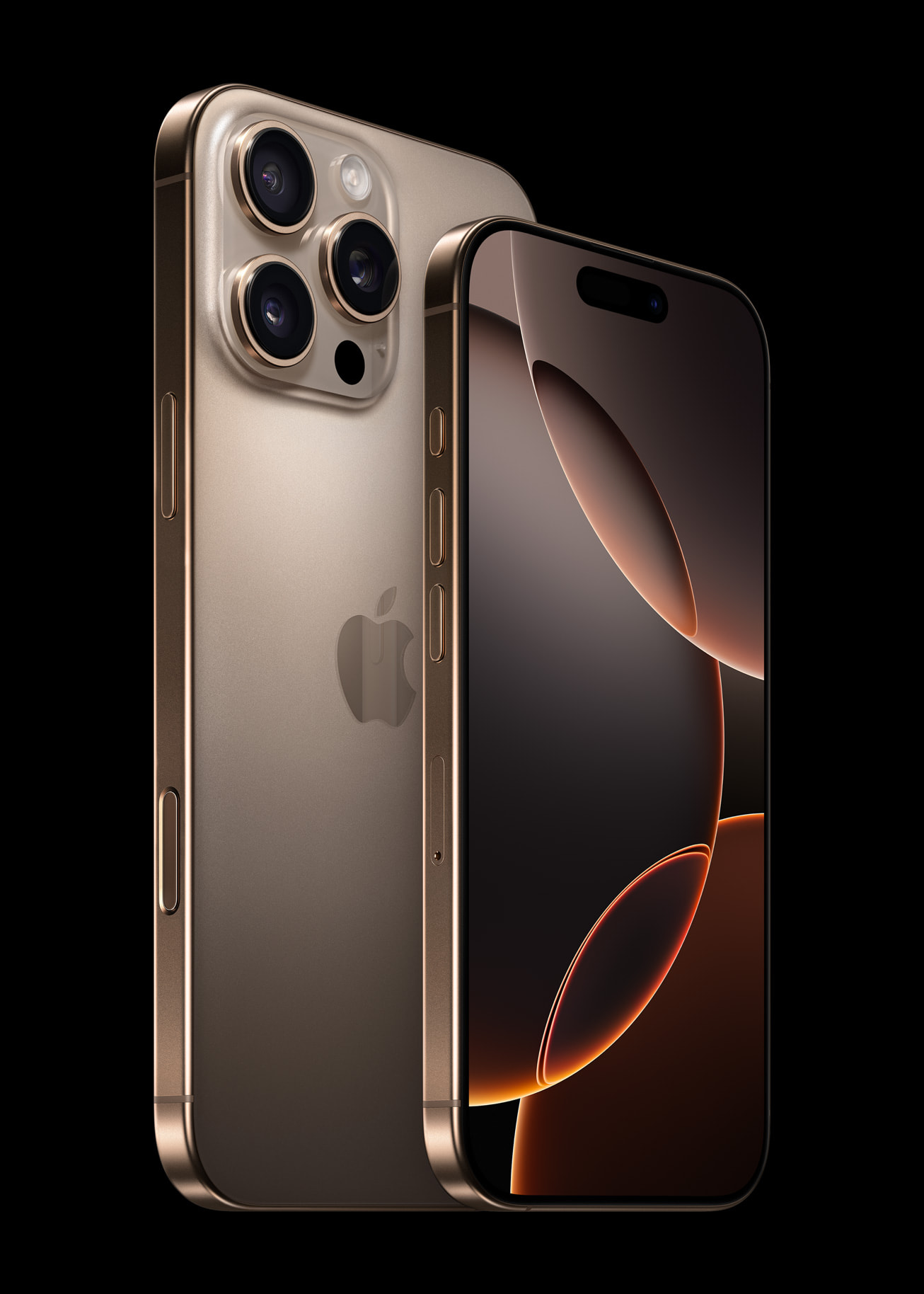
Vivid Iphone Contactless Pay Image Photography
Experience the crisp clarity of this stunning iphone contactless pay image, available in high resolution for all your screens.
Amazing Iphone Contactless Pay Artwork Photography
Experience the crisp clarity of this stunning iphone contactless pay image, available in high resolution for all your screens.
Breathtaking Iphone Contactless Pay Background Photography
Explore this high-quality iphone contactless pay image, perfect for enhancing your desktop or mobile wallpaper.
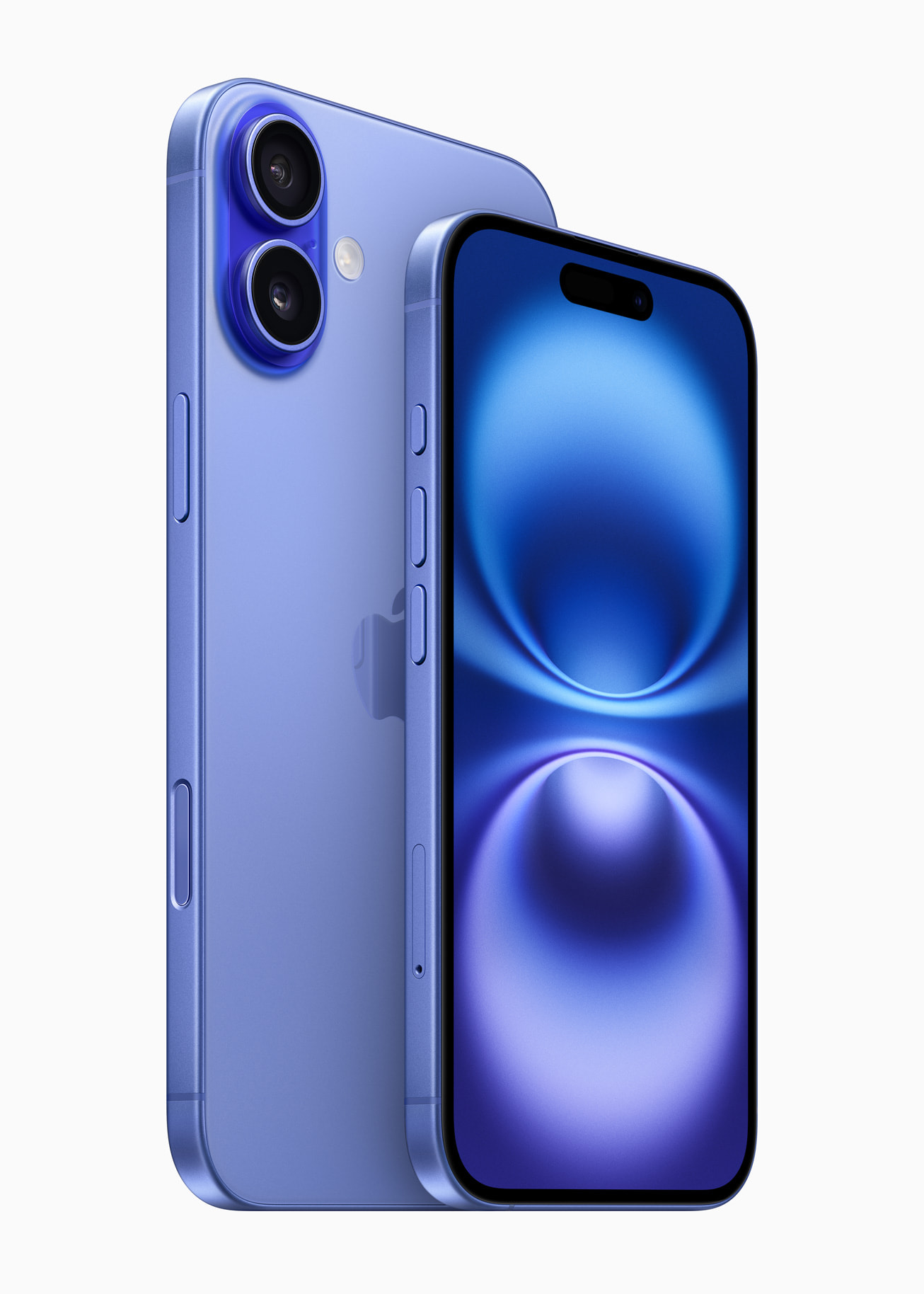
Stunning Iphone Contactless Pay Image Nature
A captivating iphone contactless pay scene that brings tranquility and beauty to any device.
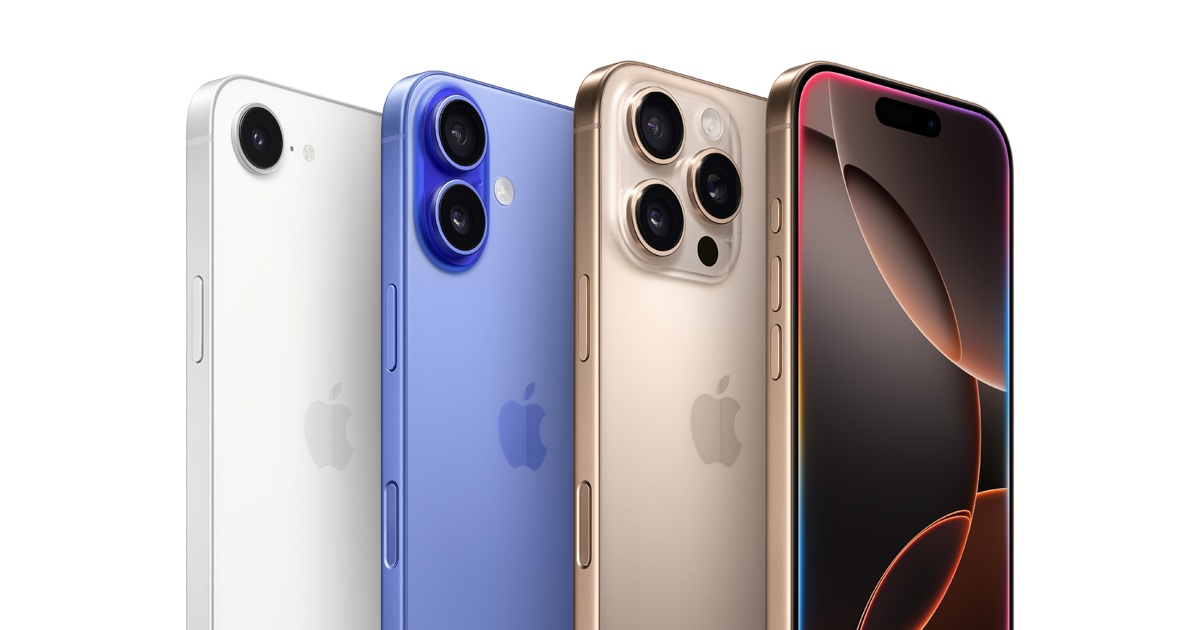
Lush Iphone Contactless Pay Capture for Mobile
This gorgeous iphone contactless pay photo offers a breathtaking view, making it a perfect choice for your next wallpaper.
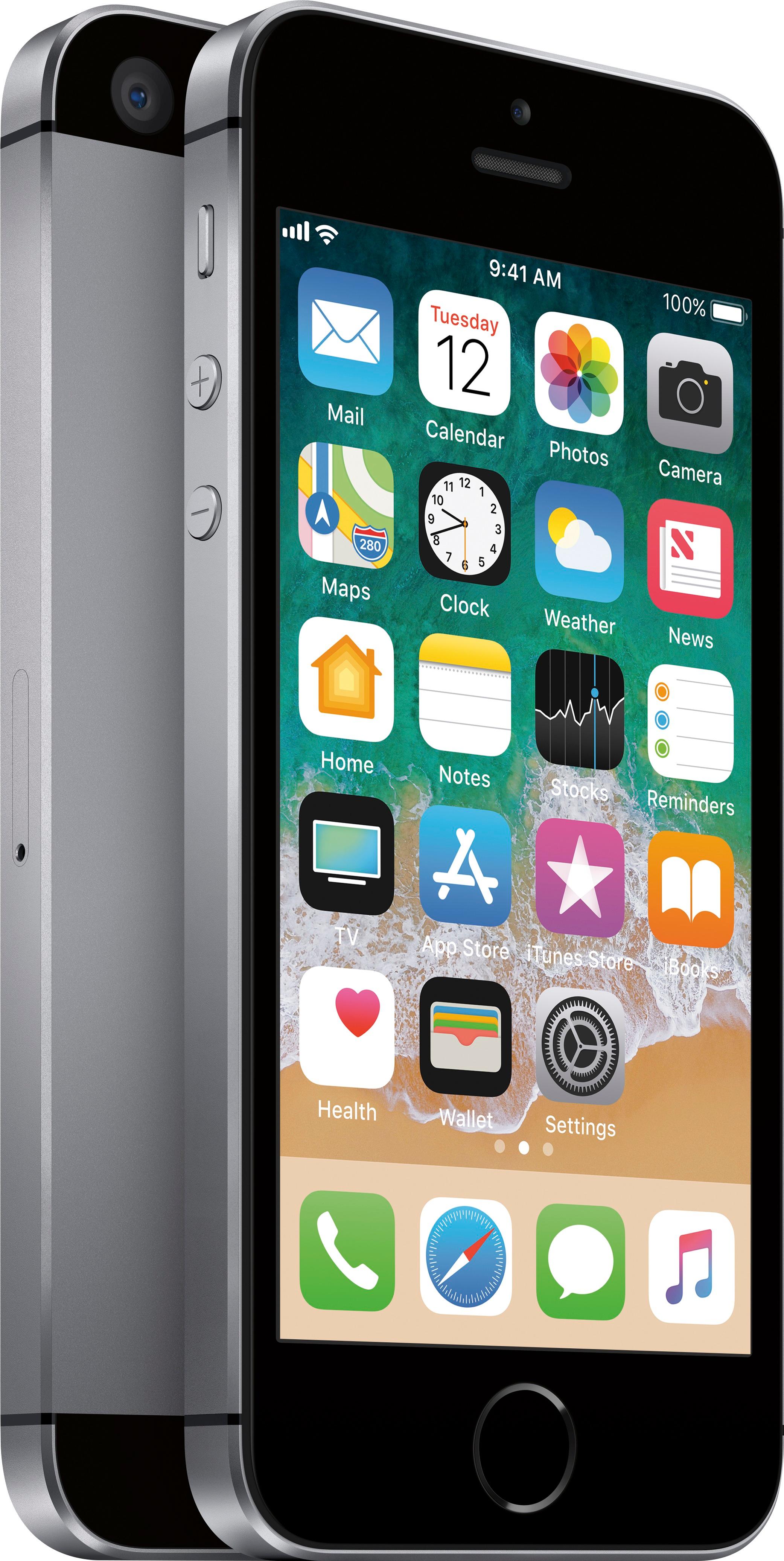
Breathtaking Iphone Contactless Pay Design in HD
Experience the crisp clarity of this stunning iphone contactless pay image, available in high resolution for all your screens.
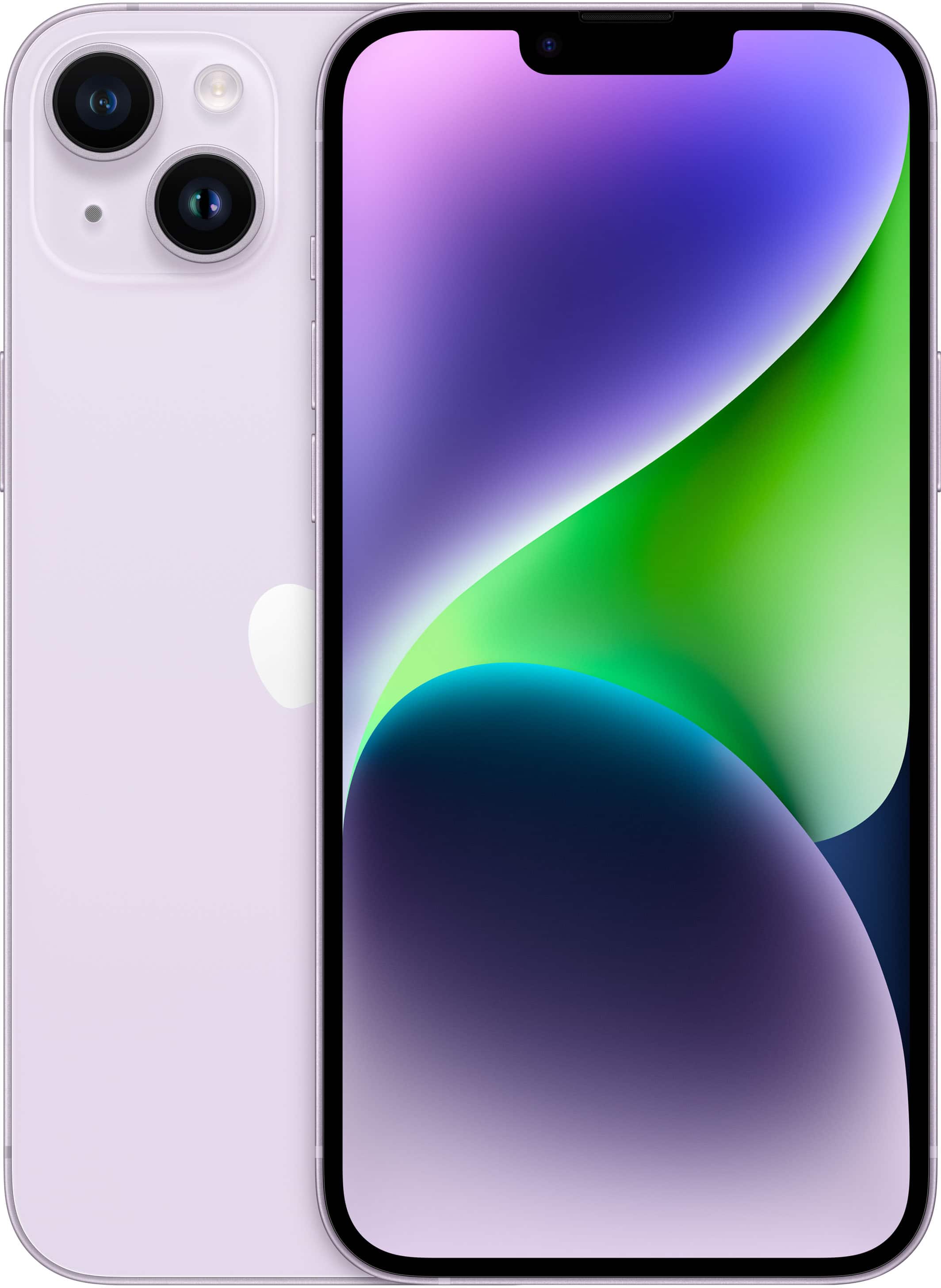
High-Quality Iphone Contactless Pay Abstract Art
Experience the crisp clarity of this stunning iphone contactless pay image, available in high resolution for all your screens.
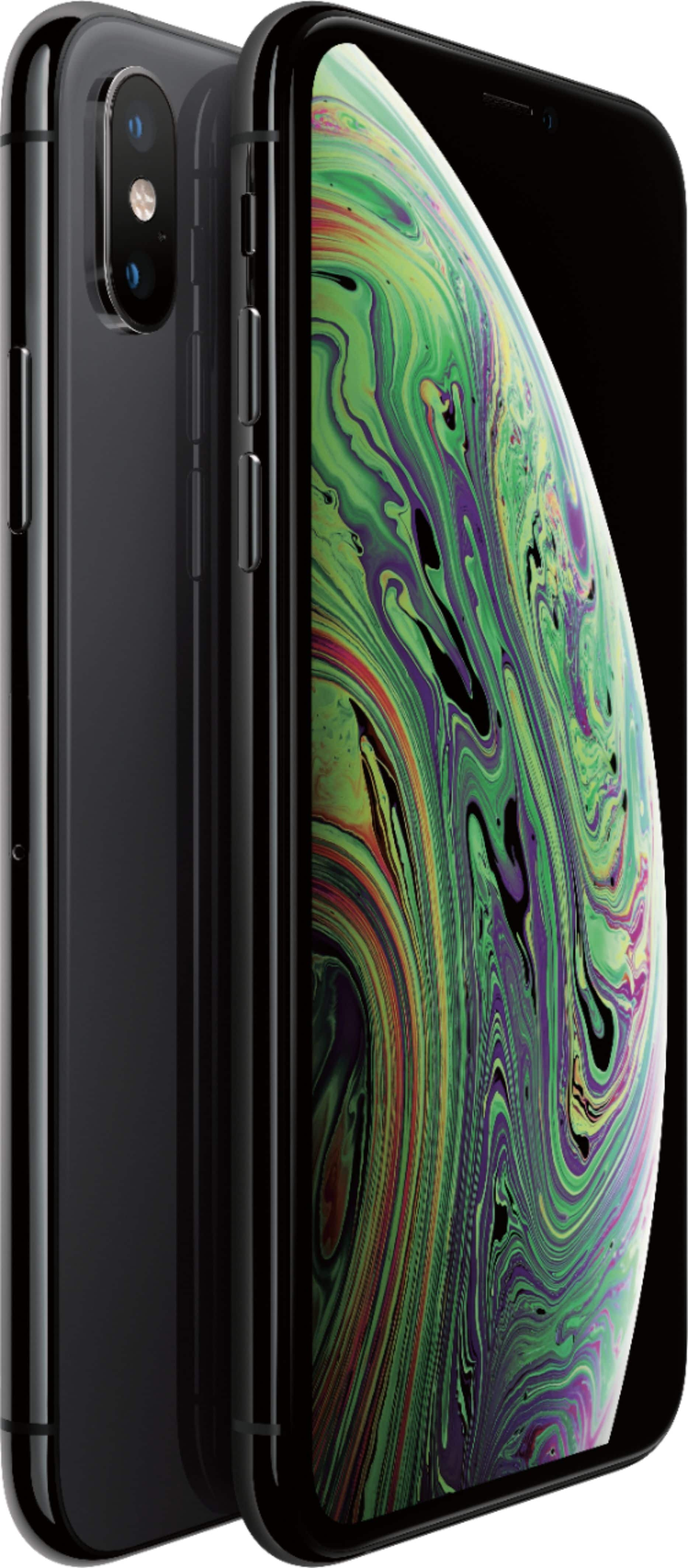
Vibrant Iphone Contactless Pay Design for Desktop
Experience the crisp clarity of this stunning iphone contactless pay image, available in high resolution for all your screens.
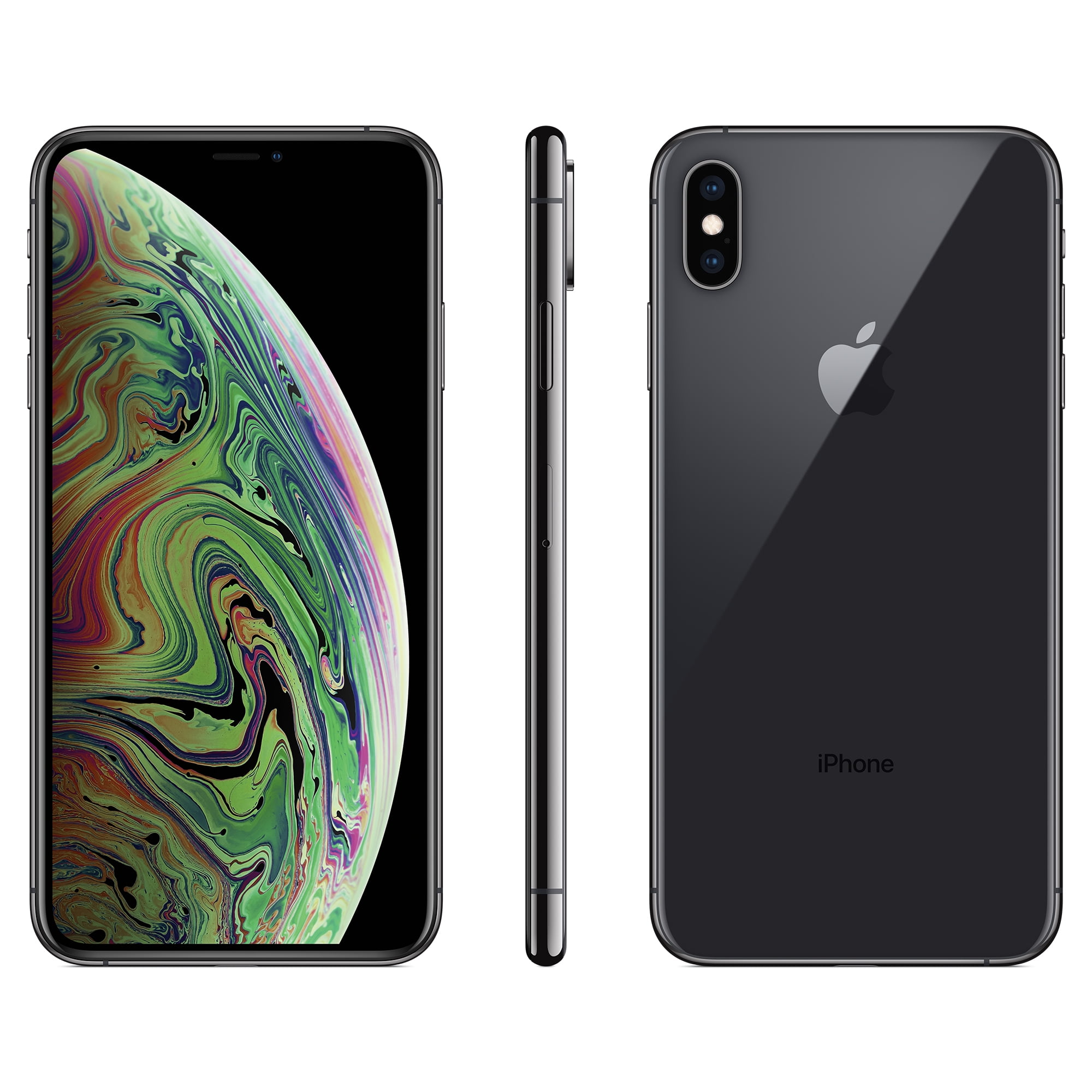
Captivating Iphone Contactless Pay View in 4K
A captivating iphone contactless pay scene that brings tranquility and beauty to any device.
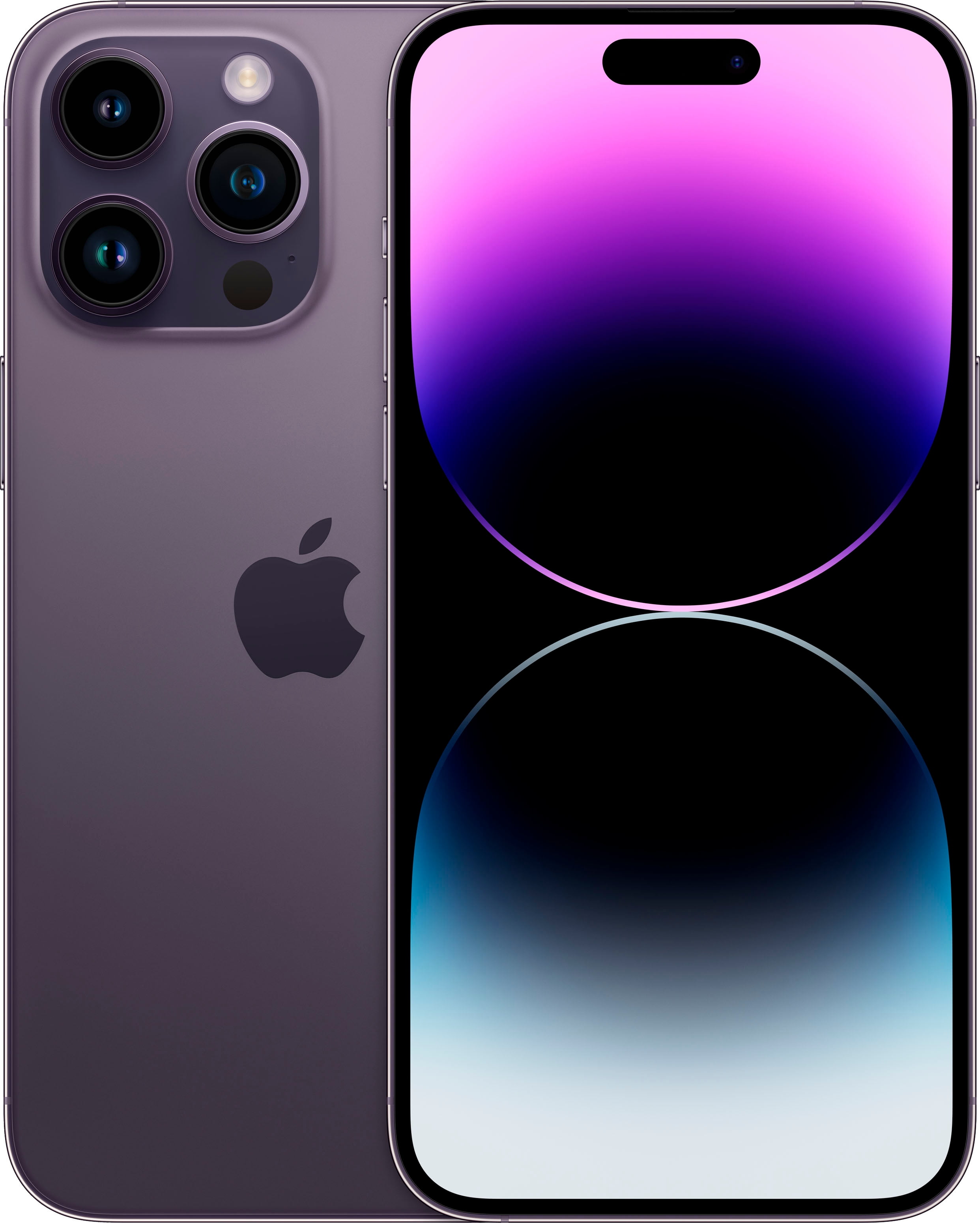
Breathtaking Iphone Contactless Pay Wallpaper Digital Art
Explore this high-quality iphone contactless pay image, perfect for enhancing your desktop or mobile wallpaper.
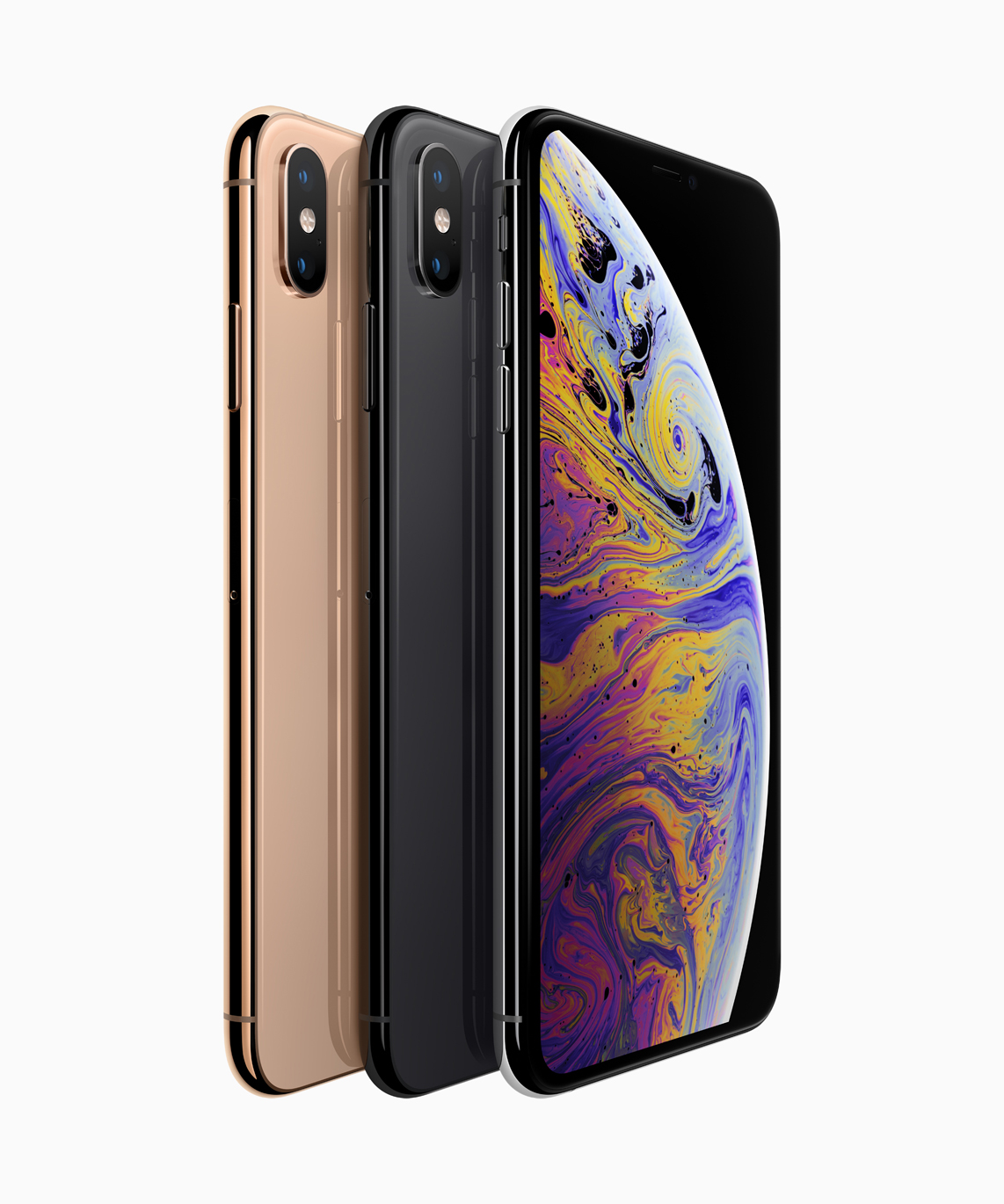
Dynamic Iphone Contactless Pay Moment in 4K
This gorgeous iphone contactless pay photo offers a breathtaking view, making it a perfect choice for your next wallpaper.
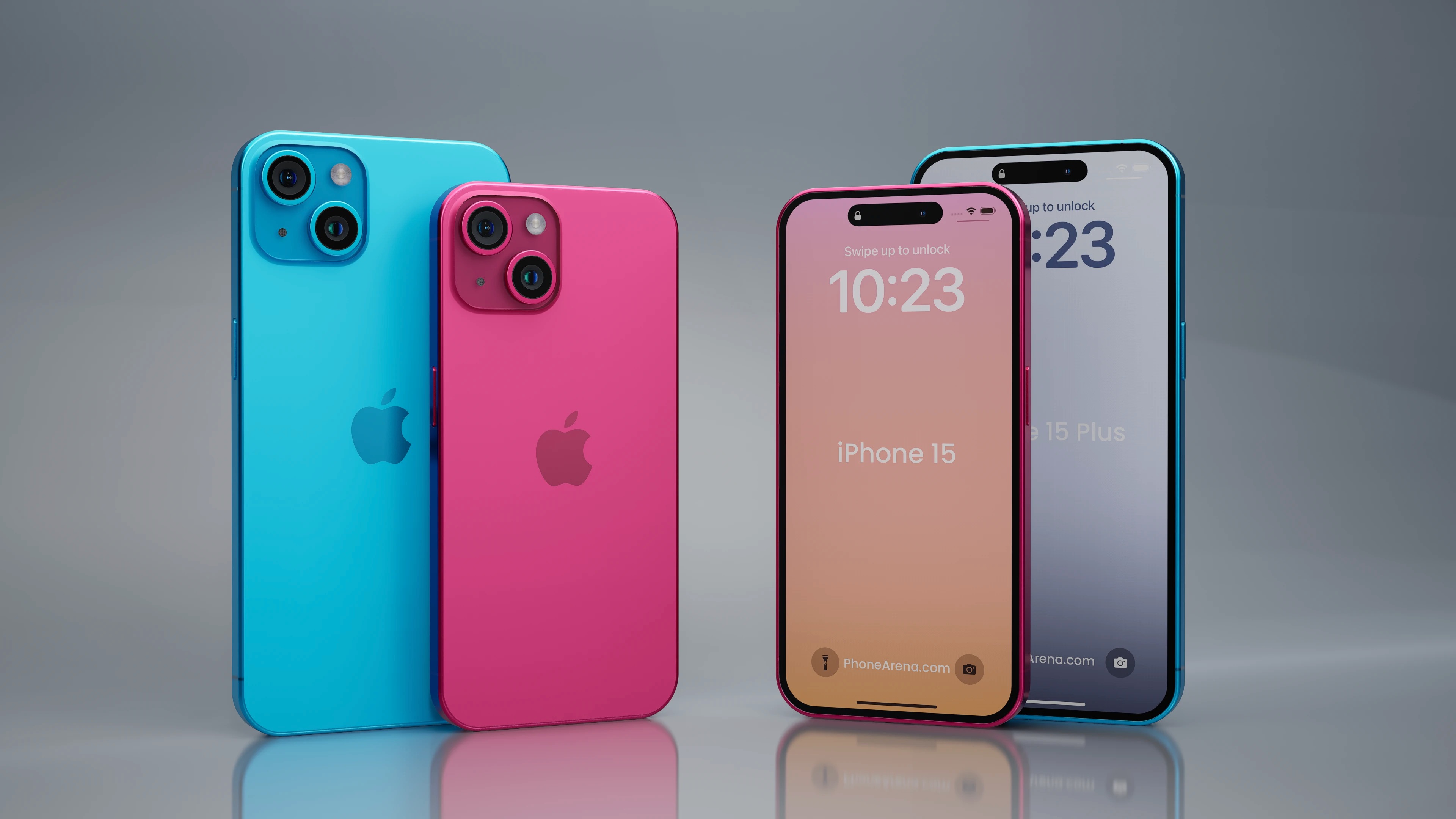
Exquisite Iphone Contactless Pay View for Mobile
Find inspiration with this unique iphone contactless pay illustration, crafted to provide a fresh look for your background.
Mesmerizing Iphone Contactless Pay Artwork in 4K
Explore this high-quality iphone contactless pay image, perfect for enhancing your desktop or mobile wallpaper.
Artistic Iphone Contactless Pay Background for Mobile
Immerse yourself in the stunning details of this beautiful iphone contactless pay wallpaper, designed for a captivating visual experience.

Dynamic Iphone Contactless Pay Image Concept
A captivating iphone contactless pay scene that brings tranquility and beauty to any device.
Vibrant Iphone Contactless Pay Picture for Mobile
Transform your screen with this vivid iphone contactless pay artwork, a true masterpiece of digital design.

Vibrant Iphone Contactless Pay Capture Photography
Transform your screen with this vivid iphone contactless pay artwork, a true masterpiece of digital design.
Detailed Iphone Contactless Pay Abstract in HD
Discover an amazing iphone contactless pay background image, ideal for personalizing your devices with vibrant colors and intricate designs.
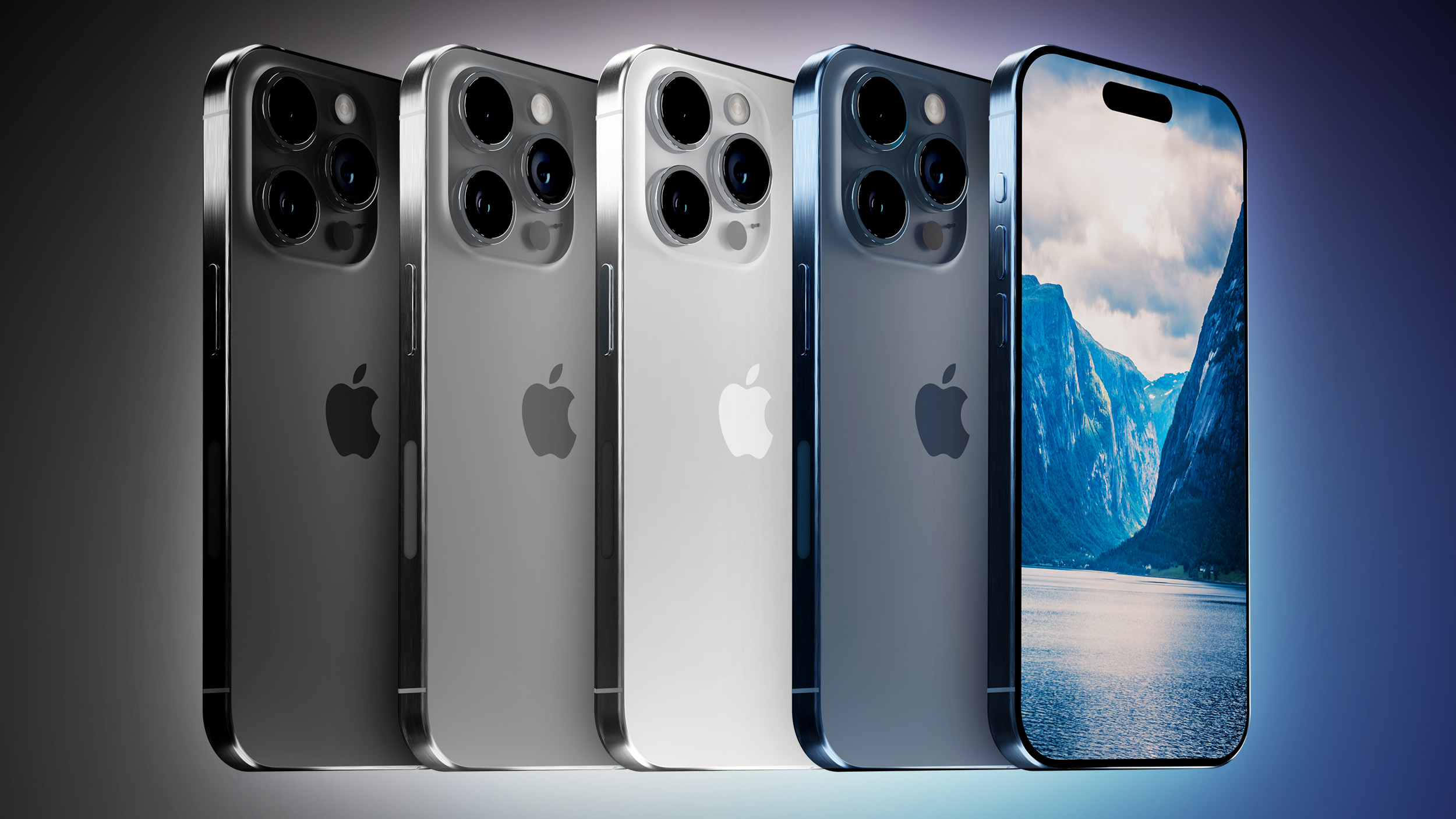
Lush Iphone Contactless Pay Design for Desktop
Immerse yourself in the stunning details of this beautiful iphone contactless pay wallpaper, designed for a captivating visual experience.
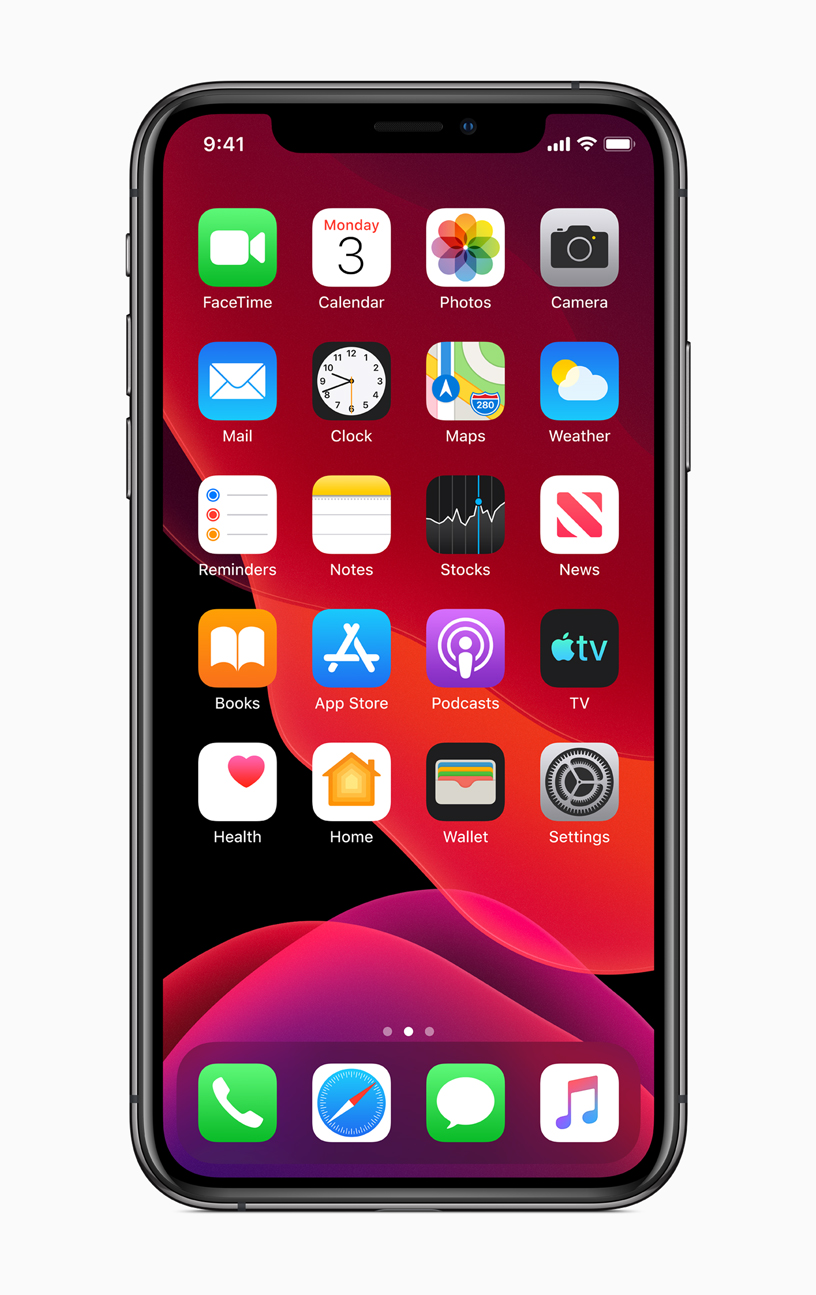
Crisp Iphone Contactless Pay Photo Digital Art
This gorgeous iphone contactless pay photo offers a breathtaking view, making it a perfect choice for your next wallpaper.
Download these iphone contactless pay wallpapers for free and use them on your desktop or mobile devices.