iPhone 15 Pro Max eSIM: Everything You Need to Know Before You Buy
Thinking about upgrading to the powerful new iPhone 15 Pro Max? That's exciting! But if you're coming from an older device, one of the biggest changes you'll encounter is the complete shift to digital connectivity, specifically the eSIM technology. If you are wondering how the iPhone 15 Pro Max eSIM feature works, or if it means saying goodbye to physical SIM cards forever, you've come to the right place.
This comprehensive guide will walk you through everything related to the eSIM on your new high-end Apple device, ensuring your setup is smooth, whether you are a first-time user or a seasoned traveler. We'll cover the benefits, the setup process, and why this change is actually a huge advantage.
What Exactly is an eSIM and Why is the iPhone 15 Pro Max Embracing It?
The term eSIM stands for "embedded Subscriber Identity Module." Unlike the traditional plastic SIM card that you have to physically insert or swap, the eSIM is a small chip built directly into the phone's logic board. It holds all the necessary information to identify you on a cellular network.
The iPhone 15 Pro Max, especially models sold in the United States, continues Apple's trend of going fully digital for connectivity. This move isn't just about saving space inside the phone; it represents a major step forward in mobile security and convenience.
The Transition: From Physical SIM to Digital Connectivity
For years, the physical SIM card was the standard. But swapping cards was cumbersome, and they were often easily lost or damaged. With the iPhone 15 Pro Max eSIM system, activating your line is often as simple as scanning a QR code or logging into your carrier's app. This digital transition streamlines the entire setup process.
It's important to note that while US models are strictly eSIM-only, international versions of the iPhone 15 Pro Max might still support a physical SIM alongside one or more eSIMs. Always check the model specifications for the region where you purchased your device.
Key Benefits of Using eSIM on the iPhone 15 Pro Max
Moving away from physical cards offers tangible advantages. Not only does the absence of a SIM tray improve the phone's overall structural integrity and water resistance, but it also gives users incredible flexibility.
Here are some of the standout features:
- Enhanced Security: An eSIM cannot be physically removed from a stolen device, making it much harder for thieves to disconnect the phone from the network or track its movements.
- Dual SIM Capability: The iPhone 15 Pro Max allows you to store multiple eSIM profiles simultaneously, and actively use two lines at once (e.g., one for personal use and one for work).
- Instant Activation: Switching carriers or activating a new plan can happen instantaneously without waiting for a physical card to be mailed.
- Space Savings: Eliminating the SIM tray frees up precious internal space, which Apple often uses for things like larger batteries or better camera components.
Setting Up Your iPhone 15 Pro Max eSIM: A Step-by-Step Guide
Activating your new iPhone 15 Pro Max eSIM is usually easier than fumbling with that tiny SIM ejector tool. Most major carriers have fully adapted to this technology, making the process almost automated during initial setup.
Prerequisites and Carrier Compatibility
Before you begin, ensure your cellular provider supports eSIM technology for the iPhone 15 Pro Max. Most global Tier 1 carriers (AT&T, T-Mobile, Verizon in the US, and major providers in Europe and Asia) offer seamless eSIM support. Secondly, make sure your device is connected to Wi-Fi during the setup process.
Quick Setup via Carrier QR Code
This is the most common and simplest method. If you received a QR code from your carrier (either printed or emailed), follow these steps:
- Go to Settings, then select Cellular (or Mobile Data).
- Tap "Add eSIM."
- Select "Use QR Code."
- Scan the QR code provided by your carrier. Your iPhone will automatically download and install the cellular plan.
- Follow the on-screen prompts to label your new line (e.g., "Primary" or "Work").
In many cases, if you purchased the phone directly from a carrier, the plan may be automatically provisioned onto the phone during the initial power-on setup.
Manual Activation (When Needed)
Sometimes, carriers require a manual setup, usually involving a confirmation code. If your QR code fails or if your carrier only provided specific numbers, you can input the details manually.
When you select "Add eSIM," look for the option to "Enter Details Manually." You will need the SM-DP+ Address and possibly an Activation Code provided by your network. While less common, this method guarantees activation if the automated setup fails.
Traveling Overseas? eSIM Makes Life Easier
One of the single greatest advantages of the iPhone 15 Pro Max eSIM functionality becomes apparent when you travel internationally. Forget expensive international roaming charges or hunting down local SIM card kiosks in airports.
The eSIM allows you to purchase temporary data plans from local carriers or dedicated international eSIM providers (like Airalo or Holafly) before you even leave your home country. This means you land with connectivity already activated.
Dual SIM Capabilities and International Roaming
Thanks to the Dual SIM feature (which utilizes two active eSIMs or, in some international models, one physical SIM and one eSIM), you can keep your home number active for important calls and texts while using a low-cost, local data plan for maps and apps.
The iPhone 15 Pro Max makes managing these two lines simple within the Cellular settings, allowing you to choose which line handles which function (data vs. voice) with just a few taps.
The benefits of the eSIM for global travel include:
- No more fiddling with small physical cards in unfamiliar locations.
- The ability to seamlessly switch between providers if one has poor service in a specific area.
- Maintaining your primary phone number for receiving essential two-factor authentication (2FA) codes or calls.
- Often significantly cheaper data rates compared to traditional international roaming packages from home carriers.
Overall, if you travel often, the eSIM capability of the iPhone 15 Pro Max is a game-changer that removes a significant amount of travel stress.
Conclusion: The Future of Connectivity is Here
The decision by Apple to fully commit to the eSIM architecture, especially in the US versions of the iPhone 15 Pro Max, marks a definitive shift toward a more secure, flexible, and digital mobile experience. While the initial change might seem daunting if you've relied on physical SIM cards for years, the reality is that the iPhone 15 Pro Max eSIM system offers superior benefits.
From hassle-free international travel to enhanced device security and the convenience of instant activation, embracing the eSIM standard means stepping into the future of connectivity. If you've been considering this phone, rest assured that the eSIM setup is designed to be as user-friendly as possible, allowing you to enjoy your new device quickly and efficiently.
Frequently Asked Questions (FAQ) about iPhone 15 Pro Max eSIM
- Is the iPhone 15 Pro Max available with a physical SIM tray anywhere?
- Models sold in the United States are strictly eSIM-only. However, some models sold in certain international markets (like China) might still include support for a physical SIM card alongside the eSIM technology. Always verify the specifications based on the country of purchase.
- Can I transfer my old physical SIM plan onto the iPhone 15 Pro Max eSIM?
- Yes, absolutely. Your carrier will need to perform a "SIM conversion" or "SIM migration" from the physical card to an eSIM profile. This is a standard procedure for all major network providers.
- How many eSIM profiles can the iPhone 15 Pro Max store?
- The iPhone 15 Pro Max can store eight or more eSIM profiles simultaneously, though only two can be actively used at any given time (Dual SIM functionality).
- What happens if I need to restore or erase my iPhone 15 Pro Max?
- When you erase your phone, iOS gives you the option to keep your eSIM profiles. If you choose to remove them, you will need to re-download the profile from your carrier using the QR code or manual details after restoring the device.
- If I travel, does my home carrier need to be eSIM compatible?
- Yes, your primary carrier must support eSIM in order for you to use your US-purchased iPhone 15 Pro Max. Once your home line is set up via eSIM, you can then purchase secondary data plans from any international carrier that also offers eSIM connectivity.
Iphone 15 Pro Max Esim
Iphone 15 Pro Max Esim Wallpapers
Collection of iphone 15 pro max esim wallpapers for your desktop and mobile devices.

Vibrant Iphone 15 Pro Max Esim Wallpaper Nature
Experience the crisp clarity of this stunning iphone 15 pro max esim image, available in high resolution for all your screens.

Vibrant Iphone 15 Pro Max Esim Background Illustration
Explore this high-quality iphone 15 pro max esim image, perfect for enhancing your desktop or mobile wallpaper.

Mesmerizing Iphone 15 Pro Max Esim Moment Collection
Explore this high-quality iphone 15 pro max esim image, perfect for enhancing your desktop or mobile wallpaper.

Amazing Iphone 15 Pro Max Esim Photo Digital Art
Experience the crisp clarity of this stunning iphone 15 pro max esim image, available in high resolution for all your screens.

High-Quality Iphone 15 Pro Max Esim Abstract for Your Screen
Explore this high-quality iphone 15 pro max esim image, perfect for enhancing your desktop or mobile wallpaper.

Artistic Iphone 15 Pro Max Esim Image Illustration
Find inspiration with this unique iphone 15 pro max esim illustration, crafted to provide a fresh look for your background.

Vivid Iphone 15 Pro Max Esim Image Art
Experience the crisp clarity of this stunning iphone 15 pro max esim image, available in high resolution for all your screens.

Captivating Iphone 15 Pro Max Esim Background Illustration
This gorgeous iphone 15 pro max esim photo offers a breathtaking view, making it a perfect choice for your next wallpaper.

Gorgeous Iphone 15 Pro Max Esim Capture Digital Art
A captivating iphone 15 pro max esim scene that brings tranquility and beauty to any device.
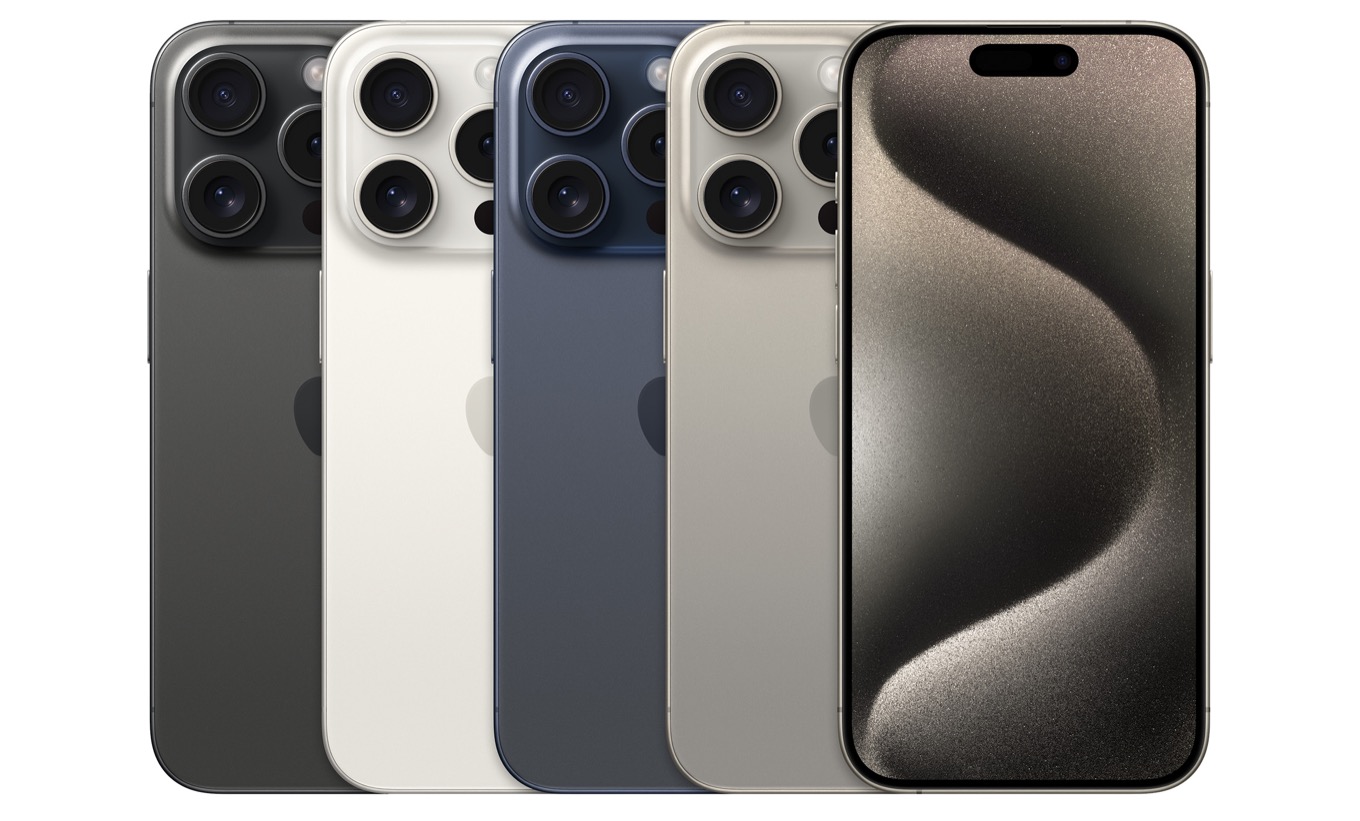
Breathtaking Iphone 15 Pro Max Esim Artwork Collection
Transform your screen with this vivid iphone 15 pro max esim artwork, a true masterpiece of digital design.

Vivid Iphone 15 Pro Max Esim Scene Digital Art
Explore this high-quality iphone 15 pro max esim image, perfect for enhancing your desktop or mobile wallpaper.
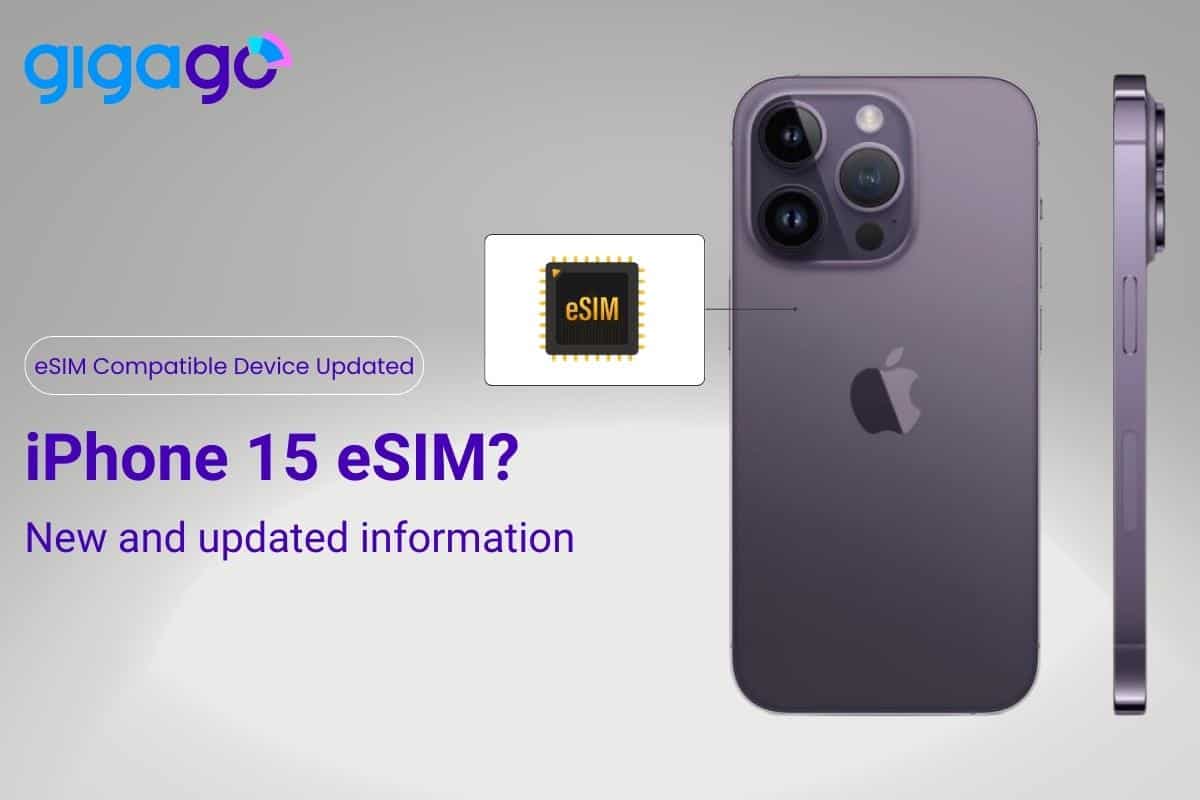
High-Quality Iphone 15 Pro Max Esim View for Mobile
Explore this high-quality iphone 15 pro max esim image, perfect for enhancing your desktop or mobile wallpaper.
.webp "Breathtaking Iphone 15 Pro Max Esim Design Concept")
Breathtaking Iphone 15 Pro Max Esim Design Concept
Experience the crisp clarity of this stunning iphone 15 pro max esim image, available in high resolution for all your screens.

Stunning Iphone 15 Pro Max Esim View Concept
A captivating iphone 15 pro max esim scene that brings tranquility and beauty to any device.

Crisp Iphone 15 Pro Max Esim Capture in HD
A captivating iphone 15 pro max esim scene that brings tranquility and beauty to any device.

Gorgeous Iphone 15 Pro Max Esim Moment Photography
A captivating iphone 15 pro max esim scene that brings tranquility and beauty to any device.

Amazing Iphone 15 Pro Max Esim Moment Digital Art
Experience the crisp clarity of this stunning iphone 15 pro max esim image, available in high resolution for all your screens.

Beautiful Iphone 15 Pro Max Esim Scene for Desktop
Experience the crisp clarity of this stunning iphone 15 pro max esim image, available in high resolution for all your screens.

Detailed Iphone 15 Pro Max Esim Background Illustration
Discover an amazing iphone 15 pro max esim background image, ideal for personalizing your devices with vibrant colors and intricate designs.

Gorgeous Iphone 15 Pro Max Esim Design Illustration
This gorgeous iphone 15 pro max esim photo offers a breathtaking view, making it a perfect choice for your next wallpaper.
Download these iphone 15 pro max esim wallpapers for free and use them on your desktop or mobile devices.