The iPhone 14 Pro Sim: Everything You Need to Know About eSIM and Connectivity
Thinking about upgrading to the sleek and powerful iPhone 14 Pro? You're in for a treat! However, there's one monumental change you absolutely need to understand, especially if you are based in the United States: the way connectivity works has fundamentally shifted. The traditional physical SIM card slot is gone, making the iPhone 14 Pro Sim experience entirely digital.
This transition to eSIM technology can seem confusing at first, but don't worry. This comprehensive guide will walk you through what the change means for you, how to set up your new phone, and why the future of mobile connectivity is already in your pocket. We'll make sure you understand every aspect of managing your digital iPhone 14 Pro Sim.
The Big Change: No More Physical SIM Trays (U.S. Models)
If you purchase an iPhone 14 Pro model in the United States, you will quickly notice something missing: the little tray on the side where you used to slide your tiny plastic SIM card. Apple has officially ditched the physical tray entirely for its US-sold devices, marking a major industry milestone. This decision streamlines the phone's design and improves water resistance, but it means all your mobile data and voice services must now be managed through an eSIM.
For international buyers, the situation is slightly different. Most models sold outside the U.S. (including Europe, Asia, and other regions) retain the physical SIM slot, often allowing for a single physical SIM and one or more eSIMs. But regardless of where you bought it, the iPhone 14 Pro Sim system is built primarily to support the powerful capabilities of the eSIM.
This shift isn't just about removing a piece of plastic; it's about future-proofing connectivity. By relying on eSIMs, the iPhone 14 Pro opens the door to more flexible carrier options and easier switching, especially for frequent travelers. It's a digital leap forward.
What Exactly is an eSIM?
eSIM stands for embedded Subscriber Identity Module. Think of it as a digital version of the physical SIM card. Instead of needing a swappable piece of plastic, the eSIM is built directly into your phone's internal hardware. It stores all the necessary information to identify you to your carrier and connect to their network.
The beauty of the eSIM is that it can be provisioned and activated remotely by your carrier. You don't have to wait for a physical card to be mailed or visit a store; you can simply activate your cellular plan digitally. The iPhone 14 Pro supports multiple eSIM profiles, meaning you can store several different plans—perhaps one for work, one for home, and a few temporary travel plans—all at once.
Key Advantages of the Digital iPhone 14 Pro Sim Setup
Switching to this digital format brings significant benefits to users and manufacturers alike:
- Enhanced Security: An eSIM cannot be physically removed from the phone if it is lost or stolen, making it harder for unauthorized users to gain access to your number.
- Dual Connectivity: The iPhone 14 Pro allows you to have two active cellular plans simultaneously, a feature known as Dual SIM. This is incredibly useful for separating personal and business calls.
- Simplified Travel: You can download local carrier plans or international data packages instantly without searching for a local SIM card retailer.
- Better Durability: Removing the SIM tray reduces the number of openings in the phone, further boosting the device's water and dust resistance capabilities.
Setting Up Your iPhone 14 Pro Sim (eSIM Activation)
Activating your iPhone 14 Pro Sim is generally a smooth process, often happening automatically when you set up your new phone. However, the exact steps depend on whether you are switching from an older iPhone or starting fresh, and whether your carrier supports Apple's Quick Transfer feature.
Quick Transfer vs. QR Code Setup
The easiest method is often the Quick Transfer feature, assuming your old iPhone is running iOS 16 or later.
- During the setup process of your new iPhone 14 Pro, select the option to "Transfer Cellular Plan."
- Wait for the prompt on your old device asking if you want to transfer the plan to the new iPhone.
- Confirm the transfer. Your carrier will automatically provision the eSIM on your new device, and the old physical or eSIM will be deactivated.
If you are switching from an Android device or your carrier doesn't support Quick Transfer, you'll likely use the QR code method:
- Contact your carrier and request an eSIM activation QR code. They may email it or provide it in person.
- Go to Settings > Cellular > Add eSIM.
- Use your iPhone 14 Pro camera to scan the QR code provided by the carrier.
- Follow the on-screen prompts to label your new line (e.g., "Primary" or "Travel") and confirm activation.
It's essential to be connected to Wi-Fi during this process, as the phone needs to download the profile securely from your carrier's servers.
Traveling Abroad with the iPhone 14 Pro Sim
One of the biggest anxieties people face with the U.S. version of the iPhone 14 Pro is travel. Historically, the easiest solution for international travel was buying a cheap local physical SIM card upon arrival. With the eSIM-only design, is travel harder? Absolutely not—it's actually much easier!
The iPhone 14 Pro's support for dual active eSIMs means you can keep your primary U.S. number active for calls and two-factor authentication (even if only receiving texts/calls via Wi-Fi calling), while simultaneously activating a secondary, local data plan from a provider in your destination country. This eliminates expensive roaming charges.
Managing Multiple eSIMs for Travel
Managing multiple plans is very intuitive through the Cellular settings:
You can purchase eSIM plans digitally from dedicated travel providers like Airalo, Nomad, or even many international carriers directly through their apps or websites. Once purchased, the plan usually downloads instantly to your iPhone 14 Pro Sim profile.
When you are overseas, you can label the lines clearly (e.g., "Home," "France Data"), and specify which line is used for Default Voice, iMessage & FaceTime, and Cellular Data. You can choose to use the travel line purely for data, saving your primary line for emergency use.
This flexibility is one of the most powerful features of the new iPhone 14 Pro Sim system, giving you complete control over your mobile spending and connectivity wherever you are in the world.
Troubleshooting Common eSIM Issues
While eSIM technology is robust, sometimes things don't go exactly as planned. If you encounter issues setting up your iPhone 14 Pro Sim, here are some common solutions.
When Activation Fails
If you receive an error message that your cellular plan could not be added or transferred, start with the basics:
- Check Wi-Fi Connectivity: Ensure you have a stable and strong internet connection, as the phone needs to download the eSIM profile digitally.
- Verify Carrier Support: Double-check that your carrier fully supports eSIM activation and the iPhone 14 Pro specifically. Not all small carriers have caught up yet.
- Reboot the Device: A simple restart often clears minor network errors and allows the activation process to complete successfully.
- Check for Pending Software Updates: Ensure your iOS is fully up to date, as Apple constantly rolls out network compatibility fixes in updates.
If the problem persists, contact your carrier's technical support. They have the ability to force the provisioning process or check if your IMEI number is correctly registered in their system for eSIM activation. Remember, with the iPhone 14 Pro Sim being entirely software-based, the solution usually lies in the network settings.
Finally, if you have removed an eSIM plan and need to reactivate it, you will likely have to contact your carrier again for a new activation QR code or confirmation, as a security measure prevents reusing the same activation code immediately.
Conclusion
The shift to the digital iPhone 14 Pro Sim (eSIM) marks an exciting and inevitable progression in mobile technology. While the removal of the physical SIM tray on U.S. models might seem like a drastic change, it unlocks significant benefits: improved device durability, enhanced security, and unmatched flexibility for managing multiple lines and international travel. By understanding the simple digital activation process and embracing the Dual SIM capabilities, you can maximize the potential of your iPhone 14 Pro and stay connected seamlessly, no matter where life takes you.
Frequently Asked Questions (FAQ)
- Can I use a physical SIM card in the U.S. iPhone 14 Pro?
- No. U.S. models of the iPhone 14 Pro family (14, 14 Plus, 14 Pro, 14 Pro Max) are eSIM-only and do not have a physical SIM card tray.
- How many eSIMs can the iPhone 14 Pro support?
- The iPhone 14 Pro can store eight or more eSIM profiles, but it can only have two active eSIM lines running simultaneously (Dual SIM) for voice and data services.
- Is switching carriers easier with the iPhone 14 Pro Sim system?
- Yes, significantly. If your new carrier supports digital activation, you can switch providers instantly from the Settings menu without having to wait for a physical card to arrive or visit a retail store.
- What if my carrier doesn't support eSIM?
- If your current carrier does not support eSIM, you will need to switch to a supported carrier (most major global carriers and many regional carriers now offer full eSIM support) before activating your iPhone 14 Pro.
Iphone 14 Pro Sim
Iphone 14 Pro Sim Wallpapers
Collection of iphone 14 pro sim wallpapers for your desktop and mobile devices.
Vivid Iphone 14 Pro Sim Picture Digital Art
Discover an amazing iphone 14 pro sim background image, ideal for personalizing your devices with vibrant colors and intricate designs.

Artistic Iphone 14 Pro Sim Background Digital Art
Find inspiration with this unique iphone 14 pro sim illustration, crafted to provide a fresh look for your background.
High-Quality Iphone 14 Pro Sim Image in HD
Transform your screen with this vivid iphone 14 pro sim artwork, a true masterpiece of digital design.

Vivid Iphone 14 Pro Sim Landscape Art
Discover an amazing iphone 14 pro sim background image, ideal for personalizing your devices with vibrant colors and intricate designs.

Beautiful Iphone 14 Pro Sim Picture Concept
Experience the crisp clarity of this stunning iphone 14 pro sim image, available in high resolution for all your screens.
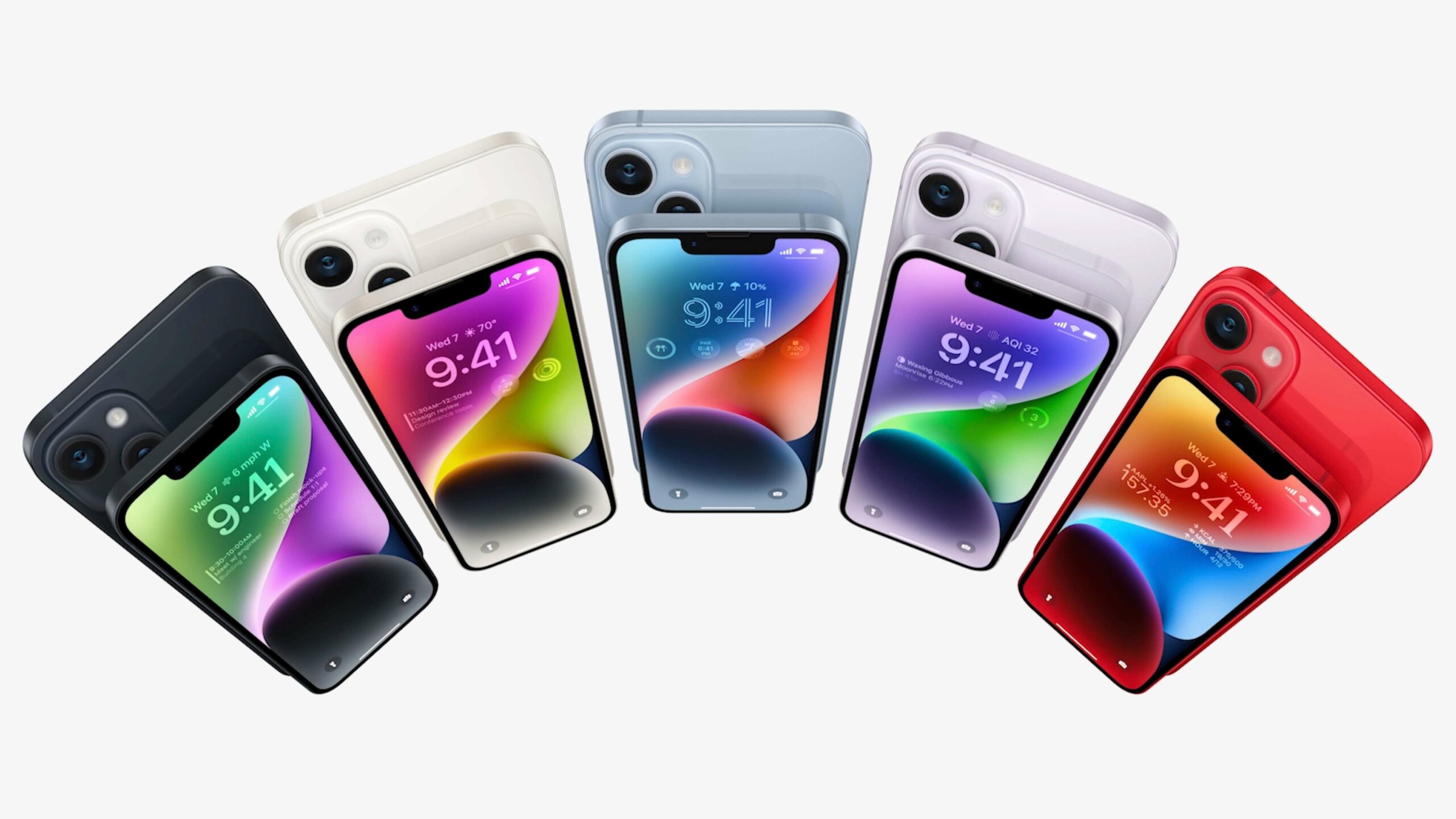
Stunning Iphone 14 Pro Sim Landscape in 4K
This gorgeous iphone 14 pro sim photo offers a breathtaking view, making it a perfect choice for your next wallpaper.

Mesmerizing Iphone 14 Pro Sim Image for Mobile
Transform your screen with this vivid iphone 14 pro sim artwork, a true masterpiece of digital design.
Detailed Iphone 14 Pro Sim Photo Illustration
Discover an amazing iphone 14 pro sim background image, ideal for personalizing your devices with vibrant colors and intricate designs.

Lush Iphone 14 Pro Sim Design for Desktop
This gorgeous iphone 14 pro sim photo offers a breathtaking view, making it a perfect choice for your next wallpaper.

Crisp Iphone 14 Pro Sim Wallpaper Collection
This gorgeous iphone 14 pro sim photo offers a breathtaking view, making it a perfect choice for your next wallpaper.
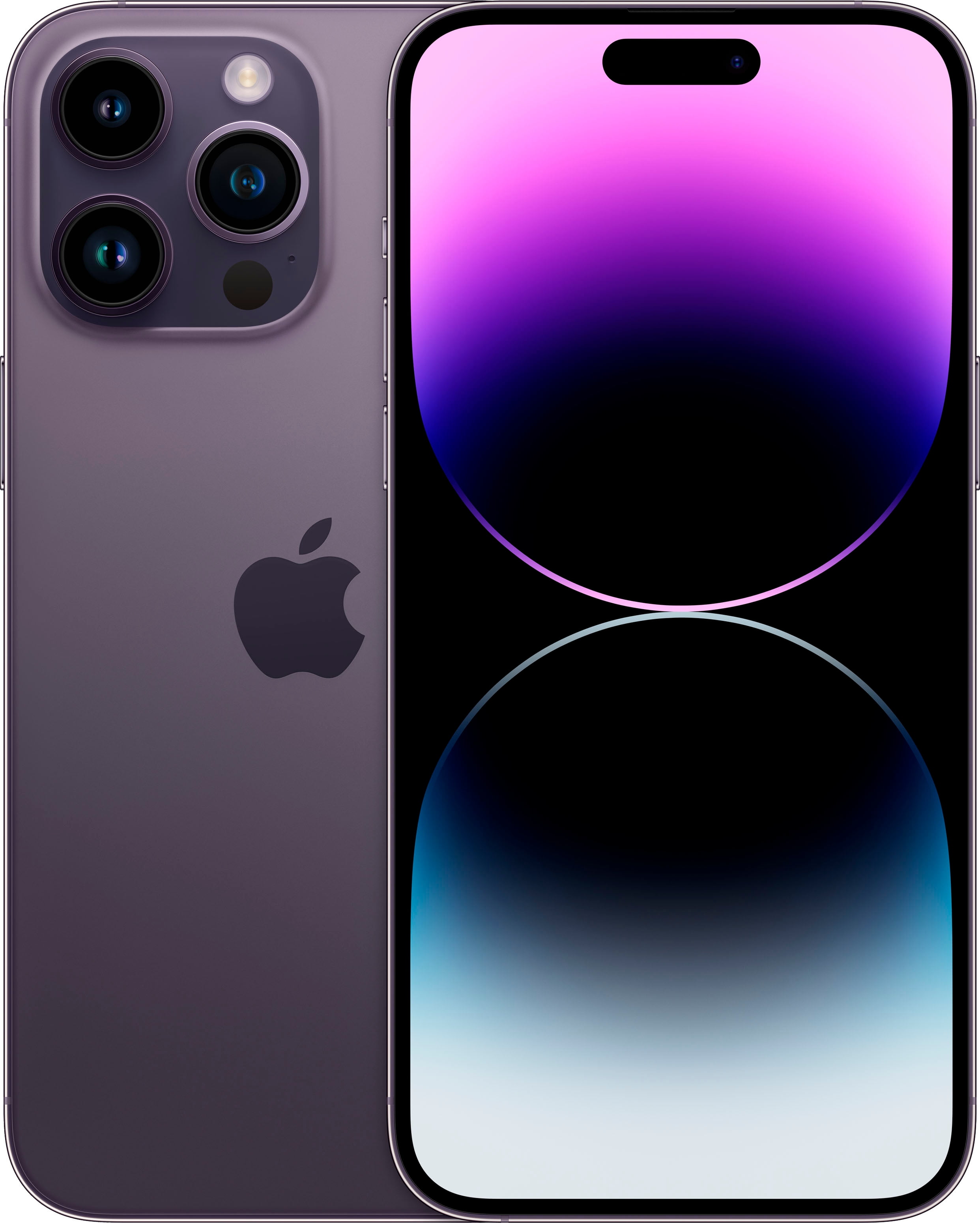
Breathtaking Iphone 14 Pro Sim Wallpaper Digital Art
Explore this high-quality iphone 14 pro sim image, perfect for enhancing your desktop or mobile wallpaper.
Beautiful Iphone 14 Pro Sim Background Digital Art
Discover an amazing iphone 14 pro sim background image, ideal for personalizing your devices with vibrant colors and intricate designs.
.jpg "Lush Iphone 14 Pro Sim View Art")
Lush Iphone 14 Pro Sim View Art
Find inspiration with this unique iphone 14 pro sim illustration, crafted to provide a fresh look for your background.

Vivid Iphone 14 Pro Sim View Digital Art
Transform your screen with this vivid iphone 14 pro sim artwork, a true masterpiece of digital design.

Dynamic Iphone 14 Pro Sim Picture Concept
Find inspiration with this unique iphone 14 pro sim illustration, crafted to provide a fresh look for your background.

High-Quality Iphone 14 Pro Sim Moment Nature
Experience the crisp clarity of this stunning iphone 14 pro sim image, available in high resolution for all your screens.

Vibrant Iphone 14 Pro Sim Picture for Your Screen
Discover an amazing iphone 14 pro sim background image, ideal for personalizing your devices with vibrant colors and intricate designs.

Dynamic Iphone 14 Pro Sim Photo Concept
Immerse yourself in the stunning details of this beautiful iphone 14 pro sim wallpaper, designed for a captivating visual experience.

Breathtaking Iphone 14 Pro Sim Moment Digital Art
Discover an amazing iphone 14 pro sim background image, ideal for personalizing your devices with vibrant colors and intricate designs.

Breathtaking Iphone 14 Pro Sim View Collection
Transform your screen with this vivid iphone 14 pro sim artwork, a true masterpiece of digital design.
Download these iphone 14 pro sim wallpapers for free and use them on your desktop or mobile devices.