Reliving the Glory Days: How to Play Gameboy On Iphone (The Ultimate Guide)
If you grew up with the satisfying clicks of a D-pad and the monochrome brilliance of Pokémon Red, you know the magic of the original Nintendo Game Boy. The nostalgia is powerful, but carrying around bulky vintage hardware isn't practical. That's where modern technology swoops in to save the day!
The good news is that you absolutely can bring those classic titles back to life. In this comprehensive guide, we will walk you through the simplest and most effective ways to play Gameboy On Iphone, turning your sleek modern device into a portable retro gaming machine. Get ready to dust off those memories!
Why Play Gameboy On Iphone? (A Blast from the Past)
The transition from a dedicated console to a smartphone screen offers more than just convenience. It modernizes a classic experience without losing the core charm. Playing your favorite retro titles on your iPhone means you have access to thousands of hours of gameplay right in your pocket, whenever you want.
The experience goes beyond simple emulation. Modern emulators often add quality-of-life improvements that weren't available decades ago, making old games feel fresh and accessible. You might be surprised at how much you appreciate these small tweaks.
Key Benefits of Emulation on iOS:
- Portability: Your iPhone is always with you, making it the most accessible console available.
- Save States: Unlike the original hardware, modern emulators allow you to save your game progress instantly anywhere, perfect for quick gaming sessions.
- Screen Filters: Many emulators offer filters to mimic the original screen or enhance the graphics for a better modern viewing experience.
- Controller Support: Pair a modern Bluetooth controller for a truly authentic and satisfying gameplay experience.
The Legal Landscape: Understanding Emulation
Before diving into the technical steps, it's crucial to address the legality of playing retro games. Emulation itself—the act of running one system's software on another—is generally legal. However, the software you use, known as ROMs (Read-Only Memory), lives in a legal gray area.
In most jurisdictions, downloading ROMs is only permissible if you already own a physical copy of the original game cartridge. Distributing copyrighted ROM files is strictly illegal and is not supported here. Always make sure you are sourcing your ROM files legally, often through 'dumping' the data from cartridges you personally own.
Top Methods to Get Gameboy On Iphone (No Jailbreak Needed!)
For years, getting emulators onto an iPhone required 'jailbreaking' the device—a risky process that voids your warranty. Thankfully, those days are largely over. There are now several legitimate and non-invasive methods to get the Gameboy On Iphone experience you crave.
The two primary ways involve either utilizing web-based solutions that run in your browser or installing dedicated apps through alternative app stores or side-loading methods sanctioned by Apple's developer program.
Web-Based Emulators: Quick and Easy Access
The simplest route is often a web-based emulator. These services run entirely within your Safari browser, meaning no installation is necessary. This method is incredibly easy to set up, usually taking just a few minutes.
While web emulators are convenient, they often come with limitations. Performance can sometimes suffer depending on your internet connection, and they might not offer the full suite of features found in dedicated applications. However, for a quick nostalgia fix, they are perfect.
Steps for Using a Web Emulator:
- Search for a reputable, non-download browser-based Game Boy emulator (GB or GBC compatible).
- Navigate to the site using Safari on your iPhone.
- Use the 'Upload ROM' feature on the site to load a ROM file from your iPhone's Files app.
- Wait for the game to initialize and start playing using the on-screen touch controls.
Dedicated Emulator Apps (The Best Options)
For a superior, feature-rich experience, a dedicated emulator app is the way to go. These apps offer better performance, reliable save functions, and advanced settings like fast-forwarding and cheat codes. The challenge is installing them outside of the official App Store.
Due to Apple's strict policies against emulators that run interpreted code, these apps cannot be found on the standard App Store. Instead, you need to use a 'side-loading' technique, often involving services like AltStore or utilizing developer certificate signing services.
One of the most popular and highly recommended options for playing Gameboy On Iphone is the Delta emulator. Delta supports GB, GBC, GBA, N64, and others, making it an all-in-one retro gaming solution. Its integration with iOS features is seamless, offering full-screen gameplay and excellent control options.
Setting Up Your Gameboy Experience
Once you have your chosen emulator installed, the final steps involve configuring your games and controllers to maximize enjoyment. This setup is crucial for truly capturing the spirit of classic gaming on modern hardware.
Loading ROMs: Where to Find Your Games
The emulator app is simply the player; you need the game files themselves (ROMs) to start playing. As mentioned earlier, please ensure you only use ROMs from cartridges you own, or those that are part of the public domain. Ethical sourcing is paramount here.
The process of loading the ROMs into your emulator is straightforward. Usually, you download the zipped ROM file to your iPhone's 'Files' app. Then, within your emulator (like Delta), you simply import the file. The emulator will automatically recognize the Game Boy title and add it to your library.
Keeping your ROM library organized in the Files app can make the importing process much faster and smoother as you expand your collection.
Enhancing Gameplay: External Controllers
While touch controls are perfectly functional, nothing beats the tactile satisfaction of physical buttons. Modern iOS supports a wide range of Bluetooth controllers, transforming your iPhone into a serious portable gaming console.
If you want the ultimate Gameboy On Iphone experience, consider investing in a dedicated clip-on controller, such as those that resemble the Nintendo Switch's Joy-Cons. These devices hug the sides of your iPhone, providing a genuine handheld feel that dramatically improves precision and comfort, especially for platformers and RPGs.
Most emulators, particularly dedicated apps like Delta, have built-in mapping features that make connecting and calibrating your favorite controller incredibly easy. Just pair the controller via Bluetooth and assign the buttons within the emulator's settings menu.
Conclusion: Your Portable Retro Arcade Awaits
Bringing the magic of the Game Boy and Game Boy Color to your iPhone is easier and more reliable than ever before. Whether you choose the speed and simplicity of a web emulator or the robust features of a dedicated side-loaded app like Delta, you can now carry thousands of classic titles in your pocket.
Playing Gameboy On Iphone isn't just about reliving old games; it's about making those timeless experiences accessible in the modern age. So, grab your ROMs, load up your emulator, and prepare to embark on those unforgettable 8-bit adventures once again. Happy gaming!
Frequently Asked Questions (FAQ)
- Can playing Gameboy On Iphone damage my phone?
- No. Using established web-based emulators or side-loading apps through reputable signing services is safe. However, always exercise caution regarding unofficial or unknown download sources, as these pose a security risk.
- Is a jailbroken iPhone required for emulation?
- Absolutely not. Modern methods, especially the use of side-loading tools (like AltStore) or web emulators, allow you to install and play emulators without voiding your warranty or altering core iOS functionality.
- Which Game Boy systems can I emulate?
- Most modern emulators support the full range: the original Game Boy (GB), the Game Boy Color (GBC), and the Game Boy Advance (GBA). Some popular emulators, like Delta, also support Nintendo 64 and Nintendo DS.
- Do I need to download BIOS files for Game Boy emulation?
- Usually, no. Standard Game Boy and Game Boy Color emulation rarely requires a BIOS file. However, GBA emulation often benefits from or requires the GBA BIOS file to ensure full compatibility and proper boot-up sequences, although many emulators now include high-quality, pre-integrated open-source alternatives.
- How much storage space do Game Boy ROMs take up?
- Game Boy and Game Boy Color ROMs are extremely small, usually measured in kilobytes (KB). Even large libraries of hundreds of games will only consume a few megabytes (MB) of space, so storage is rarely an issue when playing Gameboy On Iphone.
Gameboy On Iphone
Gameboy On Iphone Wallpapers
Collection of gameboy on iphone wallpapers for your desktop and mobile devices.
Captivating Gameboy On Iphone Design Illustration
A captivating gameboy on iphone scene that brings tranquility and beauty to any device.
Gorgeous Gameboy On Iphone Design Photography
This gorgeous gameboy on iphone photo offers a breathtaking view, making it a perfect choice for your next wallpaper.
Stunning Gameboy On Iphone Background in HD
Find inspiration with this unique gameboy on iphone illustration, crafted to provide a fresh look for your background.
Amazing Gameboy On Iphone Moment in 4K
Experience the crisp clarity of this stunning gameboy on iphone image, available in high resolution for all your screens.
Crisp Gameboy On Iphone Design Photography
This gorgeous gameboy on iphone photo offers a breathtaking view, making it a perfect choice for your next wallpaper.
Stunning Gameboy On Iphone Landscape in HD
A captivating gameboy on iphone scene that brings tranquility and beauty to any device.
Stunning Gameboy On Iphone Scene for Your Screen
Immerse yourself in the stunning details of this beautiful gameboy on iphone wallpaper, designed for a captivating visual experience.
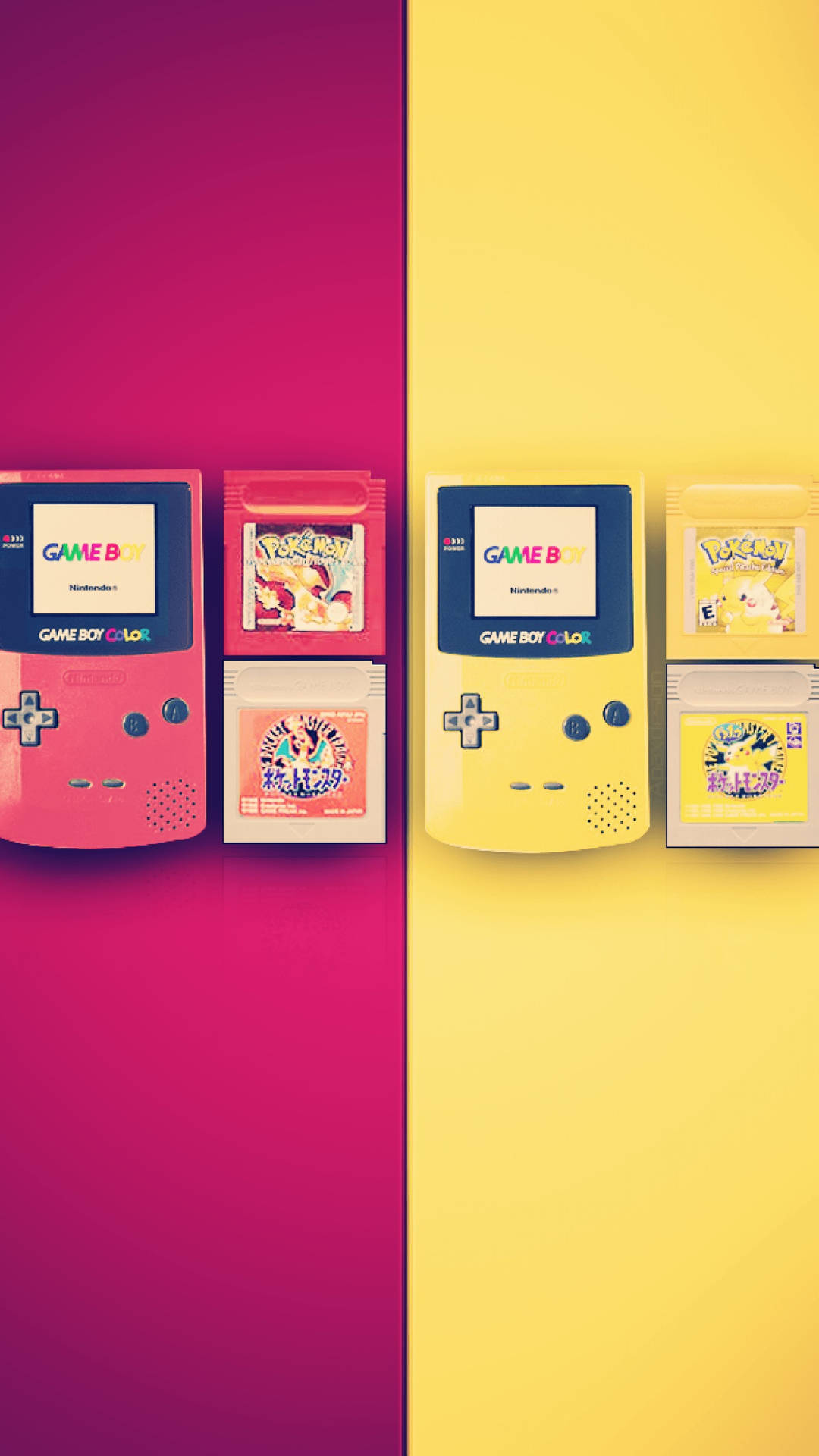
Mesmerizing Gameboy On Iphone Capture in 4K
Explore this high-quality gameboy on iphone image, perfect for enhancing your desktop or mobile wallpaper.

Lush Gameboy On Iphone Background Concept
Find inspiration with this unique gameboy on iphone illustration, crafted to provide a fresh look for your background.
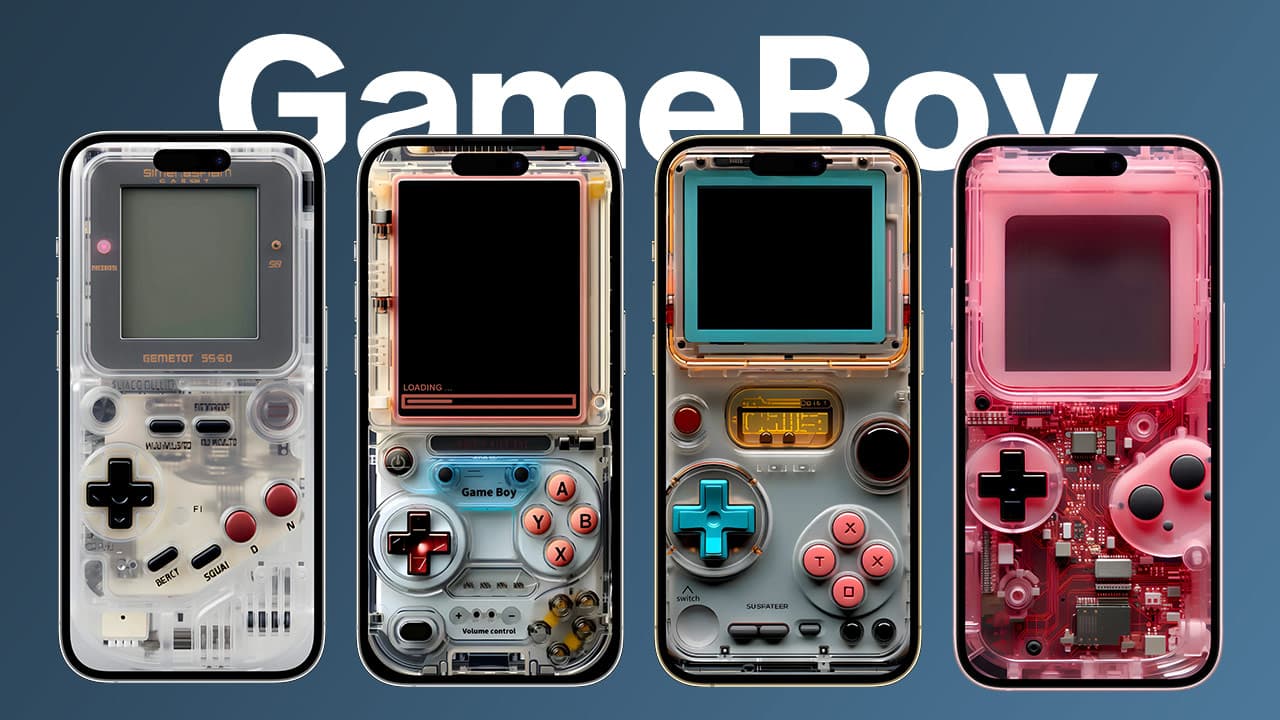
Gorgeous Gameboy On Iphone Landscape in HD
Immerse yourself in the stunning details of this beautiful gameboy on iphone wallpaper, designed for a captivating visual experience.
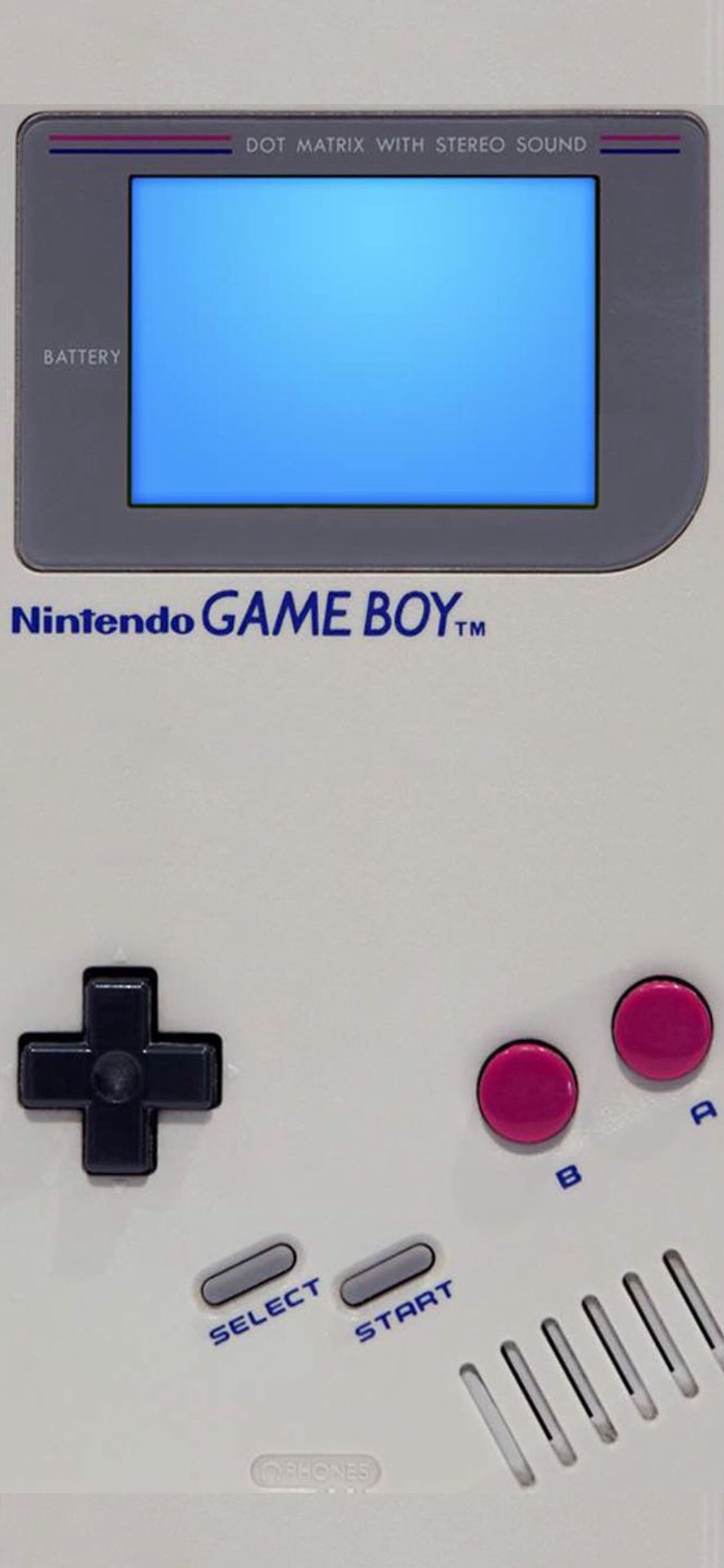
Amazing Gameboy On Iphone Capture for Mobile
Discover an amazing gameboy on iphone background image, ideal for personalizing your devices with vibrant colors and intricate designs.
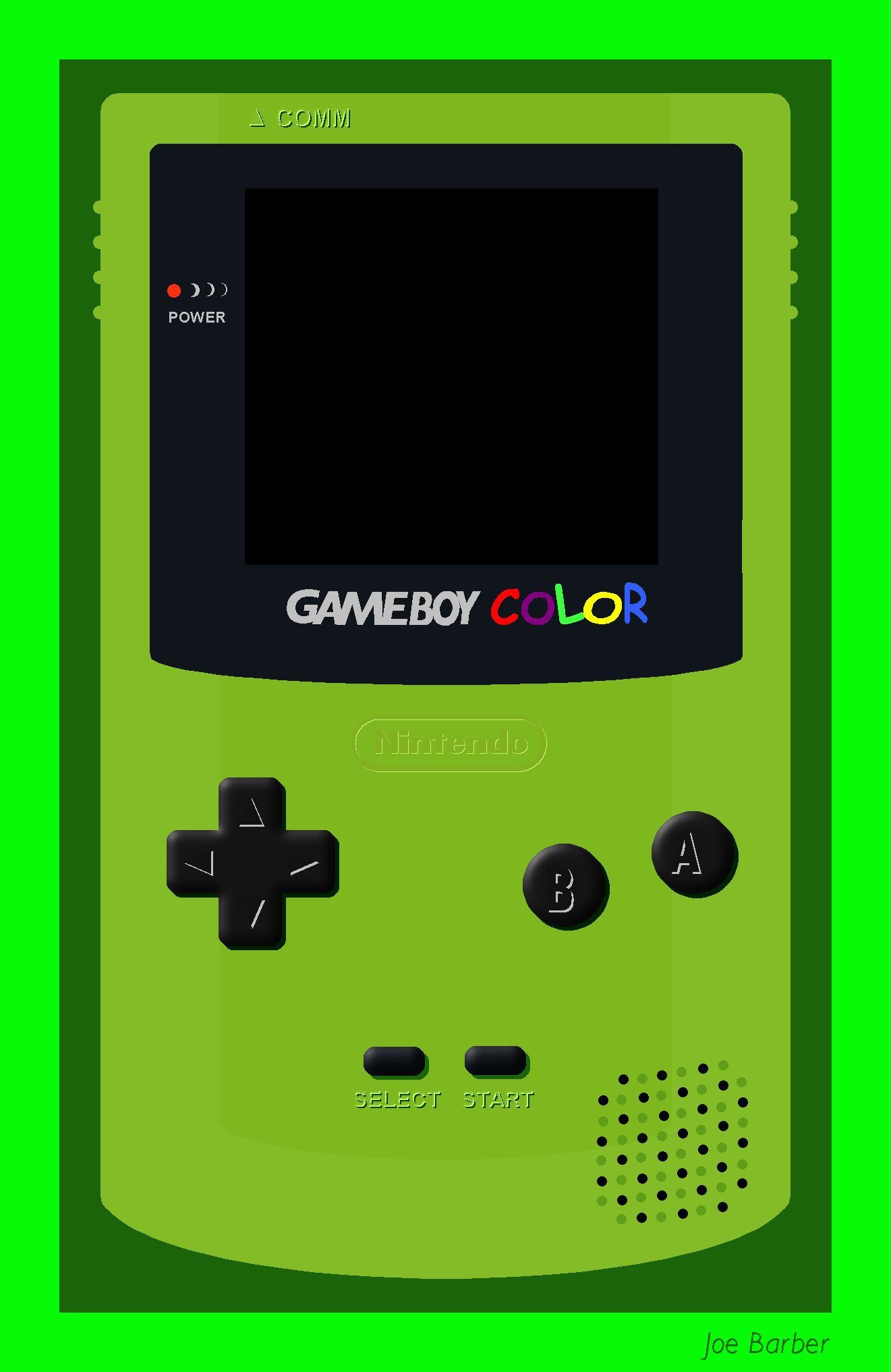
Vibrant Gameboy On Iphone Wallpaper for Desktop
Transform your screen with this vivid gameboy on iphone artwork, a true masterpiece of digital design.
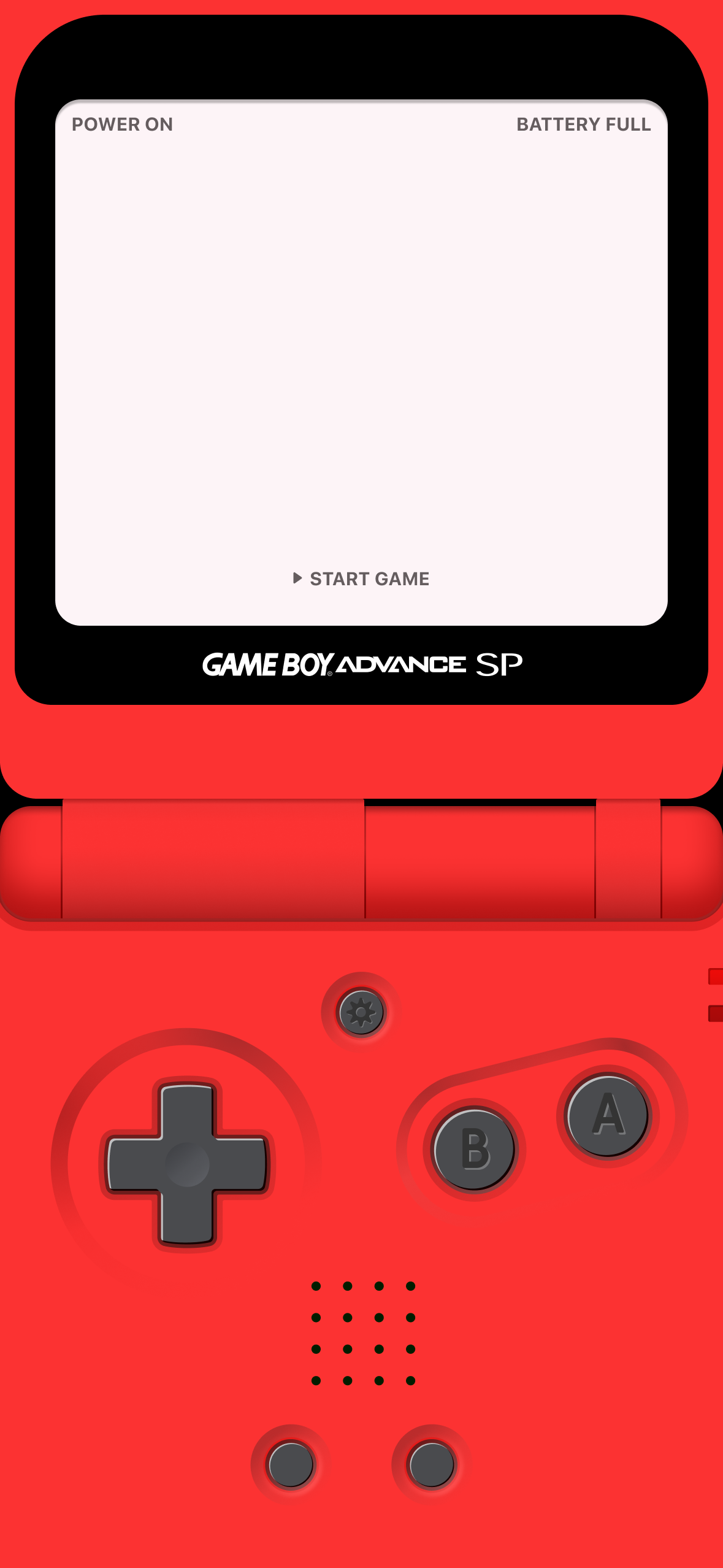
Stunning Gameboy On Iphone Design for Your Screen
Find inspiration with this unique gameboy on iphone illustration, crafted to provide a fresh look for your background.
High-Quality Gameboy On Iphone Landscape Illustration
Transform your screen with this vivid gameboy on iphone artwork, a true masterpiece of digital design.
Breathtaking Gameboy On Iphone View Illustration
Experience the crisp clarity of this stunning gameboy on iphone image, available in high resolution for all your screens.

Crisp Gameboy On Iphone Artwork Nature
This gorgeous gameboy on iphone photo offers a breathtaking view, making it a perfect choice for your next wallpaper.
Serene Gameboy On Iphone Design Art
Transform your screen with this vivid gameboy on iphone artwork, a true masterpiece of digital design.
Detailed Gameboy On Iphone Background for Desktop
Explore this high-quality gameboy on iphone image, perfect for enhancing your desktop or mobile wallpaper.
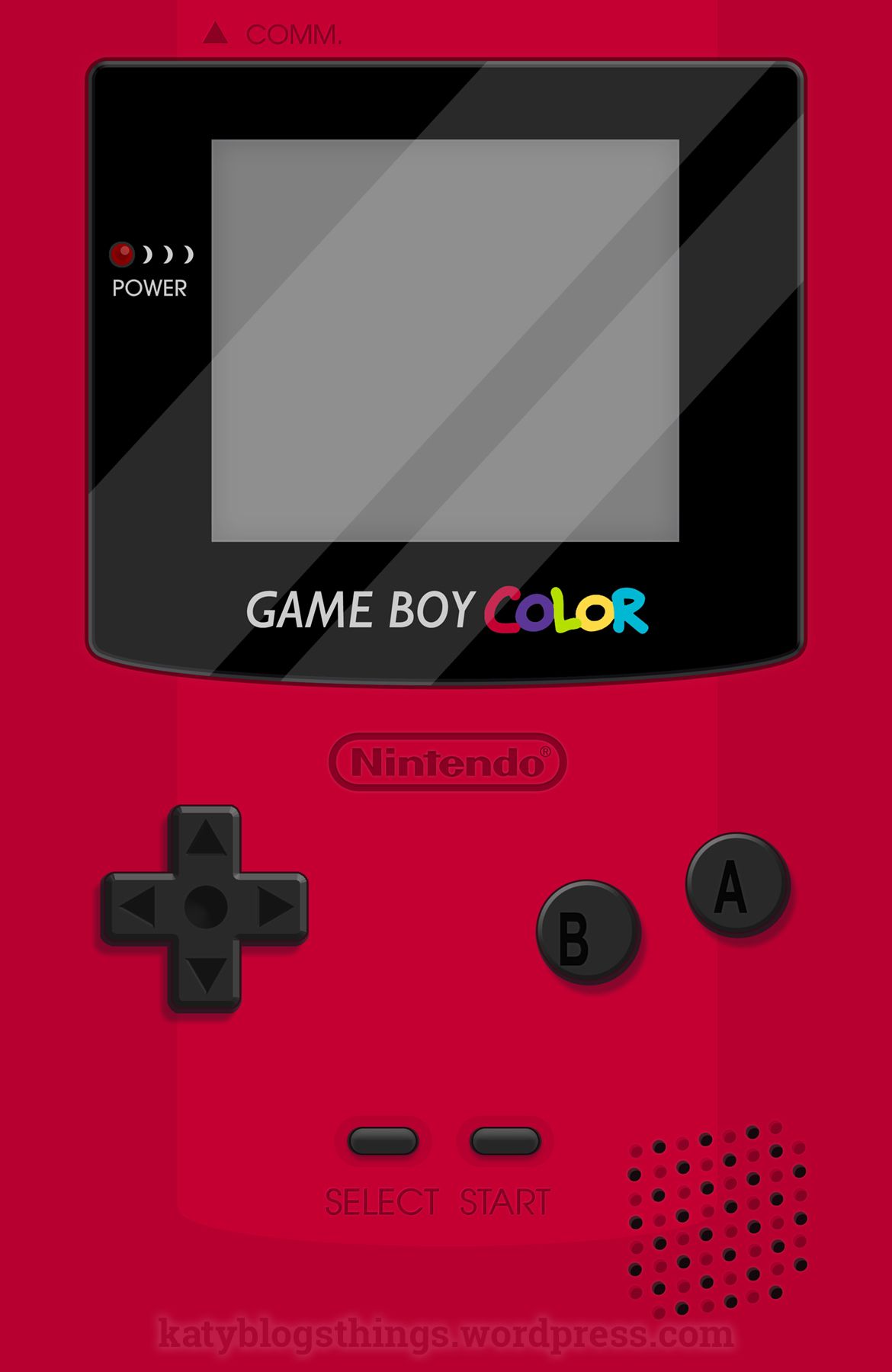
Exquisite Gameboy On Iphone Landscape for Desktop
This gorgeous gameboy on iphone photo offers a breathtaking view, making it a perfect choice for your next wallpaper.
Serene Gameboy On Iphone Artwork Nature
Experience the crisp clarity of this stunning gameboy on iphone image, available in high resolution for all your screens.
Download these gameboy on iphone wallpapers for free and use them on your desktop or mobile devices.