Can You Put iPhone SIM Card In Android? The Quick Answer You Need
Switching from an iPhone to an Android device can feel a bit daunting, especially when you start thinking about the small details—like your SIM card. You've got your new phone ready, but the big question looming is: Can you put iPhone SIM card in Android, or are you stuck calling your carrier?
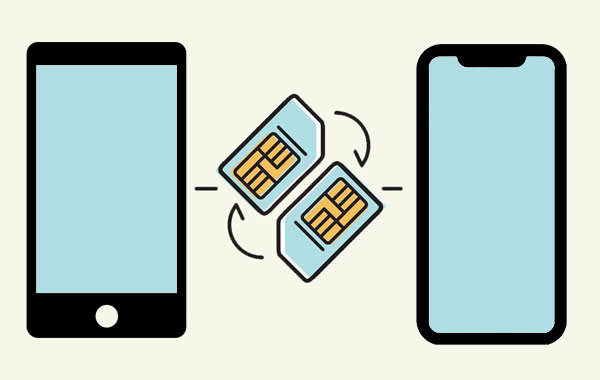
The good news is that for the vast majority of modern smartphones, the answer is a resounding YES! The primary function of a SIM card is to connect you to your mobile network, and that technology is standardized regardless of whether the device is running iOS or Android.
However, while the technology is compatible, there are a few important details you need to check before you make the leap. Let's dive into what you need to know to ensure a seamless transition.
The Simple Truth About SIM Card Compatibility
At its core, a SIM (Subscriber Identity Module) card is just a tiny chip storing essential network information like your phone number and carrier identification. This information is universal. As long as the physical size matches and your Android phone is not carrier-locked, your iPhone SIM should work perfectly.
You don't need a special "Android SIM" or an "iPhone SIM." They are essentially the same piece of hardware and software.
Size Matters: Understanding SIM Card Formats
The single most common hurdle when moving an iPhone SIM card into an Android phone is ensuring the physical size is correct. While the underlying chip is the same, the plastic housing can vary.
Modern phones, both Apple and Android, predominantly use the smallest format available:
- Standard SIM (Mini-SIM): The oldest and largest format, rarely used today.
- Micro SIM: Used in older iPhones (up to iPhone 4S) and some mid-range older Androids.
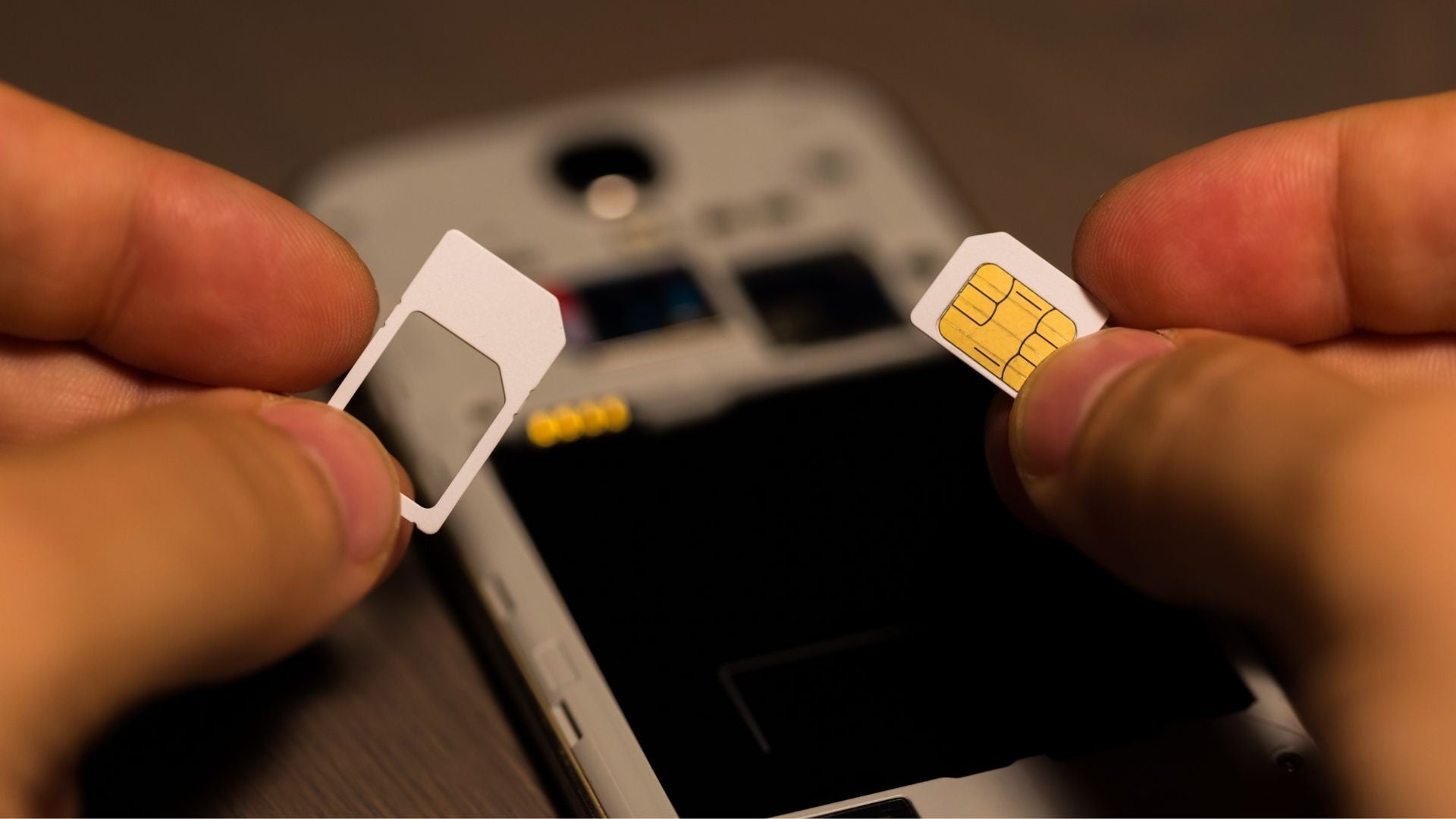
- Nano SIM: The current standard. Used in the iPhone 5 onwards and virtually all modern flagship Android devices (Samsung, Google Pixel, etc.).
Since the iPhone 5, Apple has consistently used the Nano SIM. If your Android phone was manufactured in the last 5-7 years, it almost certainly requires a Nano SIM. So, if your iPhone is relatively new, your existing SIM card should fit perfectly.
Is Your Phone Unlocked? A Crucial Step
Before you even ask, "Can I put my iPhone SIM card into my Android device?" you must confirm one thing: Is the Android phone unlocked?
If you purchased your Android phone directly from a carrier (like Verizon, T-Mobile, or AT&T) and haven't finished paying it off, it might be "locked" to that carrier's network. This means it will only accept SIM cards from that specific provider.
If both your iPhone SIM and your new Android phone are on the same network (e.g., both use AT&T), then you are generally fine, even if the Android phone is technically locked.
However, if you are switching networks (e.g., moving an AT&T SIM to a T-Mobile locked Android), it simply won't work until the Android device is officially unlocked by the carrier.
Step-by-Step Guide: Making the Switch from iOS to Android
Ready to make the jump? This process is usually quick and painless. Just follow these steps:
Checking the SIM Tray (Physical Inspection)
- Power Down: Turn off both your iPhone and your new Android device completely.
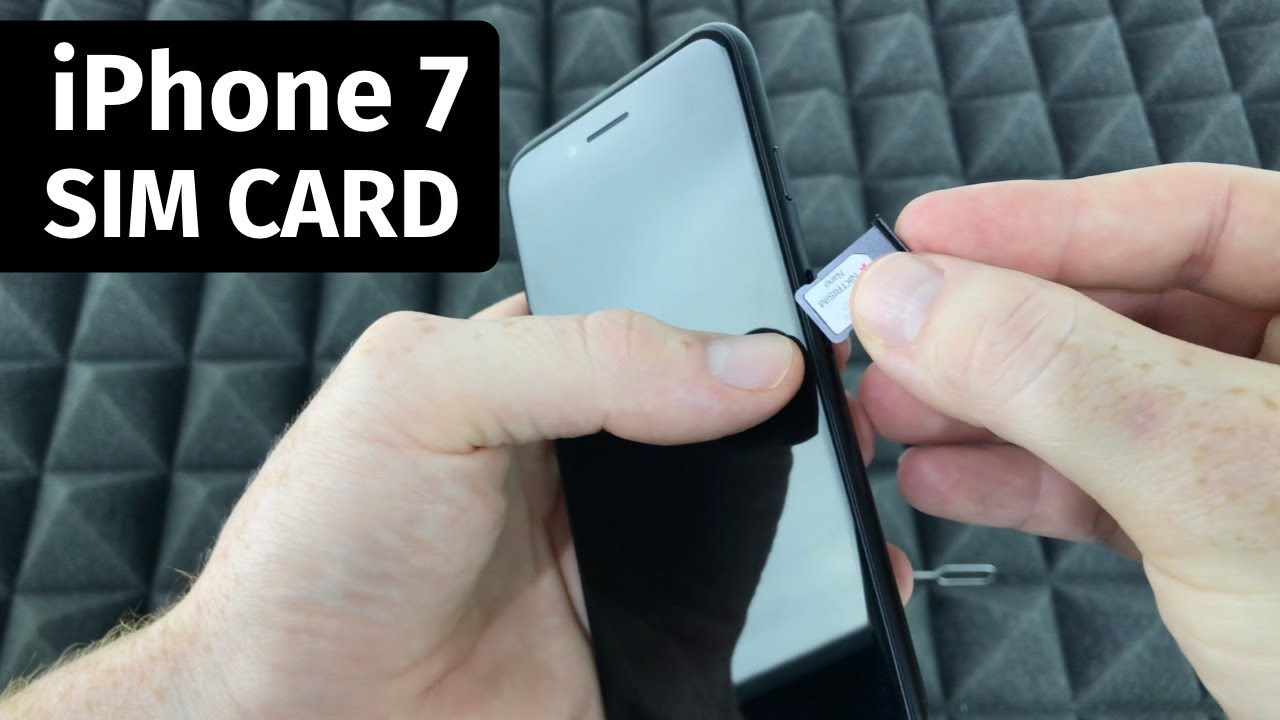
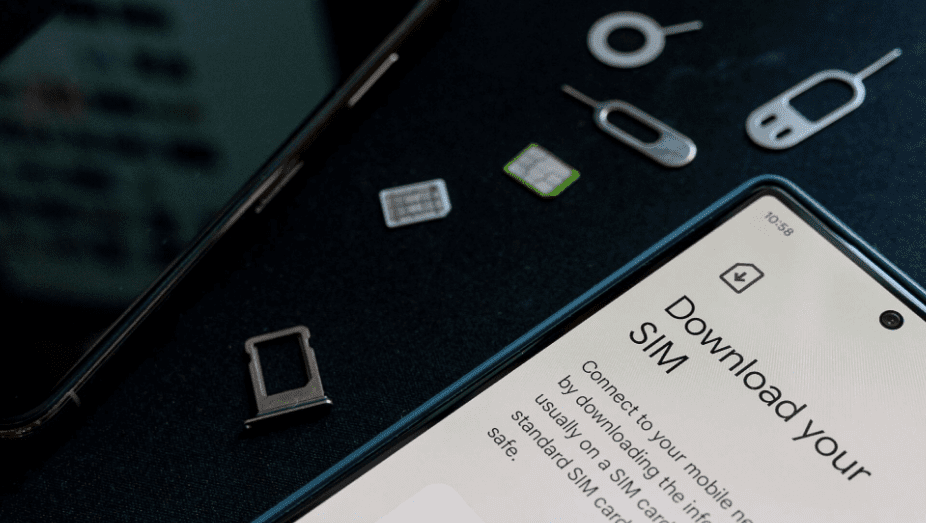
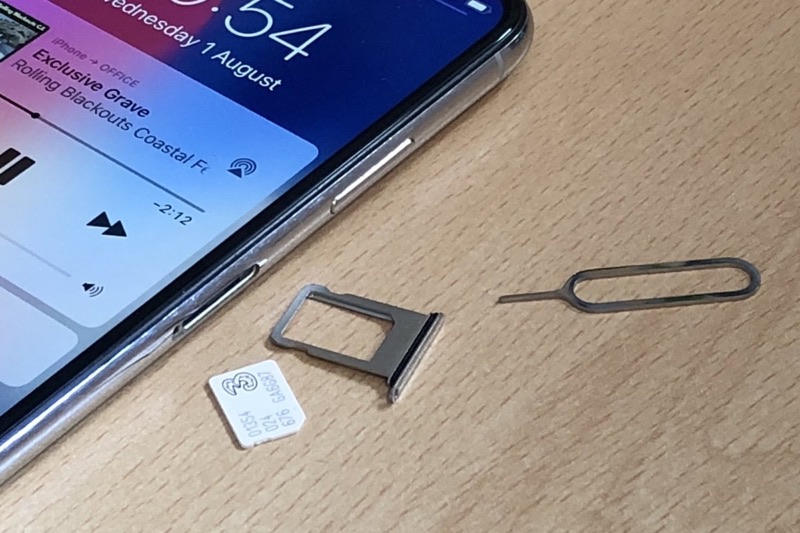
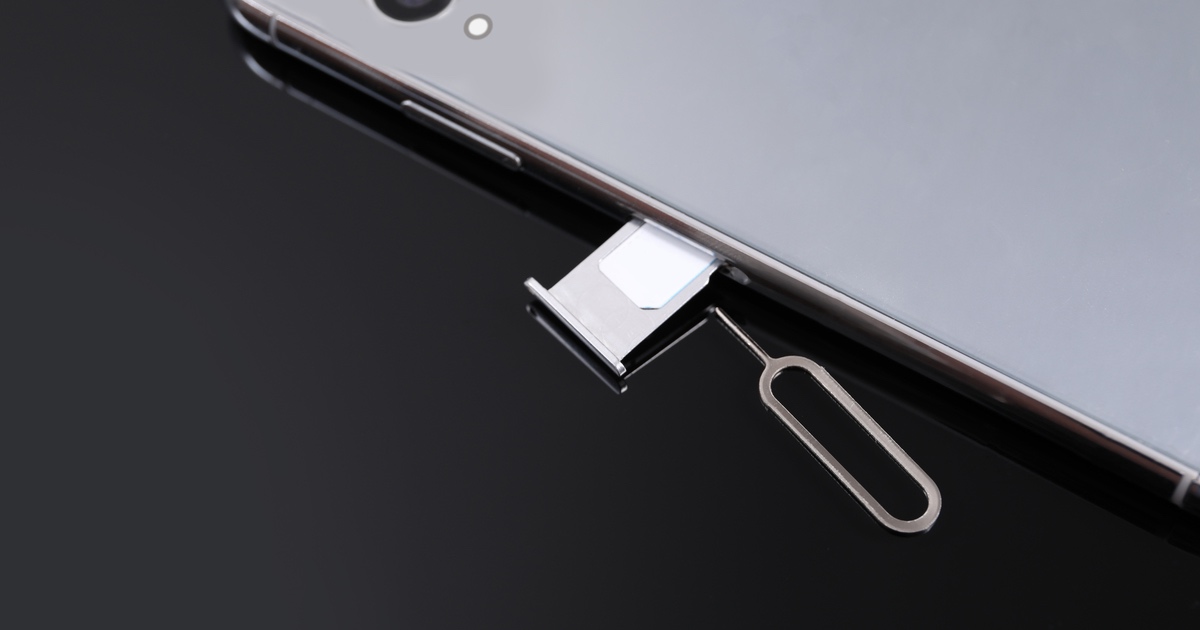
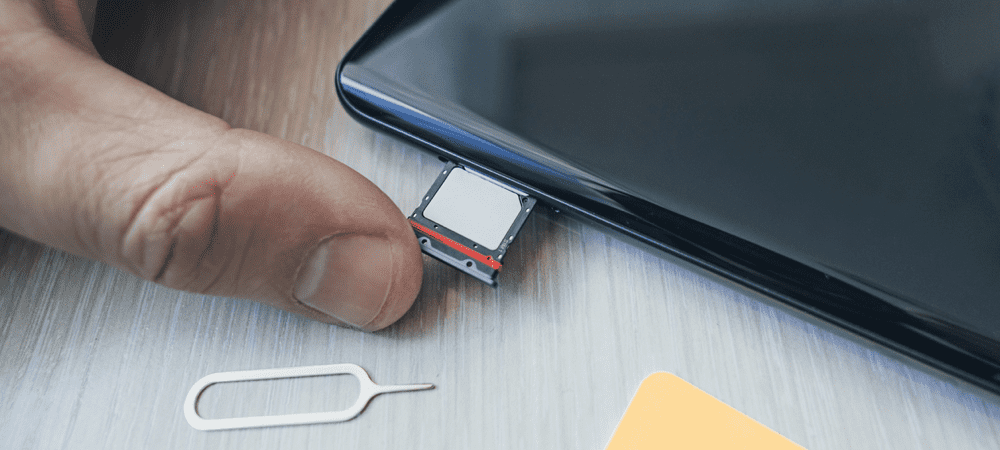
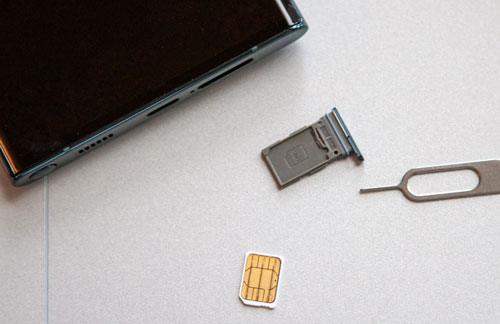
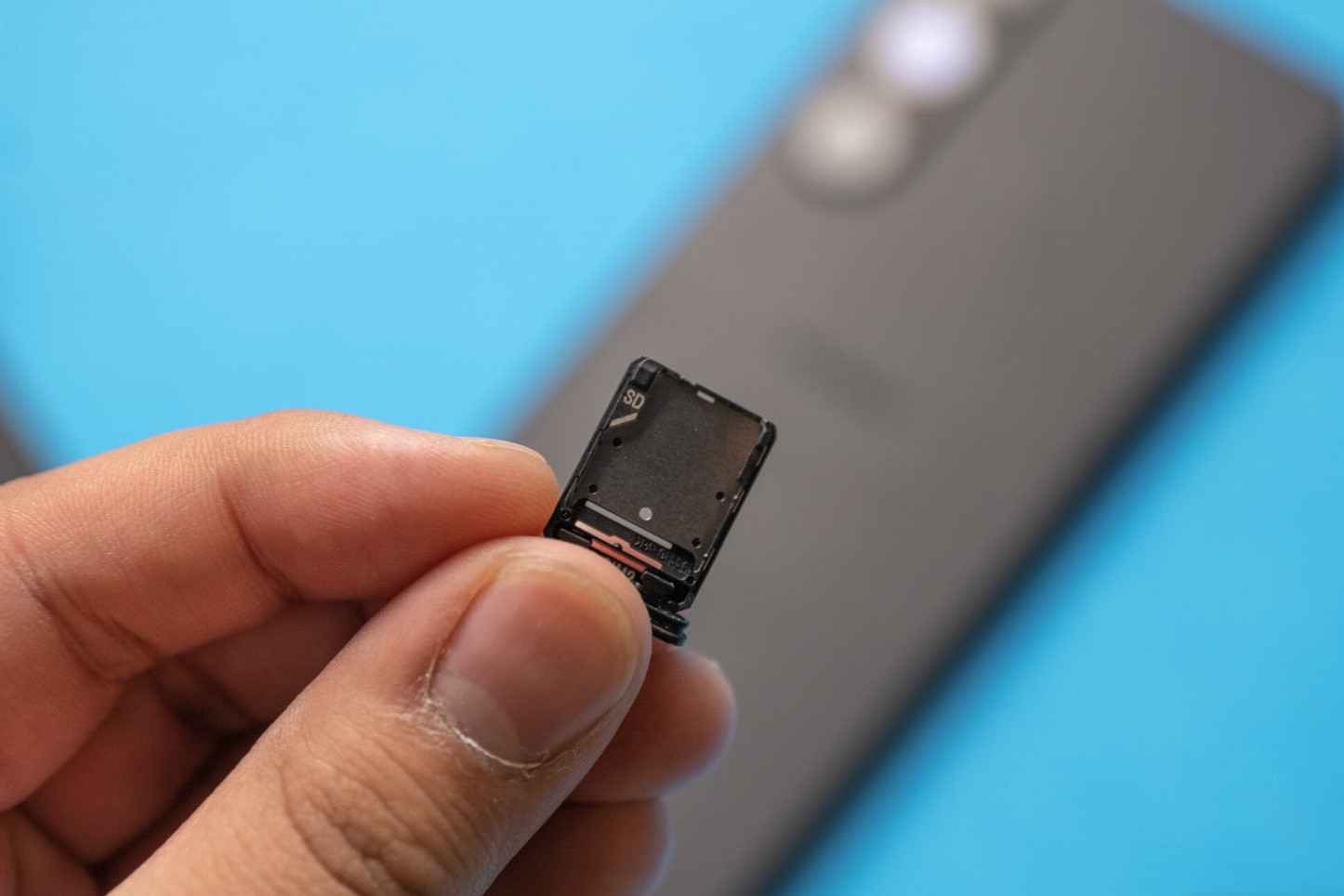
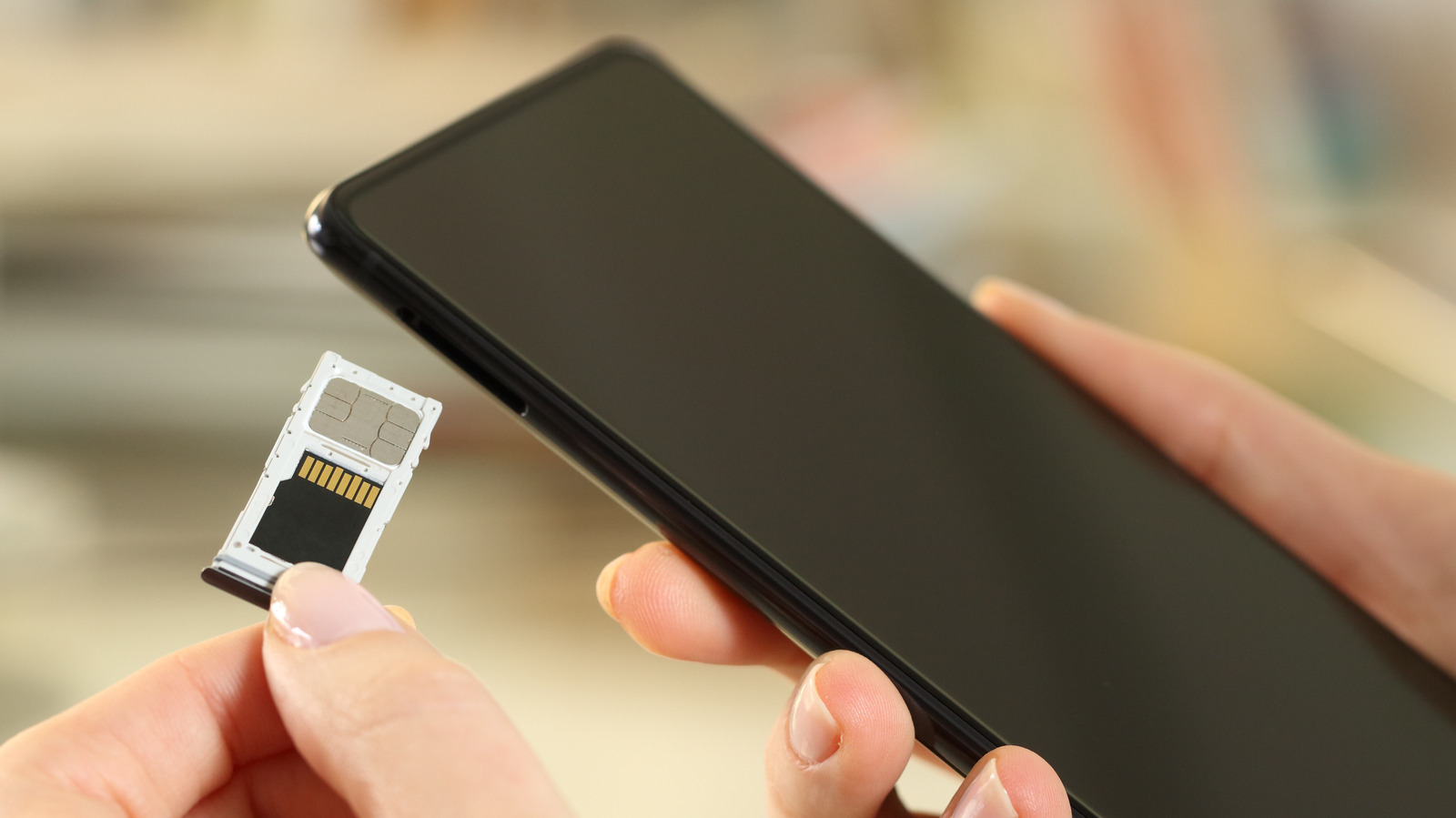
- Eject the iPhone SIM: Use a SIM ejector tool (or a paperclip) to pop out the SIM tray from your iPhone. Carefully remove the SIM card.
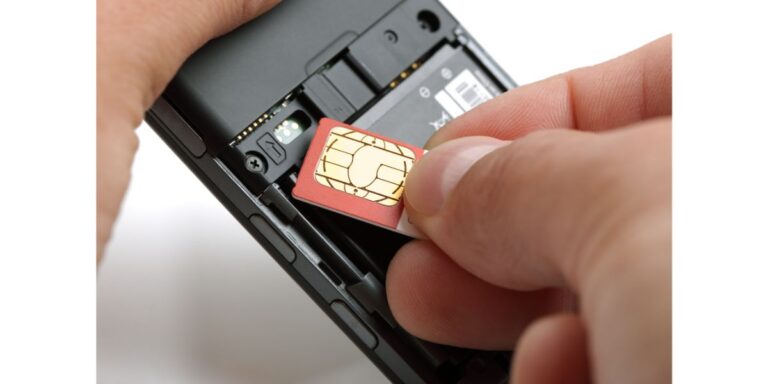
- Check the Android Tray: Locate the SIM tray on your Android device. It may be on the side, top, or sometimes underneath the back cover.
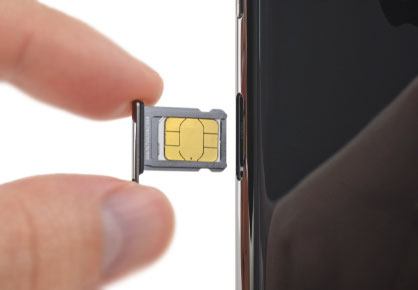
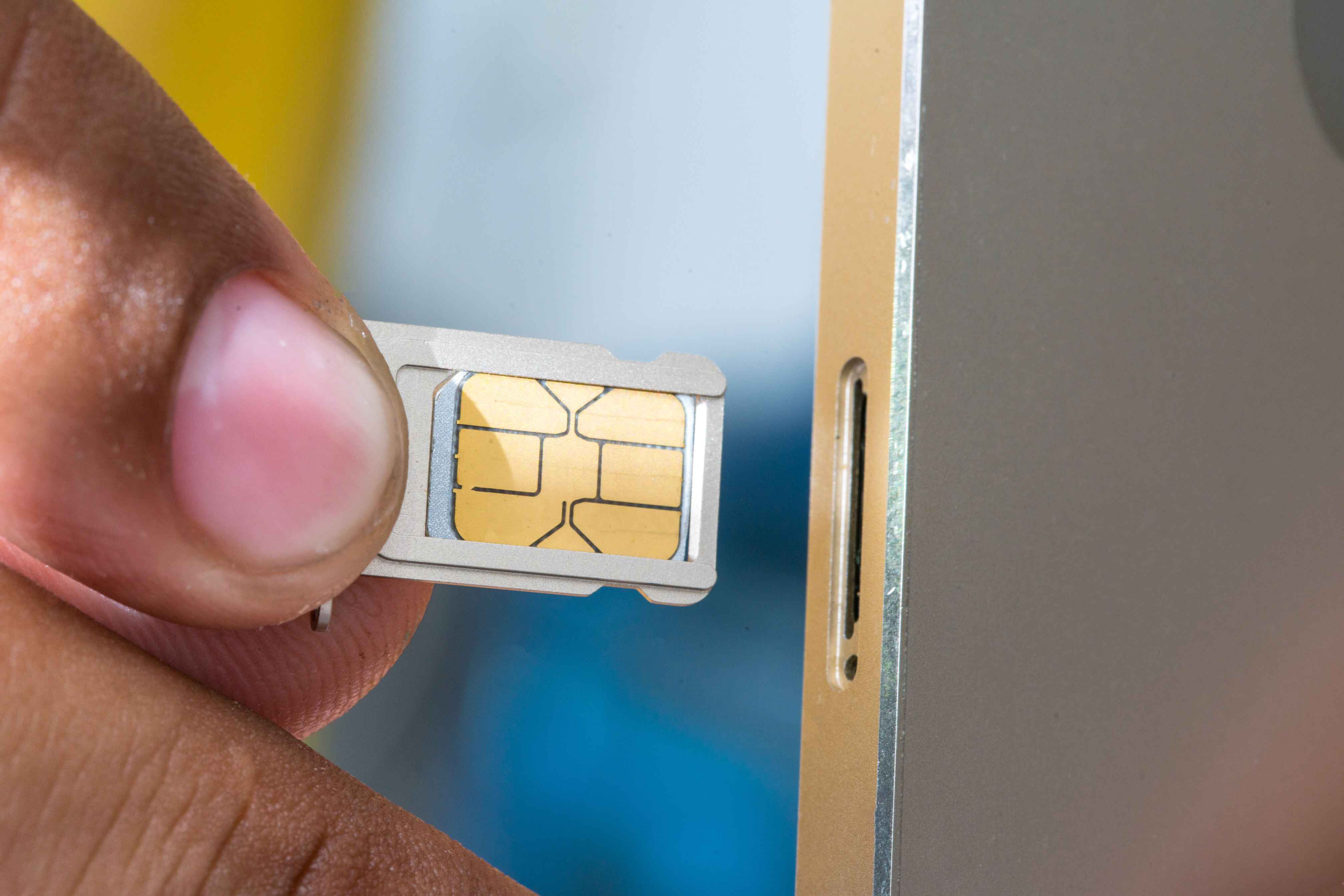
- Compare Sizes: Most modern Androids have a tray with dedicated slots for the Nano SIM. Place your iPhone's Nano SIM into the corresponding slot.
- Insert and Power On: Gently slide the tray back into the Android phone and power the device on.
Once the Android phone boots up, it should automatically detect the network based on the SIM card data. You might see a small network icon appear within a minute or two.
Preparing Your Data and Contacts
While the SIM card handles your connectivity, it doesn't transfer your contacts, photos, or apps automatically. Make sure you back up your iPhone data first.
Here are the necessary preparations:
- Contacts: Ensure your contacts are synced to a cloud service (like iCloud or Google Contacts) that can be accessed by your Android phone.
- iMessage Check: IMPORTANT: Before removing the SIM, go into your iPhone settings and turn off iMessage and FaceTime. This prevents messages sent to you from getting stuck in Apple's ecosystem instead of coming through as standard SMS on your Android.
- Photos/Media: Use Google Photos, Dropbox, or a direct transfer cable to move large files.
Potential Roadblocks and Troubleshooting
Even though the process of moving your iPhone SIM card into Android is generally simple, sometimes things go wrong. If you are having connectivity issues, here are the likely culprits.
Error Messages and What They Mean
If your Android displays a message, pay close attention, as it tells you exactly what the problem is:
- "Invalid SIM" or "SIM Not Supported"
- This is the most common sign that the Android phone is locked to a different carrier than the one associated with the iPhone SIM card.
- "No Service" or "Emergency Calls Only"
- If the SIM is recognized but you have no service, the phone might be struggling to find the correct Access Point Name (APN) settings. You may need to manually input these settings (you can get them from your carrier's website).
When the SIM Card is Locked to the Carrier (The Dreaded "Locked" Status)
If you confirm the issue is that your new Android phone is carrier-locked, you must contact the original carrier to request an unlock code. They typically require that the device is fully paid off and that your account is in good standing.
This process can sometimes take a few business days, so plan ahead if you know you are making a network switch.
What if Your Android Doesn't Detect the SIM? (Troubleshooting Checklist)
If your phone turns on but doesn't recognize the SIM at all, try these simple fixes:
- Reboot the Device: Sometimes a simple restart is all it takes for the Android operating system to recognize the newly inserted hardware.
- Clean the SIM: Take the SIM out and gently wipe the gold contact surface with a clean, dry cloth to ensure good conductivity.
- Check the Tray Orientation: Make sure the SIM card is seated correctly in the tray. Even slight misalignment can prevent it from connecting properly.
- Test with Another SIM: If possible, test a known working SIM (perhaps a friend's) in your Android phone. If that SIM works, your iPhone SIM might be damaged or deactivated.
- Check for Software Updates: Ensure your Android device is running the latest operating system update, as this can sometimes fix connectivity bugs.
Conclusion: Yes, You Can Put iPhone SIM Card In Android (Usually!)
So, can you put iPhone SIM card in Android? Absolutely. The underlying technology is identical, and modern devices universally use the small Nano SIM format.
The transition is usually as simple as swapping the card, provided you have addressed two key concerns: matching the physical size (Nano SIM is standard) and ensuring the new Android phone is unlocked or compatible with your existing carrier network.
Remember to turn off iMessage before the swap to avoid missing texts, and you should be good to go, enjoying the new Android experience with your existing phone number.
Frequently Asked Questions About Switching SIMs
- Can using an iPhone SIM card in an Android phone damage the device?
- No, inserting a standard, correctly sized SIM card will not damage your Android phone. The technology is standardized and safe.
- Do I need to contact my carrier before moving my SIM?
- Generally, no. If you are staying on the same carrier (e.g., T-Mobile to T-Mobile) and your new phone is unlocked, the switch is plug-and-play. You only need to contact them if you are requesting an unlock code or need a new physical SIM card.
- What if my iPhone SIM is too big for the Android tray?
- If you have an older iPhone with a Micro SIM, but your Android requires a Nano SIM, you have two options: 1) Visit your carrier for a free Nano SIM replacement (which retains your number), or 2) Carefully cut the Micro SIM down to Nano size using a template or specialized cutter (though this is risky).
- Will my phone number change if I put my iPhone SIM card in my Android?
- No. The phone number is tied to the SIM card itself, not the device it is in. Your number will remain exactly the same when you insert the iPhone SIM card into your Android phone.
Can You Put Iphone Sim Card In Android
Can You Put Iphone Sim Card In Android Wallpapers
Collection of can you put iphone sim card in android wallpapers for your desktop and mobile devices.

Dynamic Can You Put Iphone Sim Card In Android Background in HD
Immerse yourself in the stunning details of this beautiful can you put iphone sim card in android wallpaper, designed for a captivating visual experience.
High-Quality Can You Put Iphone Sim Card In Android Photo Photography
Explore this high-quality can you put iphone sim card in android image, perfect for enhancing your desktop or mobile wallpaper.
Vibrant Can You Put Iphone Sim Card In Android Scene for Your Screen
Transform your screen with this vivid can you put iphone sim card in android artwork, a true masterpiece of digital design.

Beautiful Can You Put Iphone Sim Card In Android Artwork for Mobile
Explore this high-quality can you put iphone sim card in android image, perfect for enhancing your desktop or mobile wallpaper.

High-Quality Can You Put Iphone Sim Card In Android Landscape Art
Transform your screen with this vivid can you put iphone sim card in android artwork, a true masterpiece of digital design.
Exquisite Can You Put Iphone Sim Card In Android View Illustration
Immerse yourself in the stunning details of this beautiful can you put iphone sim card in android wallpaper, designed for a captivating visual experience.

Vibrant Can You Put Iphone Sim Card In Android View Nature
Discover an amazing can you put iphone sim card in android background image, ideal for personalizing your devices with vibrant colors and intricate designs.

Spectacular Can You Put Iphone Sim Card In Android Design Nature
Find inspiration with this unique can you put iphone sim card in android illustration, crafted to provide a fresh look for your background.
Crisp Can You Put Iphone Sim Card In Android Design in 4K
This gorgeous can you put iphone sim card in android photo offers a breathtaking view, making it a perfect choice for your next wallpaper.
Mesmerizing Can You Put Iphone Sim Card In Android Wallpaper in 4K
Transform your screen with this vivid can you put iphone sim card in android artwork, a true masterpiece of digital design.
Breathtaking Can You Put Iphone Sim Card In Android Landscape Nature
Transform your screen with this vivid can you put iphone sim card in android artwork, a true masterpiece of digital design.
Gorgeous Can You Put Iphone Sim Card In Android Abstract Art
Find inspiration with this unique can you put iphone sim card in android illustration, crafted to provide a fresh look for your background.
Breathtaking Can You Put Iphone Sim Card In Android Image Photography
Experience the crisp clarity of this stunning can you put iphone sim card in android image, available in high resolution for all your screens.
Detailed Can You Put Iphone Sim Card In Android Wallpaper Concept
Transform your screen with this vivid can you put iphone sim card in android artwork, a true masterpiece of digital design.
Crisp Can You Put Iphone Sim Card In Android Moment for Mobile
This gorgeous can you put iphone sim card in android photo offers a breathtaking view, making it a perfect choice for your next wallpaper.
Gorgeous Can You Put Iphone Sim Card In Android Scene for Mobile
This gorgeous can you put iphone sim card in android photo offers a breathtaking view, making it a perfect choice for your next wallpaper.
Vivid Can You Put Iphone Sim Card In Android Image in 4K
Explore this high-quality can you put iphone sim card in android image, perfect for enhancing your desktop or mobile wallpaper.
Gorgeous Can You Put Iphone Sim Card In Android Photo in HD
Immerse yourself in the stunning details of this beautiful can you put iphone sim card in android wallpaper, designed for a captivating visual experience.
Dynamic Can You Put Iphone Sim Card In Android View Concept
A captivating can you put iphone sim card in android scene that brings tranquility and beauty to any device.

Captivating Can You Put Iphone Sim Card In Android Design in 4K
Immerse yourself in the stunning details of this beautiful can you put iphone sim card in android wallpaper, designed for a captivating visual experience.
Download these can you put iphone sim card in android wallpapers for free and use them on your desktop or mobile devices.